2-8
Ultron DPS Series
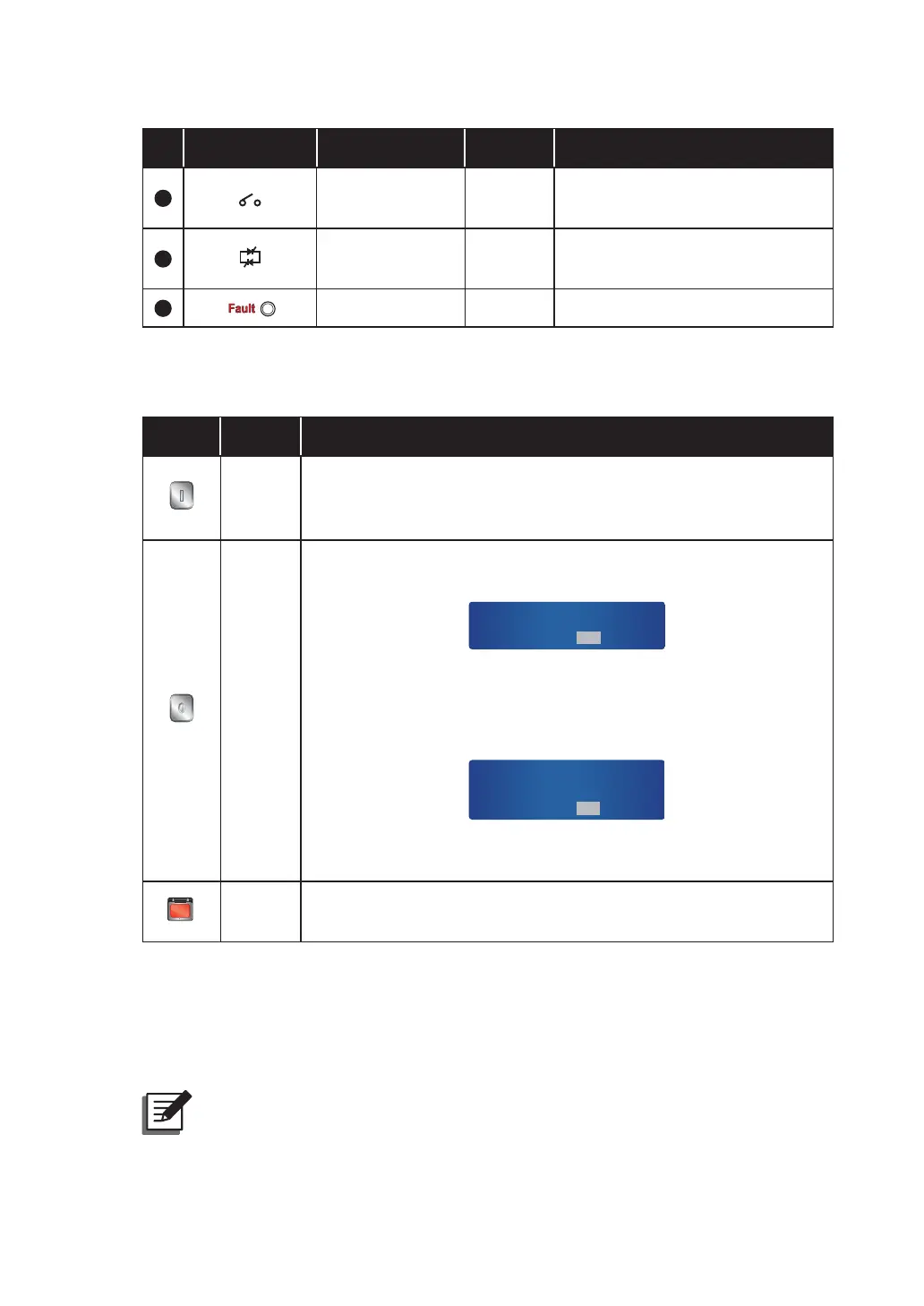
No. LED Symbol Indicates LED On Meaning
6
Output Switch Green
When you turn on the Output
Switch (Q4).
7
Inverter Power
Supply
Green
When the inverter supplies power
to the critical loads.
8
Fault Red When problems occur.
2.5.2 ON, OFF, and EPO Buttons
Button Name Function
ON
Button
Press this button for three to ten seconds and release it after you
hear one beep to start the UPS. If you do not release this button
within ten seconds, the UPS will not start.
OFF
Button
Press this button for three to ten seconds, release it after you hear
one beep and the system will show the message below.
SHUTDOWN UPS?
YES NO
Select 'YES' to turn off the UPS (the inverter will off). If you select
'YES' and the system detects there is a risk of power interruption
during transfer from inverter to bypass, the UPS will show the
following message.
RISK OF LOAD DROP!
SHUTDOWN UPS?
YES NO
To confirm turning off the UPS, select 'YES' again. Please see 8.
LCD Display and Settings for control panel operation.
EPO
EPO
Button
When an emergency occurs, press this button to shut down the
836UHFWL¿HULQYHUWHUDQGRXWSXW
2.5.3 LCD Display
The UPS supports multi-language LCD display. The language default setting is English. If
you wish to change the language default setting, please refer to 8.7.7 Local Setup.
NOTE:
The language default setting may be different according to countries.











 To Next Page