7-4
Ultron DPS Series
6
During start-up testing period, the system starts up the inverter and the Inverter Start-
up LED
lights up. The system begins synchronization with the bypass AC source.
7
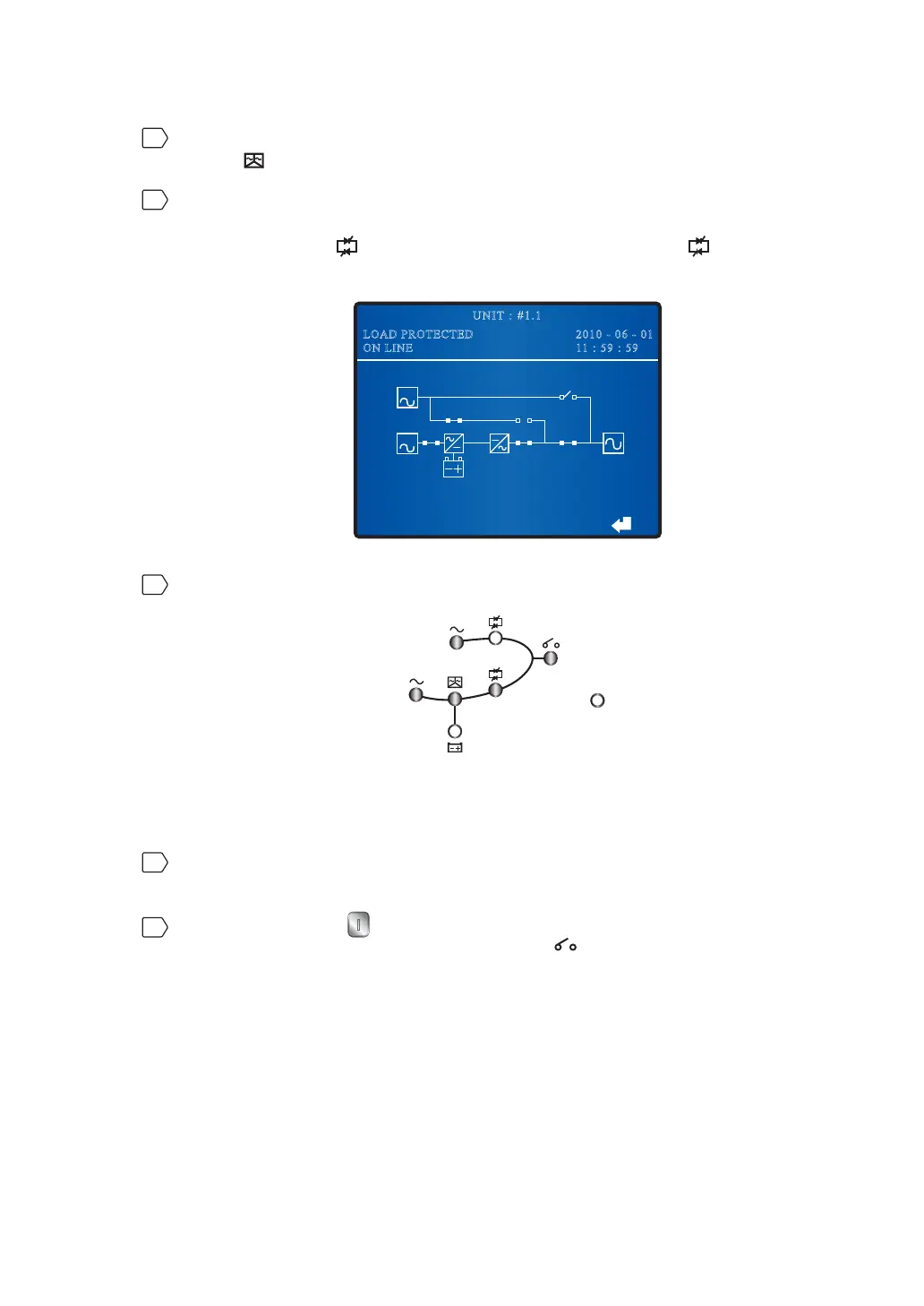
After synchronization, the UPS will automatically switch from bypass mode to inverter
mode, and the inverter will supply power to the output. In the meantime, the Bypass
Power Supply LED
shuts off, the Inverter Power Supply LED illuminates and
the fol-lowing screen appears.
BYPA.
MAIN
2010 - 06 - 01
11 : 59 : 59
UNIT : #1.1
LOAD PROTECTED
ON LINE
8
After you complete the normal mode start-up procedures, LEDs illuminate as follows.
Fault
7.1.2 Battery Mode Start-up Procedures (Single)
1
Switch on the circuit breakers or fuses of all external battery cabinets, ensure the
Manual Bypass Switch (Q3) is in the OFF position, and turn on the Output Switch (Q4).
2
Press the ON button on the control panel for three to ten seconds and release it
after you hear one beep. The Output Switch LED
lights up and the following screen
appears.











 To Next Page