7-3
7
UPS Operation
2
Switch on the Bypass Switch (Q2). After initialization, all fans start running, the Bypass
AC Source LED
and the Bypass Power Supply LED illuminate, and the
following screen appears.
2010 - 06 - 01
11 : 59 : 59
BYPA.
MAIN
UNIT : #1.1
LOAD UNPROTECTED
ON AUTO BYPASS
TO BROWSE EVENT
(004)
PRESS
3
Turn on the UPS Output Switch (Q4), the Output Switch LED illuminates and the
fol-lowing screen appears. Now the bypass supplies power to the output.
2010 - 06 - 01
11 : 59 : 59
UNIT : #1.1
LOAD UNPROTECTED
ON AUTO BYPASS
TO BROWSE EVENT
(004)
PRESS
BYPA.
MAIN
4
Turn on the Input Switch (Q1), the Main AC Source LED illuminates, and the UPS’s
DC BUS voltage starts establishing.
5
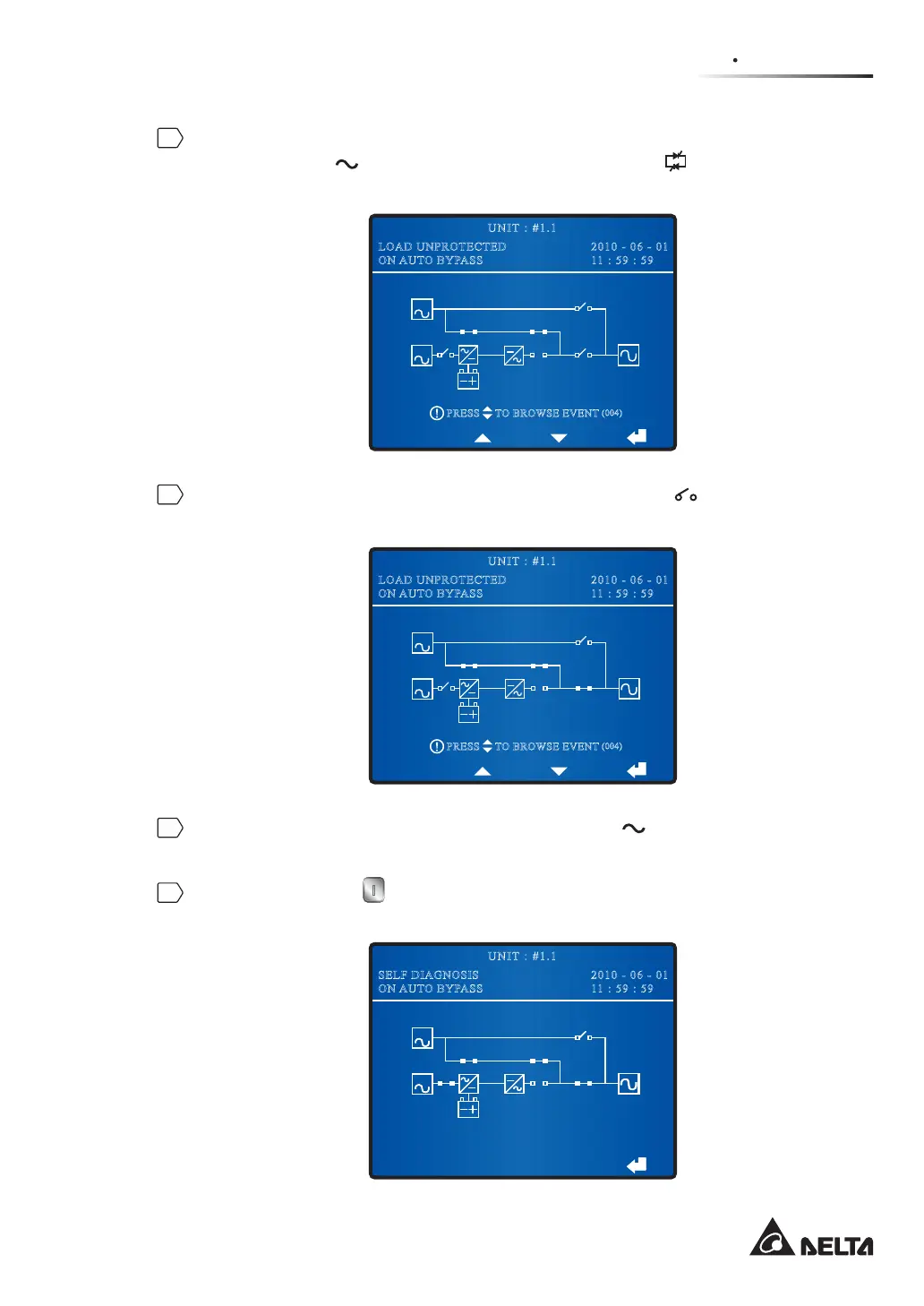
Press the ON button on the control panel for three to ten seconds and release it
after you hear one beep. The following screen appears.
BYPA.
MAIN
BYPA.
MAIN
2010 - 06 - 01
11 : 59 : 59
UNIT : #1.1
SELF DIAGNOSIS
ON AUTO BYPASS











 To Next Page