8-17
8
LCD Display & Settings
8.8 System Maintenance
8.8.1 Check/ Clear Event Log
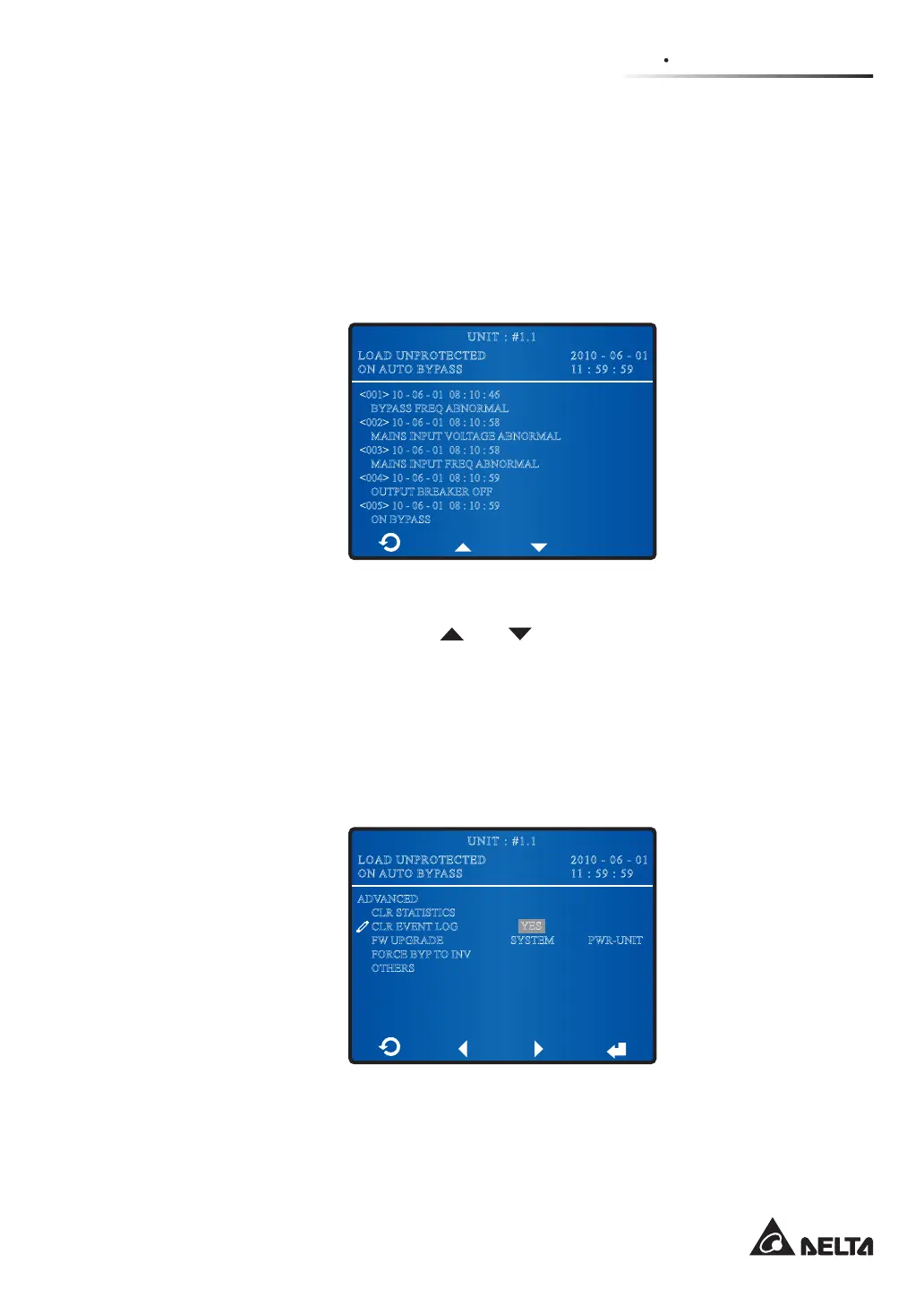
ÄTo check event log, go to:
0DLQ6FUHHQĺ0DLQ0HQXĺ0DLQWHQDQFHĺ(YHQW/RJ
2010 - 06 - 01
11 : 59 : 59
UNIT : #1.1
LOAD UNPROTECTED
ON AUTO BYPASS
<001> 10 - 06 - 01 08 : 10 : 46
BYPASS FREQ ABNORMAL
<002> 10 - 06 - 01 08 : 10 : 58
MAINS INPUT VOLTAGE ABNORMAL
<003> 10 - 06 - 01 08 : 10 : 58
MAINS INPUT FREQ ABNORMAL
<004> 10 - 06 - 01 08 : 10 : 59
OUTPUT BREAKER OFF
<005> 10 - 06 - 01 08 : 10 : 59
ON BYPASS
The screen above provides event No., event date, time, and event descriptions. Use the
function keys below the symbols ‘
’ and ‘ ’ to view other events.
The greater the event number, the newer the event. The event code is shown in the < >.
Old events will be overwritten when the total number of events exceeds storage
capacity (up to 500 entries can be saved).
ÄTo check event log, go to:
0DLQ6FUHHQĺ0DLQ0HQXĺ0DLQWHQDQFHĺ$GYDQFHGĺ&OU(YHQW/RJ
2010 - 06 - 01
11 : 59 : 59
UNIT : #1.1
LOAD UNPROTECTED
ON AUTO BYPASS
ADVANCED
CLR STATISTICS
CLR EVENT LOG
FW UPGRADE
FORCE BYP TO INV
OTHERS
SYSTEM
YES
PWR-UNIT











 To Next Page