8-18
Ultron DPS Series
Use the function keys below the symbols ‘
’ and ‘ ’ to select 'YES' or 'NO'. Once you
select 'YES' and press the function key below the symbol ‘
’, all events in the log will
be cleared. The administrator password is required.
NOTE:
The event log provides important information for system analysis and
maintenance. Do not clear the event log without the consent of qualified
service personnel.
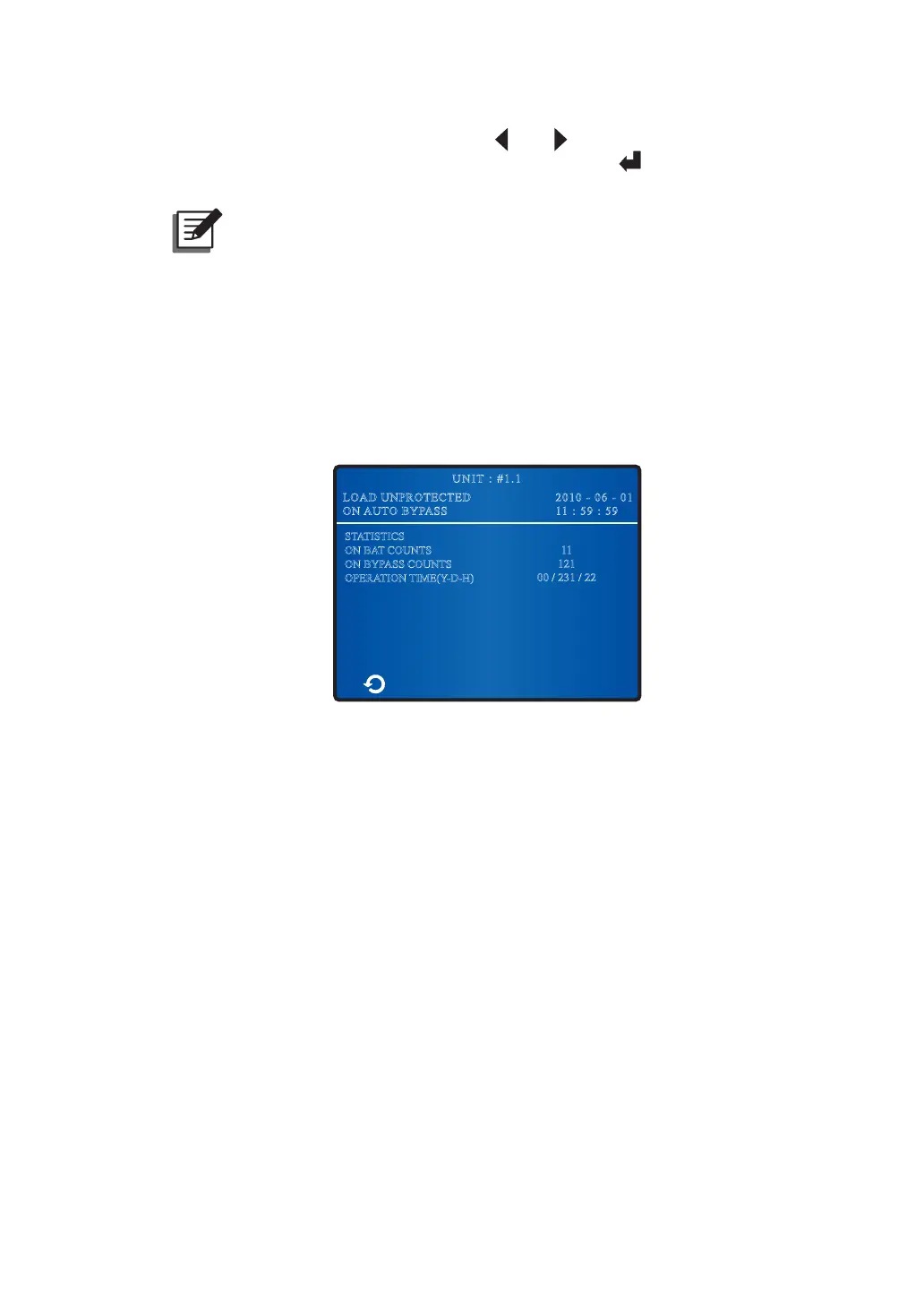
8.8.2 Check/ Clear Statistics
ÄTo check statistics, go to:
0DLQ6FUHHQĺ0DLQ0HQXĺ0DLQWHQDQFHĺ6WDWLVWLFV
2010 - 06 - 01
11 : 59 : 59
UNIT : #1.1
LOAD UNPROTECTED
ON AUTO BYPASS
STATISTICS
ON BAT COUNTS
ON BYPASS COUNTS
OPERATION TIME(Y-D-H)
11
121
00 / 231 / 22
y
ON BAT COUNTS
It means how many times the UPS runs in battery mode.
y
ON BYPASS COUNTS
It means how many times the UPS runs in bypass mode.
y
OPERATION TIME (Y-D-H)
Total operation time.
ÄTo clear statistics, go to:
0DLQ6FUHHQĺ0DLQ0HQXĺ0DLQWHQDQFHĺ$GYDQFHGĺ&OU6WDWLVWLFV











 To Next Page