8-3
8
LCD Display & Settings
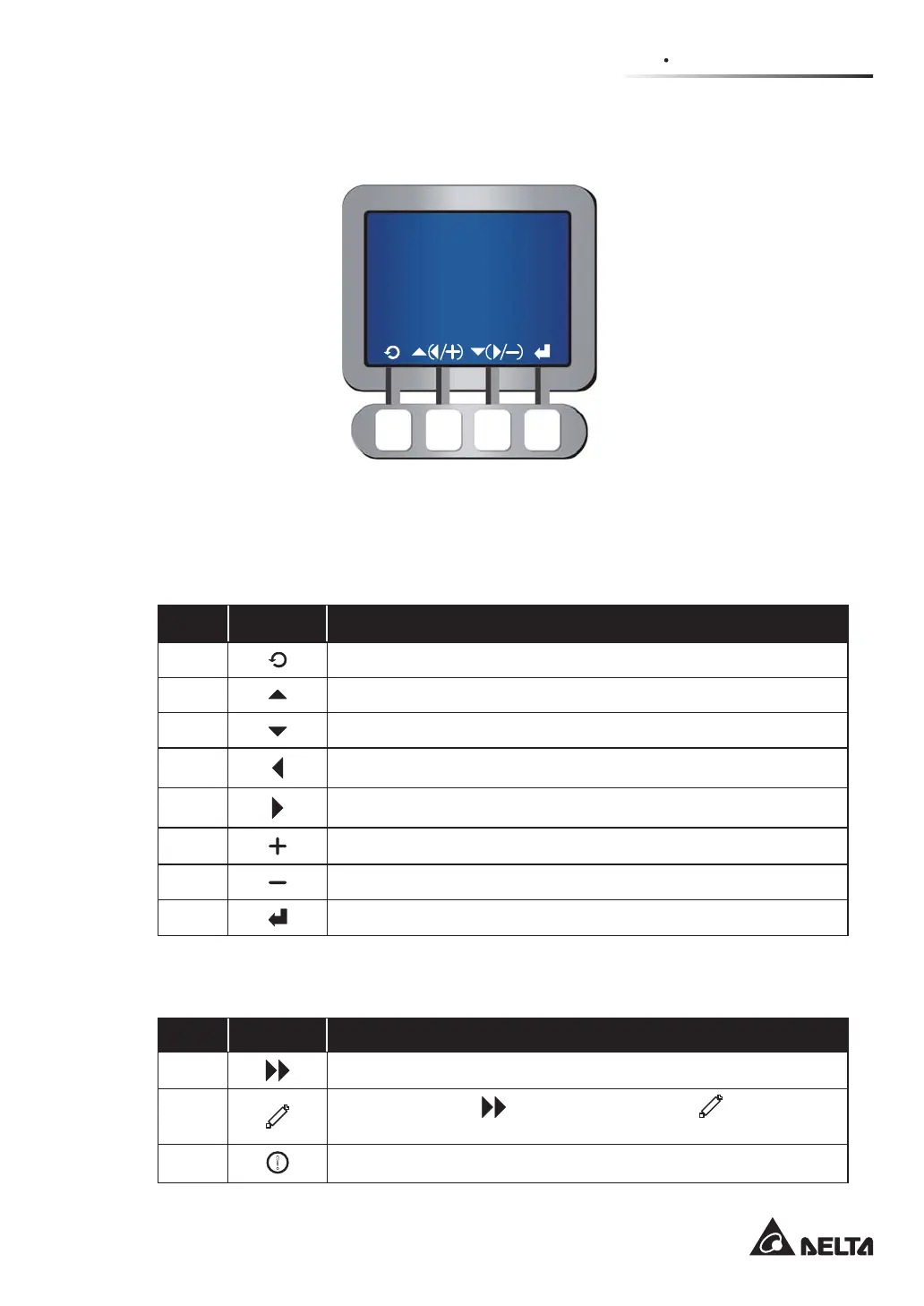
8.2 LCD Display & Function Keys
(Figure 8-2: LCD Display)
On the front of the UPS, there is an LCD display that lets you check the status of the UPS.
There is no symbol on the function keys. The functions of keys depend on the symbols
appearing on the LCD display. Please see the symbol table below.
No. Symbol Function
1
Goes back to previous screen or cancels current selection.
2
Moves up.
3
Moves down.
4
Moves left.
5
Moves right.
6
Increases number.
7
Decreases number.
8
&RQ¿UPVVHOHFWLRQRUJRHVWR0DLQ0HQX
As for other symbols shown on the LCD display, please see the following and refer to 1.5
Glossary of Symbols.
No. Symbol Function
1
Cursor
2
When the symbol
changes to the symbol , it means
that
you can change your selected item’s setting.
3
!
Flashes when an alarm/ event occurs.











 To Next Page