7-5
7
UPS Operation
BYPA.
MAIN
2010 - 06 - 01
11 : 59 : 59
UNIT : #1.1
SELF DIAGNOSIS
TO BROWSE EVENT
(004)
PRESS
3
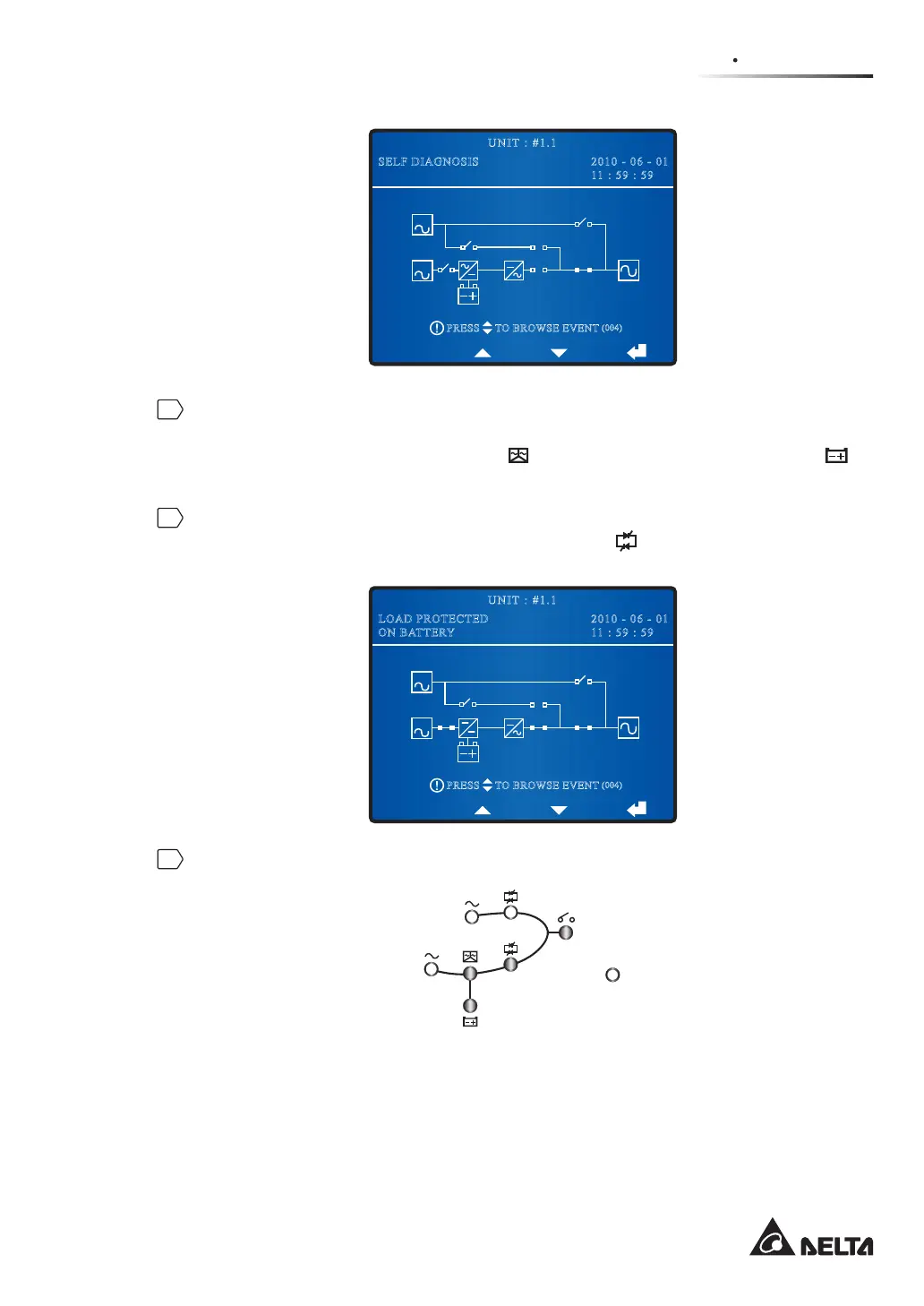
The UPS’s power module starts running and the DC BUS voltage starts establishing.
After that, the inverter will start up with default frequency. During the inverter start-
up process, the Inverter Start-up LED
and the Battery Power Supply LED
illuminate.
4
After the inverter starts up, the UPS will transfer to battery mode. At this moment,
all fans start running, the Inverter Power Supply LED
lights up and the following
screen appears.
BYPA.
MAIN
2010 - 06 - 01
11 : 59 : 59
UNIT : #1.1
LOAD PROTECTED
ON BATTERY
TO BROWSE EVENT
(004)
PRESS
5
After you complete the battery mode start-up procedures, LEDs illuminate as follows.
Fault











 To Next Page