PS/PCL PRINT Menu 2-77
[CALIBRA-
TION]
[TONE
CALIBRATION]
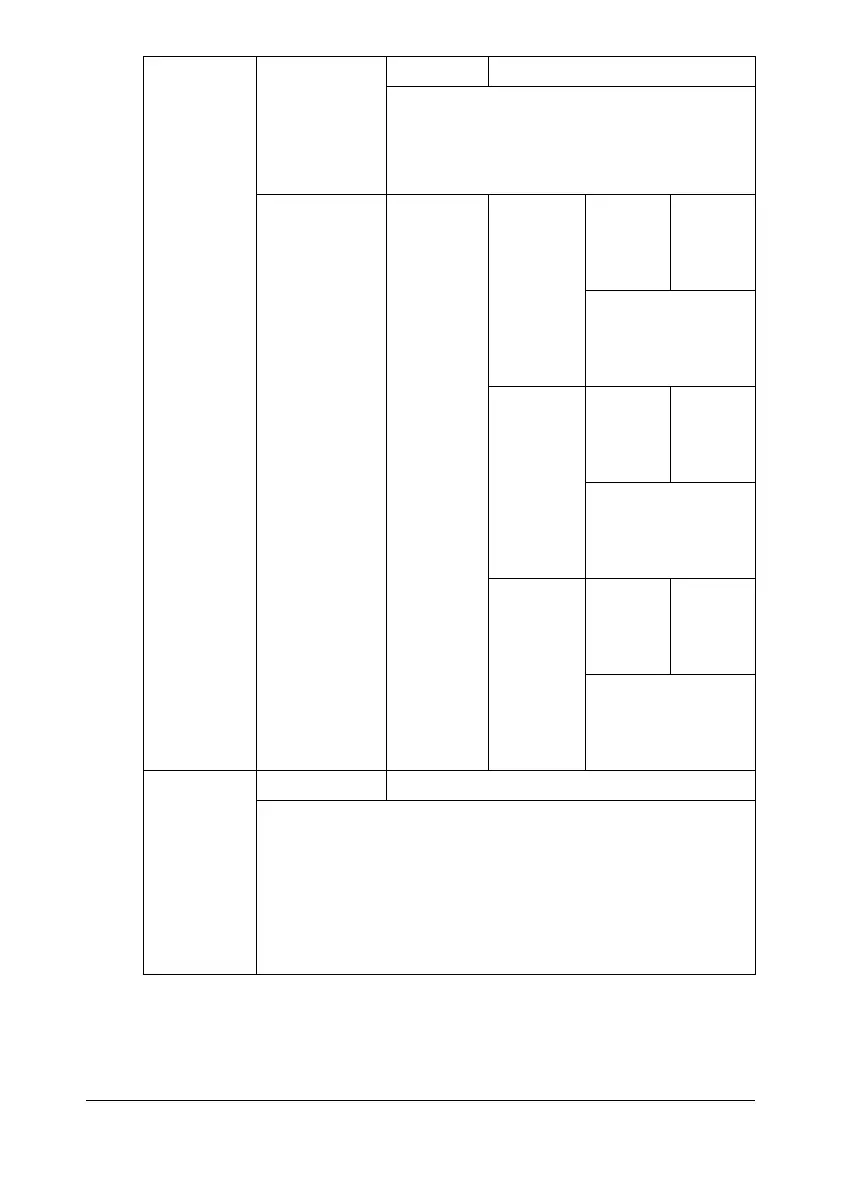
Settings [ON] / [OFF]
If [ON] is selected, image adjustments are
applied.
If [OFF] is selected, image adjustments are
not applied.
[CMYK DEN-
SITY]
[CYAN] /
[MAGENTA]
/ [YELLOW]
/ [BLACK]
[HIGH-
LIGHT]
Settings [+3] / [+2]
/ [+1] / [0]
/ [-1] / [-2]
/ [-3]
The density of the
highlight color in
images can be
adjusted.
[MIDDLE] Settings [+3] / [+2]
/ [+1] / [0]
/ [-1] / [-2]
/ [-3]
The density of the
middle color in
images can be
adjusted.
[SHADOW] Settings [+3] / [+2]
/ [+1] / [0]
/ [-1] / [-2]
/ [-3]
The density of the
shadow color in
images can be
adjusted.
[COLOR
SEPARA-
TION]
Settings [ON] / [OFF]
If [ON] is selected, color separation are performed. The con-
tents of a color page is separated into the color pages for yel-
low, magenta, cyan and black, and each is printed with black
gradations as individual pages. The printing order is yellow,
magenta, cyan, then black.
If [OFF] is selected, color separation is not performed. A nor-
mal color separation is performed.










 To Next Page