Hard Disk Kit HD-P03 11-7
Hard Disk Kit HD-P03
If you install a Hard Disk Kit HD-P03, the followings can be performed:
- Job printing/saving
- Fonts/forms/color profile download
- User Authentication
- Direct printing
- Collate printing
- XPS printing
d
A Hard Disk Kit HD-P03 and a CF Adapter MK-725 cannot be
installed simultaneously.
Installing the Hard Disk Kit HD-P03
It’s very important to protect the printer controller board and any
associated circuit boards from electrostatic damage. Before performing
this procedure, review the antistatic caution on page 11-3. In addition,
always handle circuit boards by the edges only.
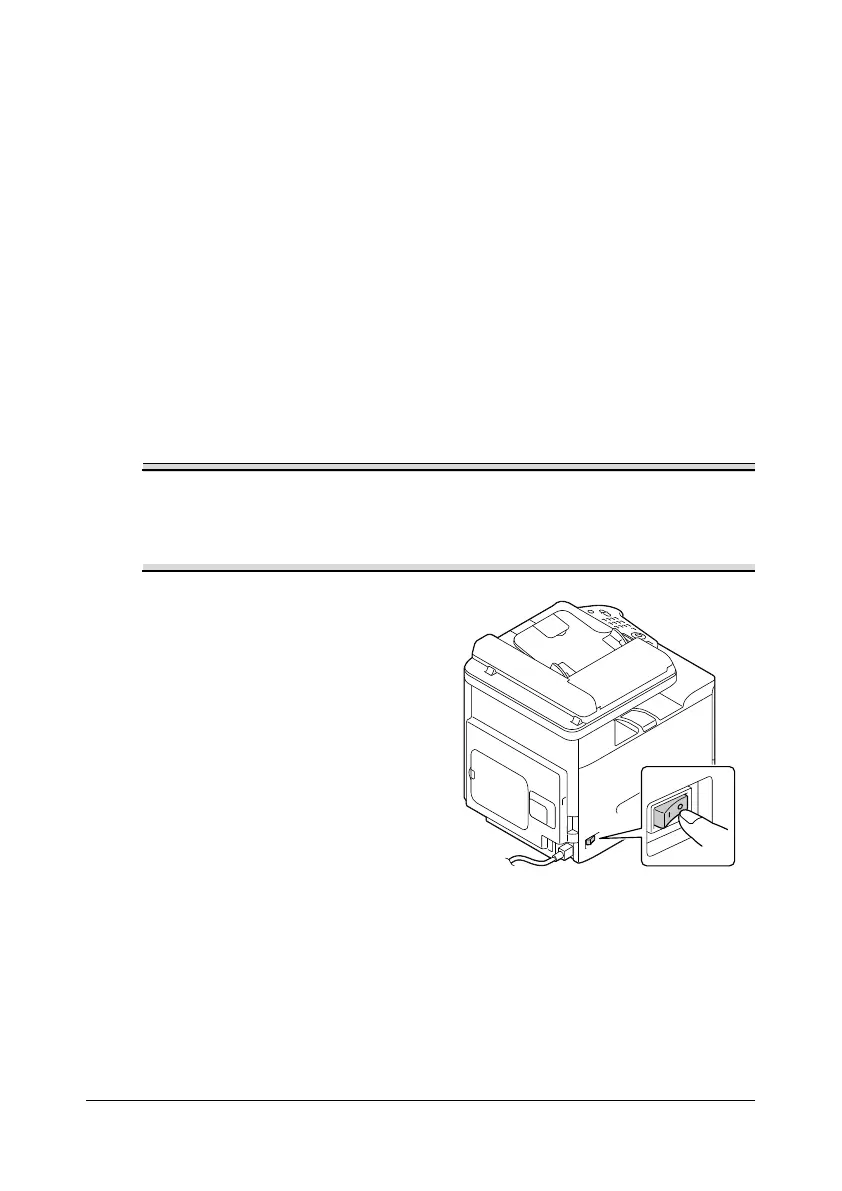
1 Turn off the machine and dis-
connect the power cord and
interface cables.










 To Next Page