Scanning From a Computer Application7-2
Scanning From a Computer Application
Documents can be scanned from a computer connected to this machine
with a USB cable or via a network. Scanning settings can be specified and
the scanning operation can be performed from TWAIN- or WIA-compatible
applications. From the scanner driver, a preview can be displayed and vari-
ous adjustments, such as the size of the scan area, can be specified.
d
For details on the installation of the scanner driver or network TWAIN
settings, refer to the [Installation Guide] on the Documentation CD/
DVD.
Basic Scanning Operation
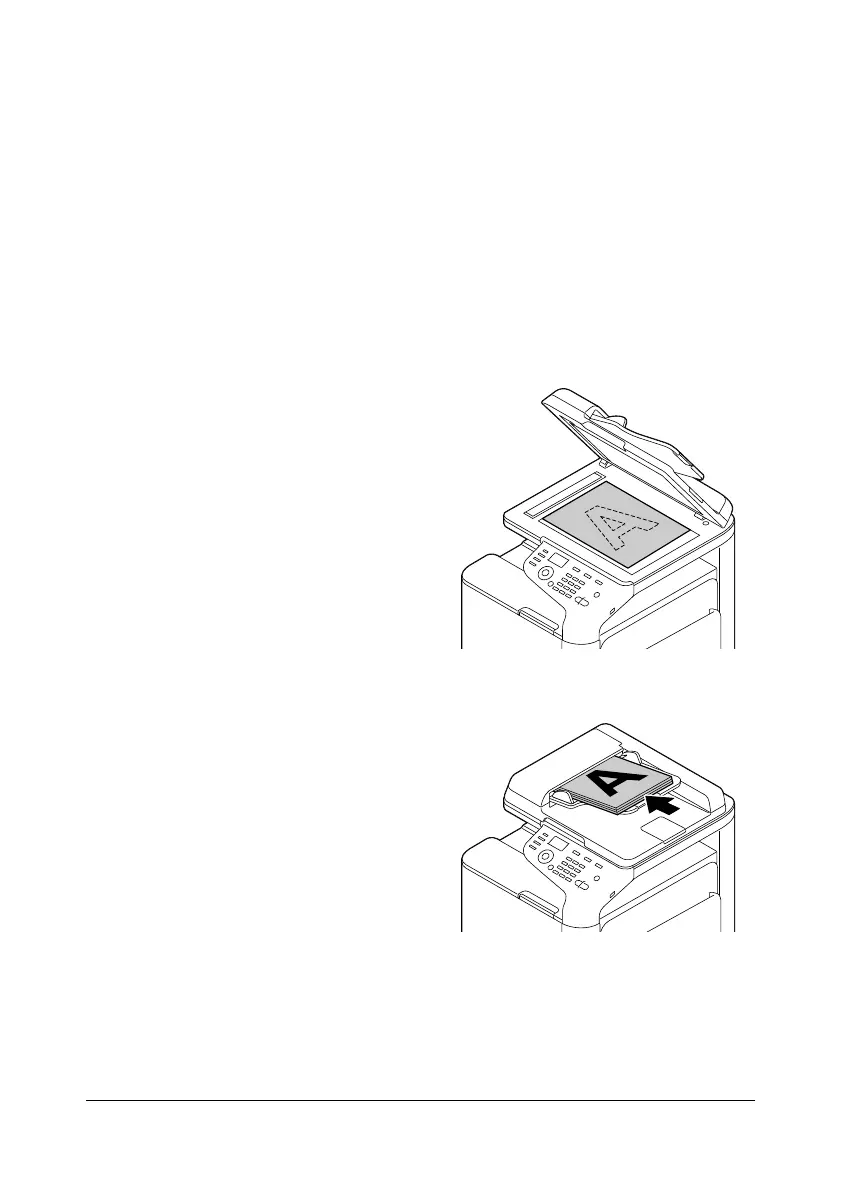
1 Position the document to be
scanned.
d
For details on positioning
the document, refer to
“Placing a document on
the original glass” on
page 3-33 and “Loading
a document into the
ADF” on page 3-34.
2 Start the application to be used for scanning.
3 Start the scanner driver according to the application settings.
4 Specify the necessary scanner driver settings.
5 Click the [Scan] button in the scanner driver.










 To Next Page