Replacing Consumables 8-31
Replacing the Fuser Unit
When the time to replace the fuser unit is reached, the message [Fuser Unit
Life] appears. Printing can continue even after this message appears; how-
ever, since the print quality is reduced, the fuser unit should be replaced
immediately
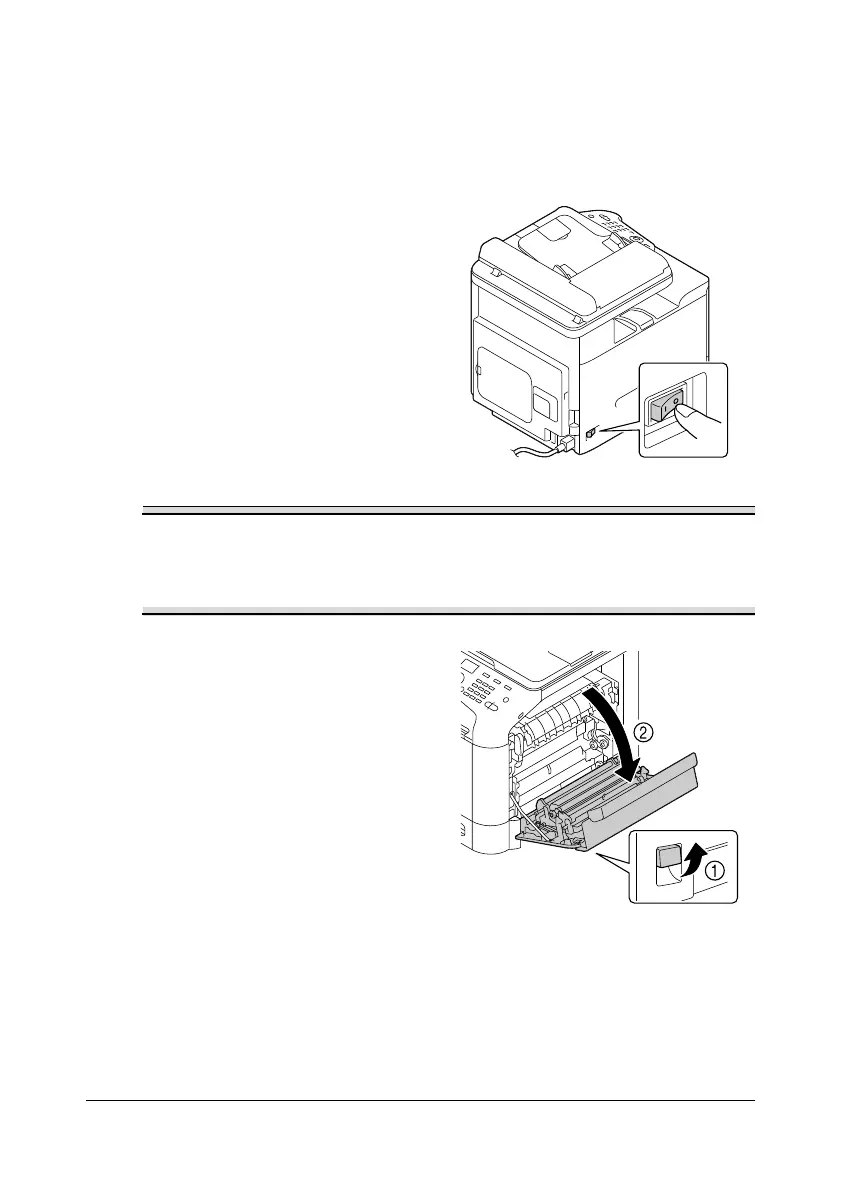
1 Turn off the machine and dis-
connect the power cord and
interface cover.
There are extremely hot parts within the machine. Before replacing the
fuser unit, wait about 20 minutes after turning off the machine, and then
check that the fusing section has reached room temperature,
otherwise, you may get burnt.
2 Pull the lever, and then open the
right door.
d
Before opening the right
door, fold up Tray 1.










 To Next Page