Loading Media3-14
d
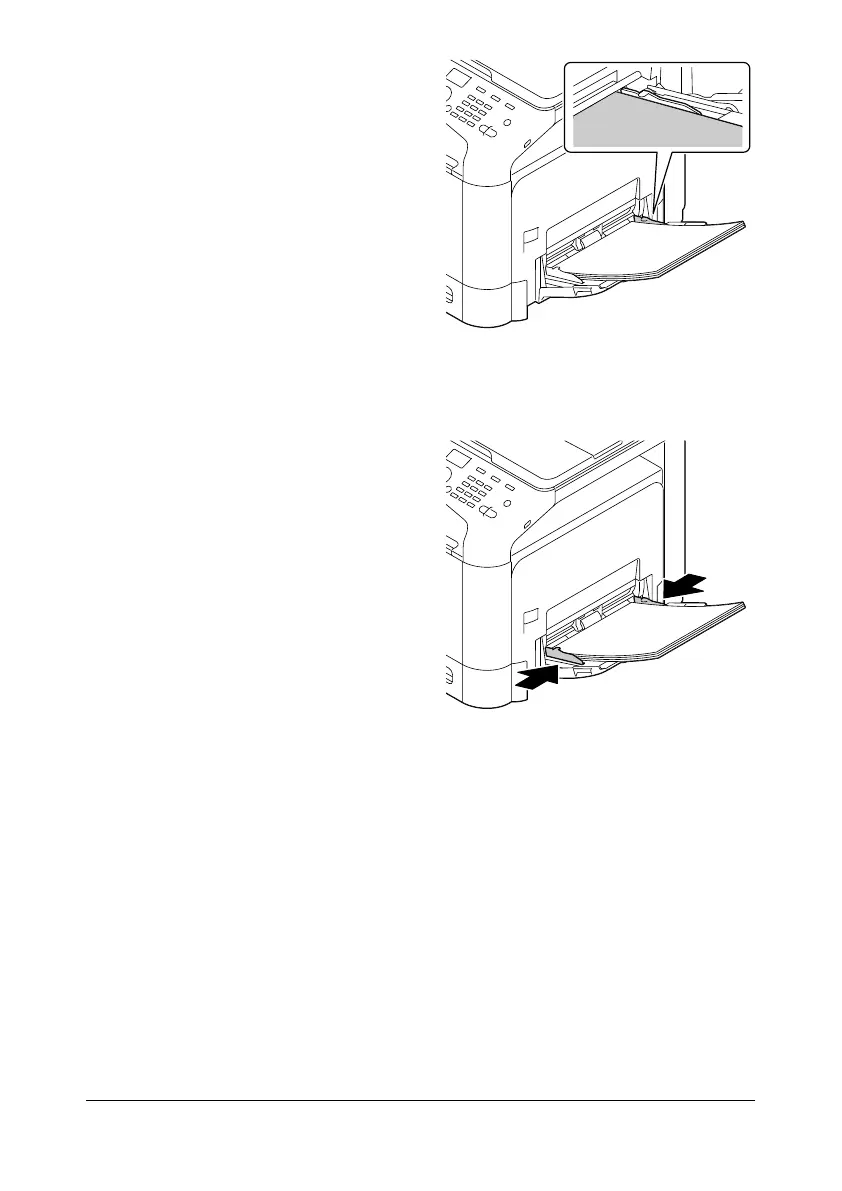
Do not load so much
paper that the top of the
stack is higher than the
maximum limit guide. Up
to 100 sheets (80 g/m
2
)
of plain paper can be
loaded into the tray at
one time.
5 Slide the media guides against
the edges of the paper.
6 Select [PAPER SETUP]/[TRAY1 PAPER] in the [UTILITY] menu, and then
select the settings for the size and type of paper that is loaded. See also
“Specifications” on page 3-2.
Other Media
When loading media other than plain paper, set the media mode (Envelope,
Label, Letterhead, Thick 1, Thick 2, Glossy 1, Glossy 2, or Postcards) in the
driver for optimum print quality.










 To Next Page