Entering Text12-8
Entering Text
When specifying the user name or programming the recipient name with
one-touch dial keys, letters, accented characters, numbers and symbols can
be entered.
Key Operation
Use the keypad to enter numbers, letters, and symbols.
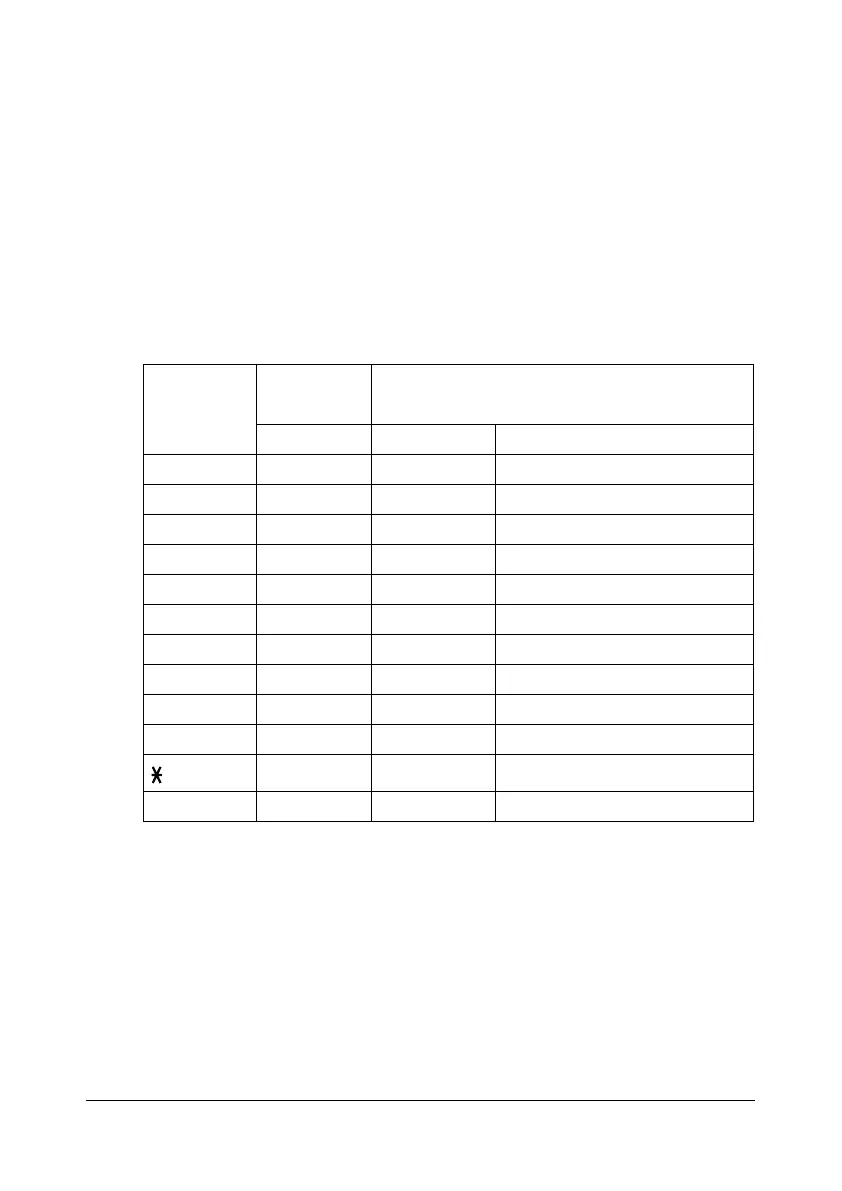
List of characters available with each key of the keypad
Entering Fax Numbers
* To display your fax number, select [ADMIN. MANAGEMENT]/[USER SET-
TING]/[USER FAX NUMBER] in the [UTILITY] menu. For details, refer to the
[Facsilile User’s Guide] on the Documentation CD/DVD.
Keypad
Key
Available
characters
Available characters
(Registration of USER FAX NO.) *
[1] [1] [A]
111 -1
222 2
333 3
444 4
555 5
666 6
777 7
888 8
999 9
0 0 0 (space)0
*
## +










 To Next Page