About the Control Panel2-12
Print Screen
When a print job is received, [PRINTER: Printing] appears in the status sec-
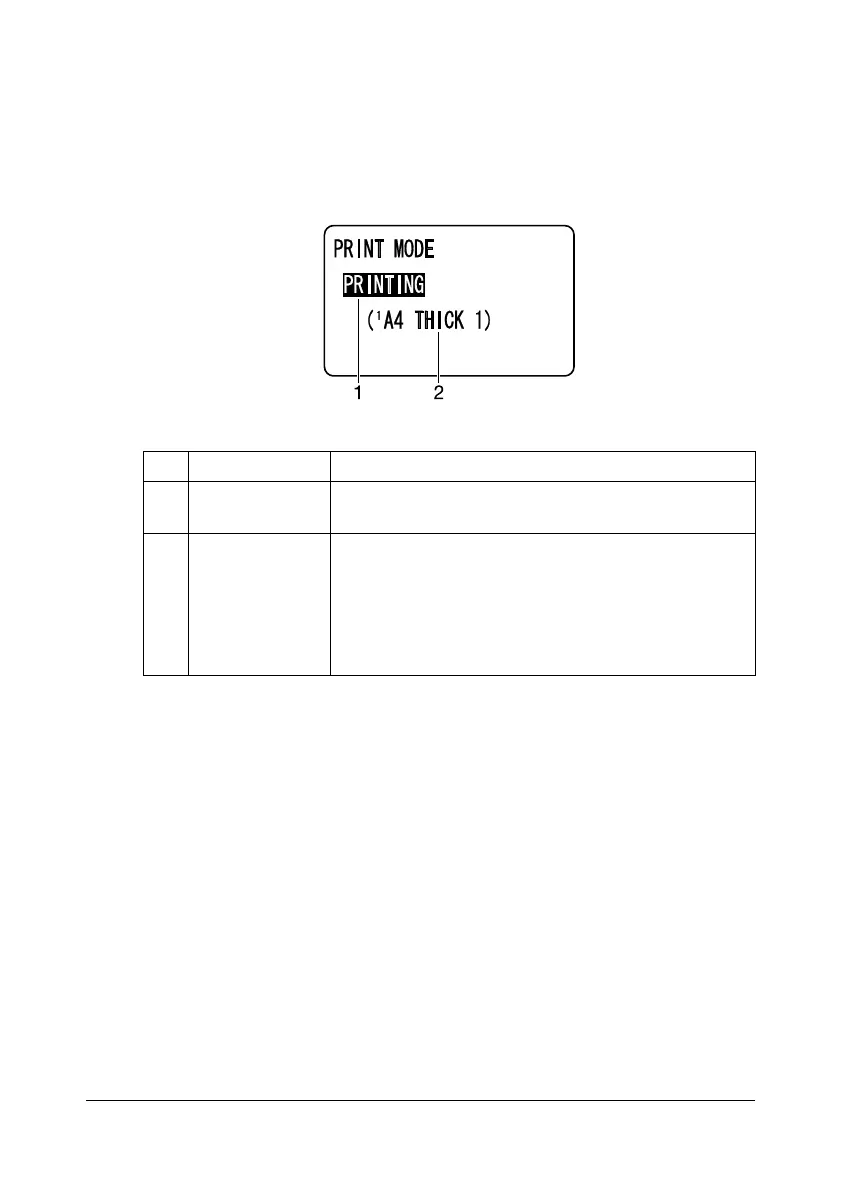
tion of the main screen. To display the print screen (as shown below), press
the * key while [PRINTER: Printing] is displayed.
To cancel printing, press the Stop/Reset key when the print screen appears.
Press the Select key to select [YES].
No. Indication Description
1 Status Displays messages indicating operations such as
printing.
2 Media tray/
media size
Displays the printing information (media tray, media
size and media type).
d
This does not appear if [PLAIN PAPER] or
[RECYCLED PAPER] is selected as the media
type.










 To Next Page