Media 3-7
Use label sheets that are
- Recommended for laser printing
DO NOT use label sheets that
- Have labels that easily peel off or have parts of the label already removed
- Have backing sheets that have peeled away or have exposed adhesive
d
Labels may stick to the fuser, causing them to peel off and media
misfeeds to occur.
- Are precut or perforated
Letterhead
You can print continuously with letterhead. However, this could affect the
media feed, depending on the media quality and printing environment. If
problems occur, stop the continuous printing and print one sheet at a time.
Try printing your data on a sheet of plain paper first to check placement.
Weight
60 to 163 g/m
2
Duplexing Not supported
Capacity Tray 1/2 Up to 20 sheets, depending on their size and
thickness
Tray 3 Not supported
Orientation Tray 1 Face down
Tray 2 Face up
Driver
Media Type
[Letterhead]
Duplexing Refer to “Specifications” on page 3-2.
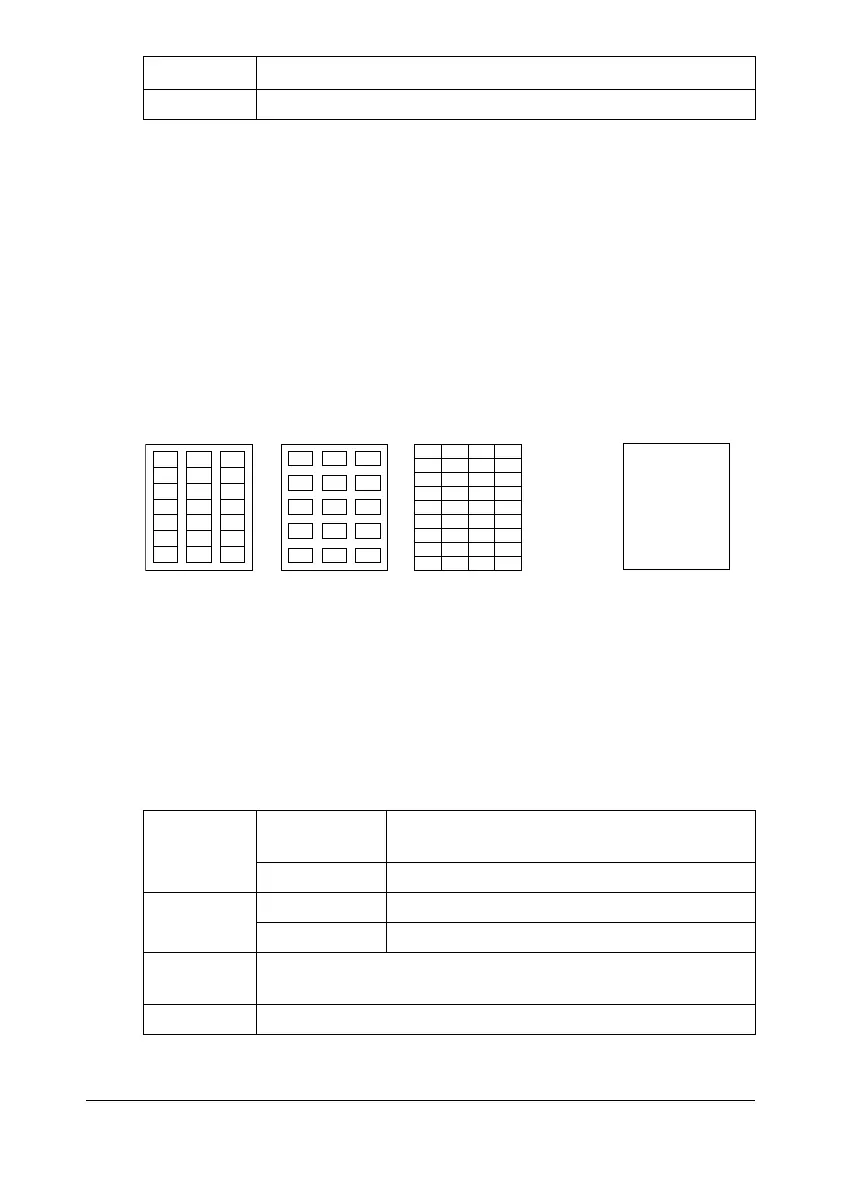
Do not use
OK to use
Shiny backed paper Full-page labels
(uncut)










 To Next Page