Replacing Consumables 8-5
Replacing a Toner Cartridge
Be careful not to spill toner while replacing a toner cartridge. If toner
spills, immediately wipe it off with a soft, dry cloth.
If [MACHINE SETTING]/[TONER EMPTY] in the [UTILITY] menu is set to
[STOP], the message [TONER EMPTY CHANGE X TONER] (where “X” indi-
cates the color of the toner) appears when the toner cartridge is nearly
empty. Follow the steps below to replace the toner cartridge.
1 Check the message window to see which color toner cartridge needs
replacing.
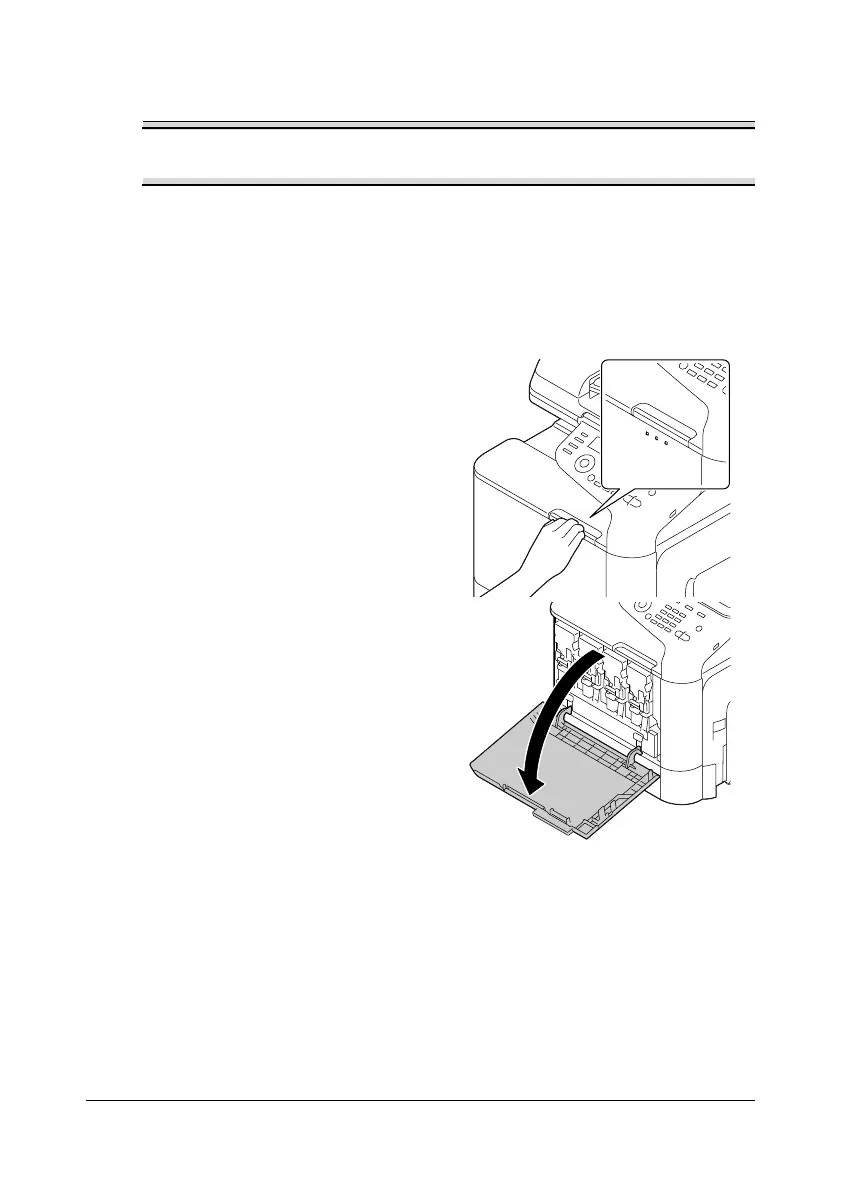
2 Open the machine’s front cover.










 To Next Page