Making Advanced Copies6-12
Duplex (Double-Sided) Copying From the Original Glass
Duplex (double-sided) copying can also be performed by placing the docu-
ment on the original glass.
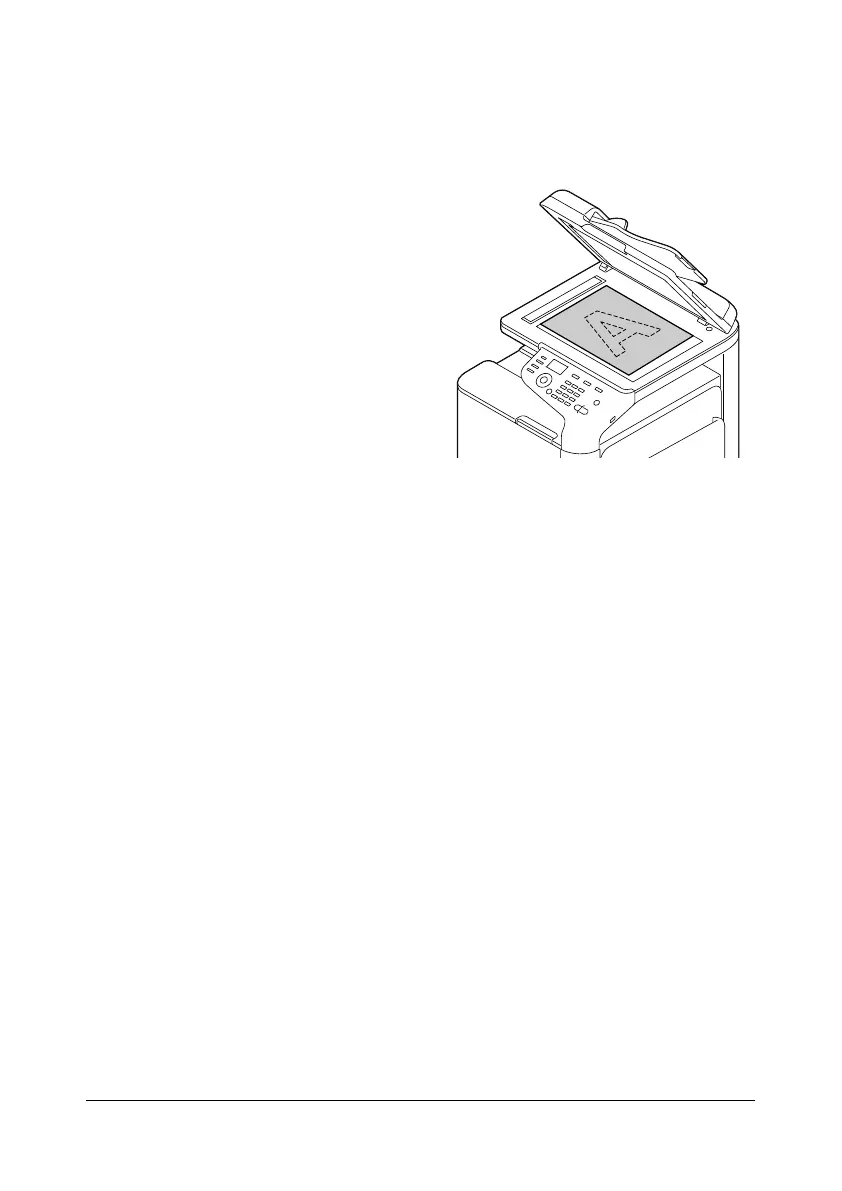
1 Position the document on the
original glass.
d
For details on positioning
the document on the
original glass, refer to
“Placing a document on
the original glass” on
page 3-33.
2 In the main screen (Copy mode), press the + or , key to select the cur-
rent simplex/duplex (single-sided/double-sided) setting, and then press
the Select key.
3 Press the + or , key to select [1-SIDE%2-SIDE], and then press the
Select key.
4 Press the + or , key to select [LONG EDGE] or [SHORT EDGE], and then
press the Select key.
d
For details on [LONG EDGE] and [SHORT EDGE], refer to “Duplex
(Double-Sided) Copying From the ADF” on page 6-11.
5 To print color copies, press the Start (Color) key. To print monochrome
copies, press the Start (B&W) key.
Scanning of the document begins.
6 When [NEXT PAGE?] appears in the message window, place the second
document page on the original glass, and then press the Select key.
After the second page (back side) is scanned, printing begins automati-
cally.










 To Next Page