PS/PCL PRINT Menu2-56
PROOF/PRINT MENU
From this menu, jobs stored on the machine’s hard disk (optional) can be
printed or deleted.
d
This menu item appears only if an optional Lower Feeder Unit PF-P09
is installed.
d
If no jobs have been stored on the hard disk, the message
[NO
STORED JOB]
appears when
[PROOF/PRINT MENU]
is selected.
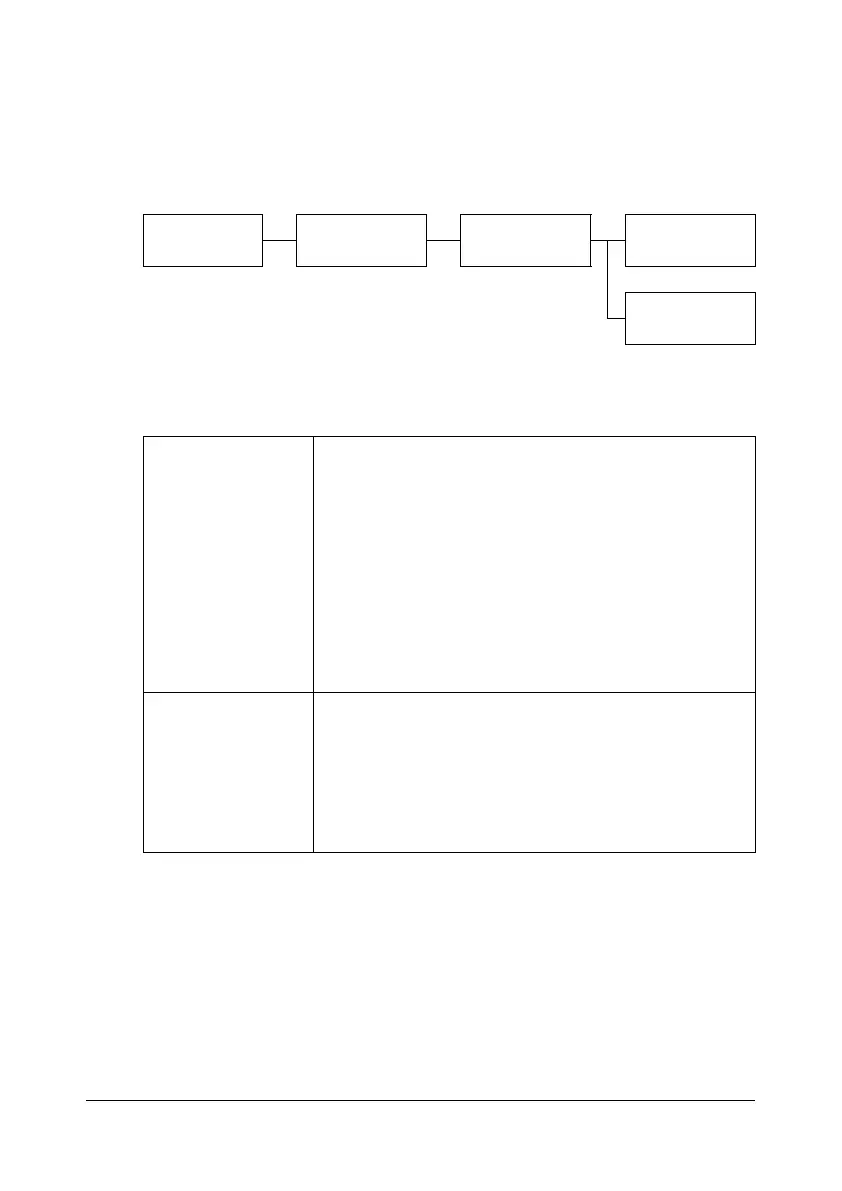
PROOF/PRINT
MENU
(user name) (job name) PRINT
DELETE
[PRINT] Follow the procedure described below to print the
selected job.
1. If a password has been specified for the
selected job, type in the password, and then
press the Select key.
2. Specify the number of copies (1 to 9999),
and then press the Select key.
3. To print color copies, press the Start (Color)
key. To print monochrome copies, press the
Start (B&W) key.
[DELETE] Follow the procedure described below to delete the
selected job.
1. If a password has been specified for the
selected job, type in the password, and then
press the Select key.
2. Select [YES], and then press the Select key.










 To Next Page