Replacing Consumables8-10
Replacing an Imaging Unit
When replacing an imaging unit, refer to the following table. For optimum
print quality and performance, use only approved DEVELOP imaging units
for your specific machine type, as listed in the table below. You can find your
machine type and the imaging unit part numbers on the consumables reor-
der label inside the front cover your machine.
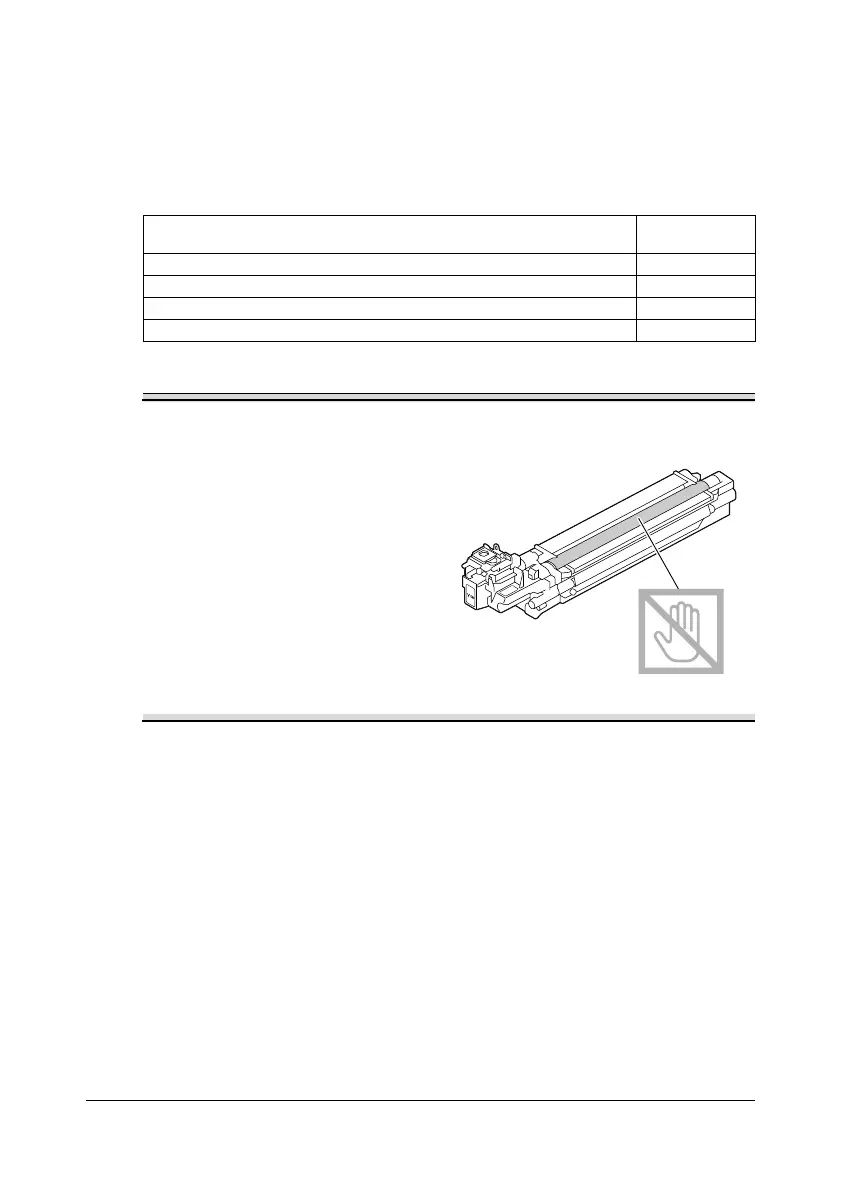
Do not touch the OPC drum
surface. This could lower image
quality.
You are advised to replace the indicated imaging unit when the message
[I-UNIT END REPLACE X] (where “X” indicates the color of the imaging unit)
appears.
1 Check the message window to see which color imaging unit needs
replacing.
Imaging Unit Type Imaging Unit
Parts Number
Imaging Unit Black IUP14K A0WG13J
Imaging Unit Yellow IUP14Y A0WG18J
Imaging Unit Magenta IUP14M A0WG1EJ
Imaging Unit Cyan IUP14C A0WG1KJ










 To Next Page