Scanning With the Machine7-8
Scanning With the Machine
The machine keys can be used to make scans. This operation differs from
scanning from a computer application since the destination of the scan data
can also be specified.
d
If, while specifying settings, no key is pressed for the length of time
specified for [AUTO PANEL RESET], the entered settings are can-
celed and the main screen (Scan mode) is displayed.
Basic Scanning Operation
1 Press the Scan key to enter Scan mode.
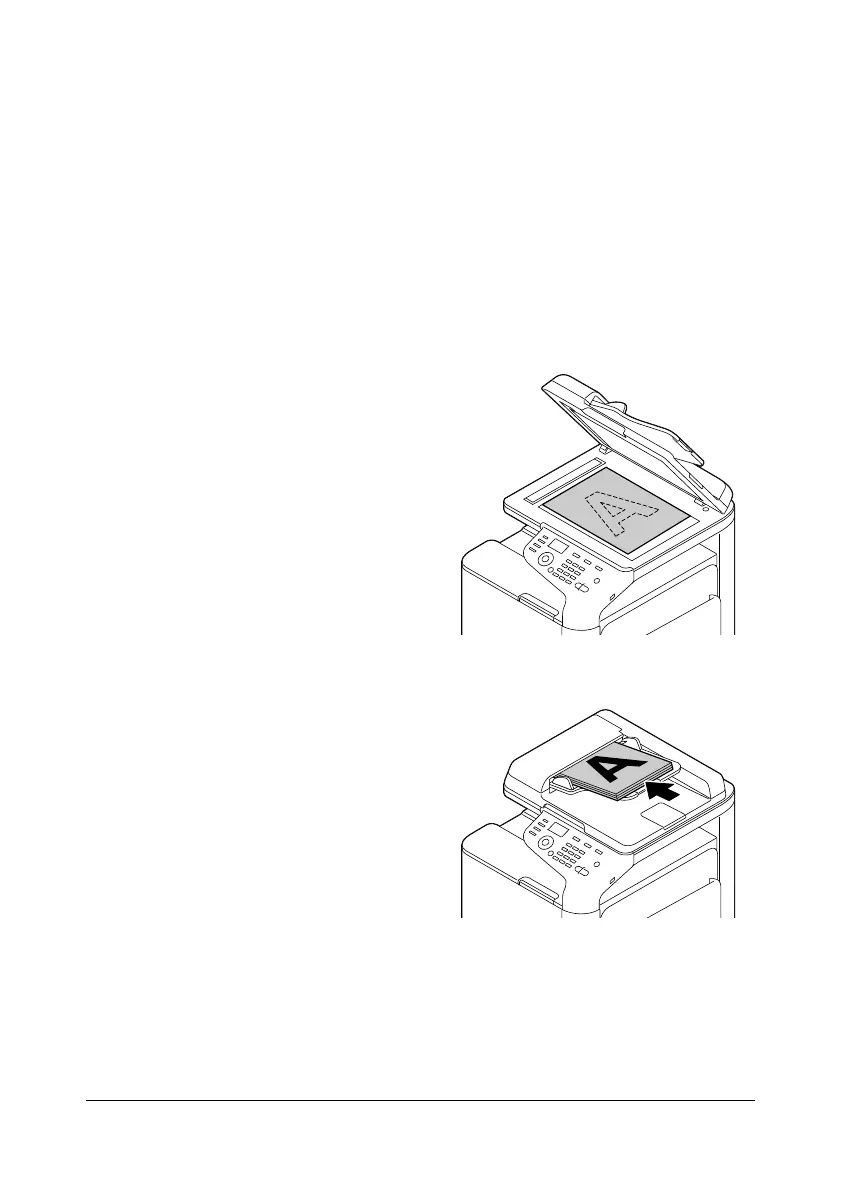
2 Position the document to be
scanned.
d
For details on positioning
the document, refer to
“Placing a document on
the original glass” on
page 3-33 and “Loading
a document into the
ADF” on page 3-34.










 To Next Page