Configuration Menu Overview2-26
PAPER SETUP Menu
d
*1
This menu item appears only if an optional Lower Feeder Unit
PF-P09 is installed.
[ENABLE
WARNING]
[TONER
LOW]
Settings [ON] / [OFF]
When the toner is nearly run out, a warning mes-
sage appears.
[I-UNIT
LOW]
Settings [ON] / [OFF]
When the imaging unit is nearly run out, warning
message appears.
[WASTE
NEAR
FULL]
Settings [ON] / [OFF]
When the waste toner bottle is nearly full, a
warning message appears.
[AUTO CONTINUE] Settings [ON] / [OFF]
Select whether or not printing continues when a
size error occurs during printing.
[ON]: Printing continues even if a paper size
error has occurred.
[OFF]: Printing stops if a paper size error has
occurred.
[CALIBRATION] Settings [ON] / [OFF]
Select whether or not to perform image stabili-
zation. If [ON] is selected, image stabilization is
started.
d
The Calibration function consumes toner.
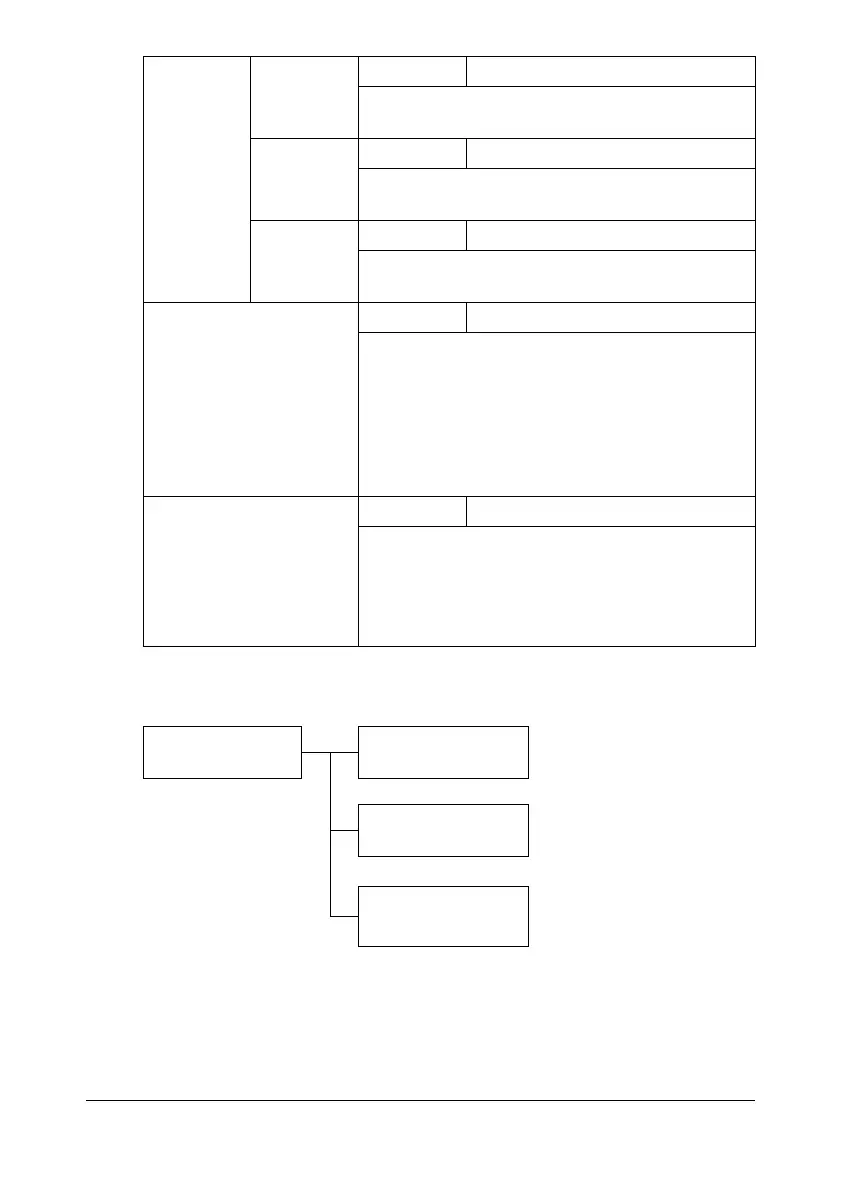
PAPER SETUP TRAY1 PAPER
TRAY2 PAPER
TRAY3 PAPER
*1










 To Next Page