Configuration Menu Overview 2-19
Configuration Menu Overview
To display the settings menu for this machine, select [UTILITY] in the main
screen, and then press the Select key. From the [UTILITY] menu, settings for
the various machine functions can be changed.
In addition, Copy mode settings can be specified for PS/PCL printing and
memory direct printing. For details, refer to “PS/PCL PRINT Menu” on
page 2-55 and “MEMORY PRINT Menu” on page 2-85.
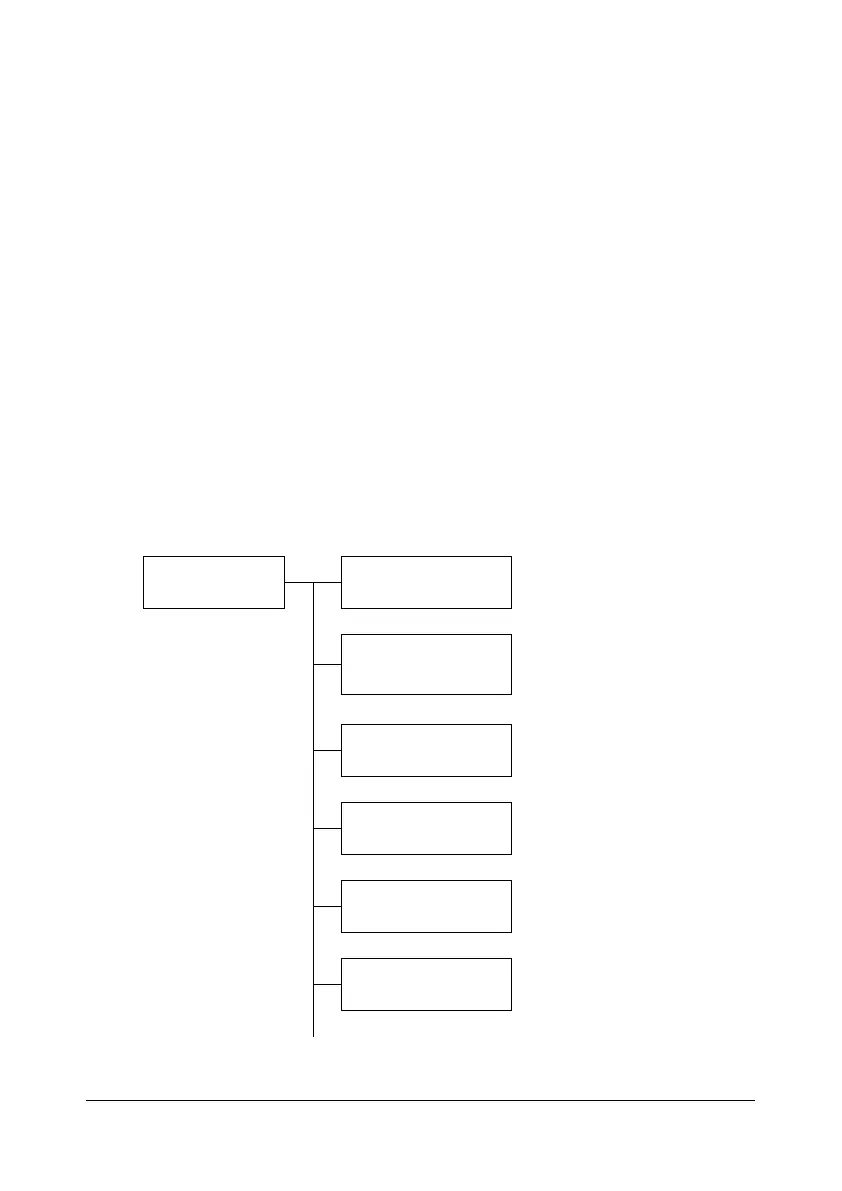
UTILITY Menu
From this menu, various machine settings can be changed. The [UTILITY]
menu is structured as shown below.
d
To return to the previous screen in the [UTILITY] menu, press the
Back key. (If the Back key is pressed while settings are being speci-
fied, those settings are not saved.)
d
The [ADMIN. MANAGEMENT] menu is accessible only by the admin-
istrator. To display the settings for this menu, select [ADMIN. MAN-
AGEMENT], use the keypad to type in the 6-digit administrator
access code (default: 000000), and then press the Select key.
UTILITY ACCESSIBILITY
MACHINE SETTING
PAPER SETUP
ADMIN. MANAGEMENT
COPY SETTING
DIAL REGISTER










 To Next Page