Making Basic Copies6-2
Making Basic Copies
This section contains descriptions of the basic copy operation procedure
and the functions that are frequently used when making copies, such as
specifying the zoom ratio and the copy density.
d
The default paper size setting can be changed with [PAPER SETUP]
in the [UTILITY] menu. For details, refer to “PAPER SETUP Menu” on
page 2-26.
d
If, while specifying settings, no key is pressed for the length of time
specified for [AUTO PANEL RESET], the entered settings are can-
celed and the main screen (Copy mode) is displayed.
Basic Copy Operation
1 Press the Copy key to enter Copy mode.
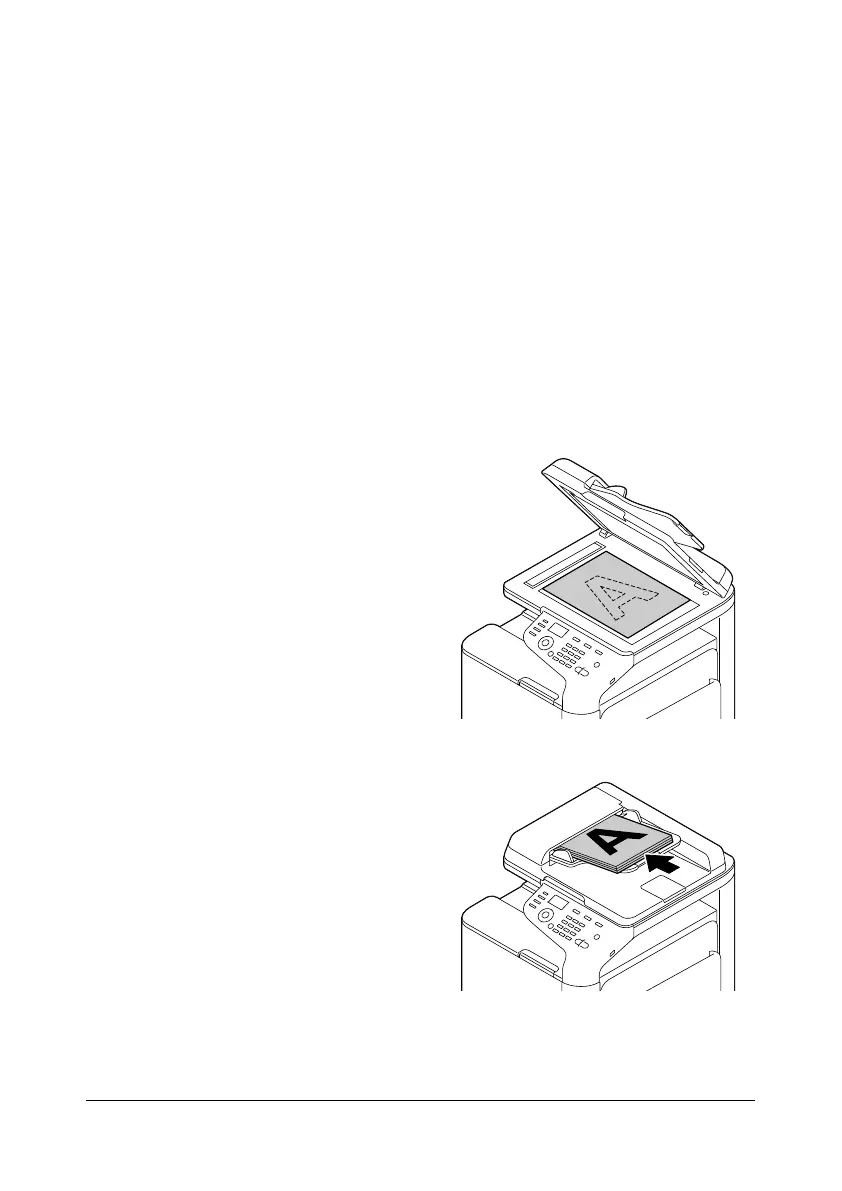
2 Position the document to be
copied.
d
For details on positioning
the document, refer to
“Placing a document on
the original glass” on
page 3-33 and “Loading
a document into the
ADF” on page 3-34.










 To Next Page