Loading Media3-18
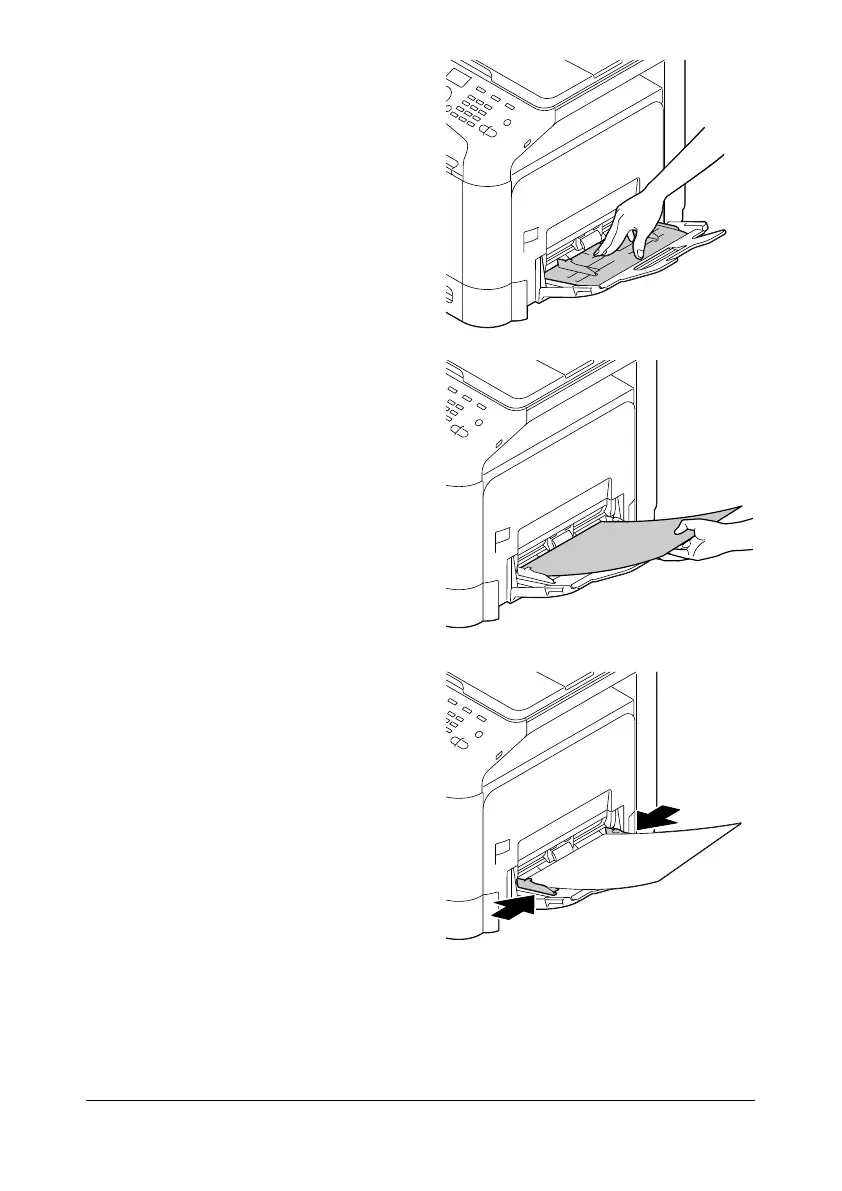
3 Press down on the center of the
paper-lifting plate until the left
and right locking tabs (white)
lock into place.
4 Load the media face down in
the tray.
d
Up to 20 sheets can be
loaded into the tray at
one time.
5 Slide the media guides against
the edges of the media.
6 Select [PAPER SETUP]/[TRAY1 PAPER] in the [UTILITY] menu, and then
select the settings for the size and type of media that is loaded. See also
“Specifications” on page 3-2.










 To Next Page