Lower Feeder Unit PF-P0911-16
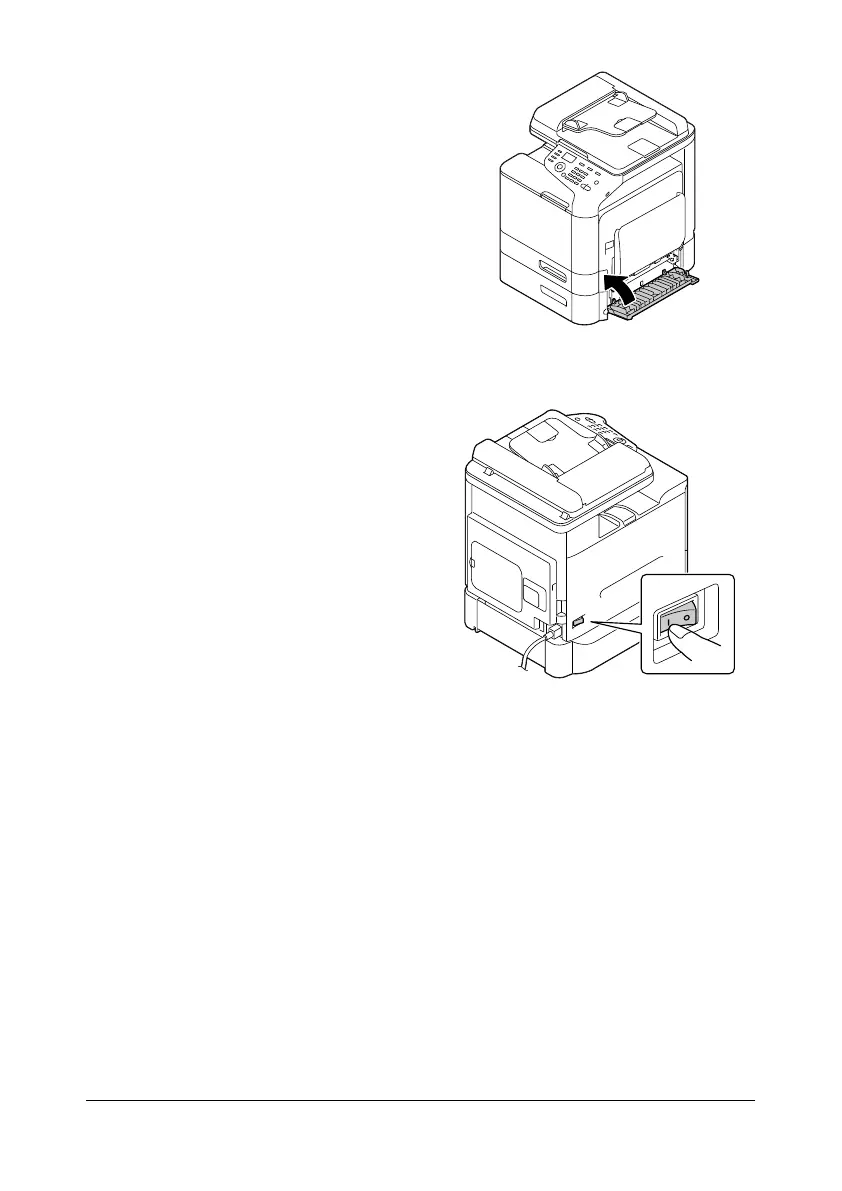
5 Close the right side cover of the
Lower Feeder Unit PF-P09.
6 Reconnect all interface cables.
7 Reconnect the power cord, and
turn on the machine.
8 Declare the Tray 3 in the Windows printer driver ([Properties]/[Configure]
tab).










 To Next Page