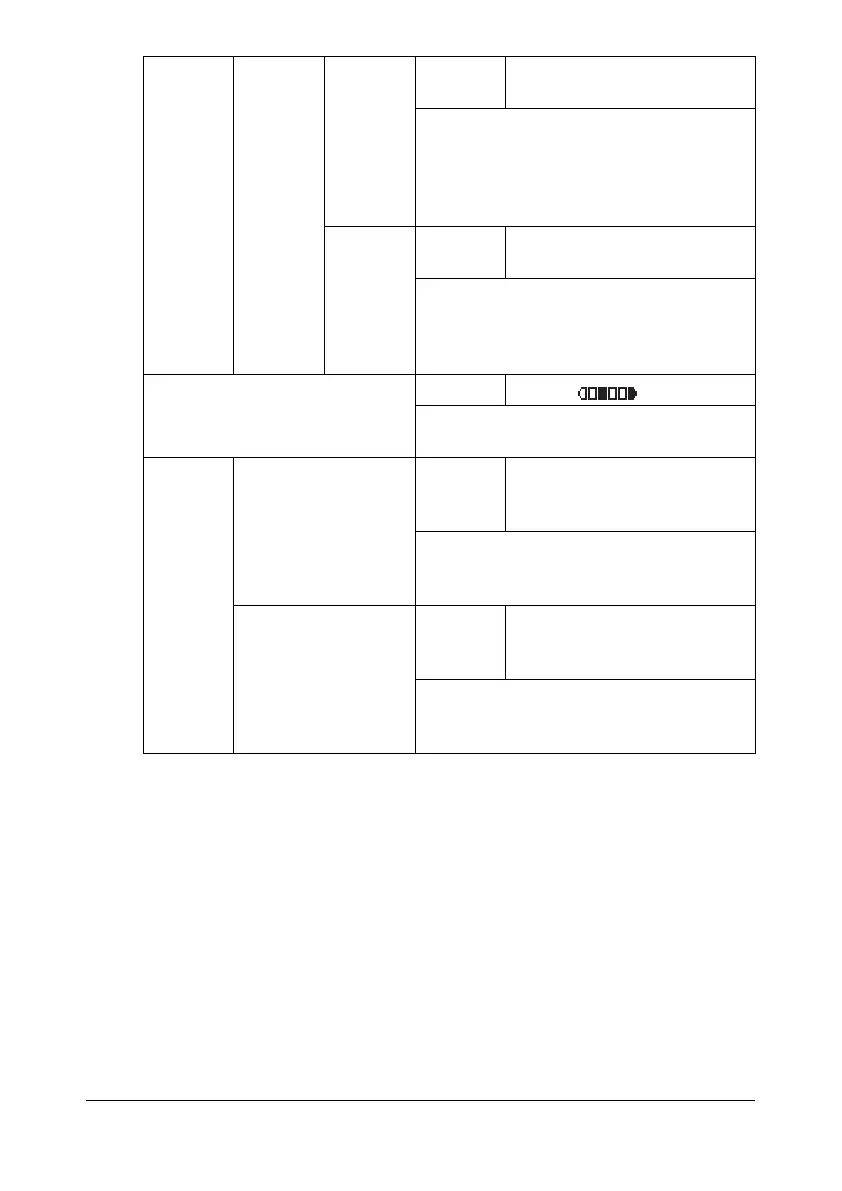
Configuration Menu Overview 2-23
[LOW
CAU-
TION 3]
Settings [OFF] / [LOW] / [MIDDLE] /
[HIGH]
Select whether sounds are produced
when an error occurs that can be cor-
rected by the user by referring to the
message that appeared or the User’s
Guide.
[HIGH
CAU-
TION]
Settings [OFF] / [LOW] / [MIDDLE] /
[HIGH]
Select whether sounds are produced
when an error occurs that cannot be cor-
rected by the user or requires a service
representative.
[LCD CONTRAST] Settings (LIGHT) (DARK)
Specify the brightness of the message
window.
[KEY
SPEED]
[TIME TO START] Settings [0.1sec] / [0.3sec] / [0.5sec] /
[1.0sec] / [1.5sec] / [2.0sec] /
[2.5sec] / [3.0sec]
Specify the length of time until the cursor
begins to move continuously when a key
is held down.
[INTERVAL] Settings [0.1sec] / [0.3sec] / [0.5sec] /
[1.0sec] / [1.5sec] / [2.0sec] /
[2.5sec] / [3.0sec]
Specify the length of time until the cursor
continuously moves between settings or
characters.










 To Next Page