Manual D900 Maintenance
49-MD900EN05
97
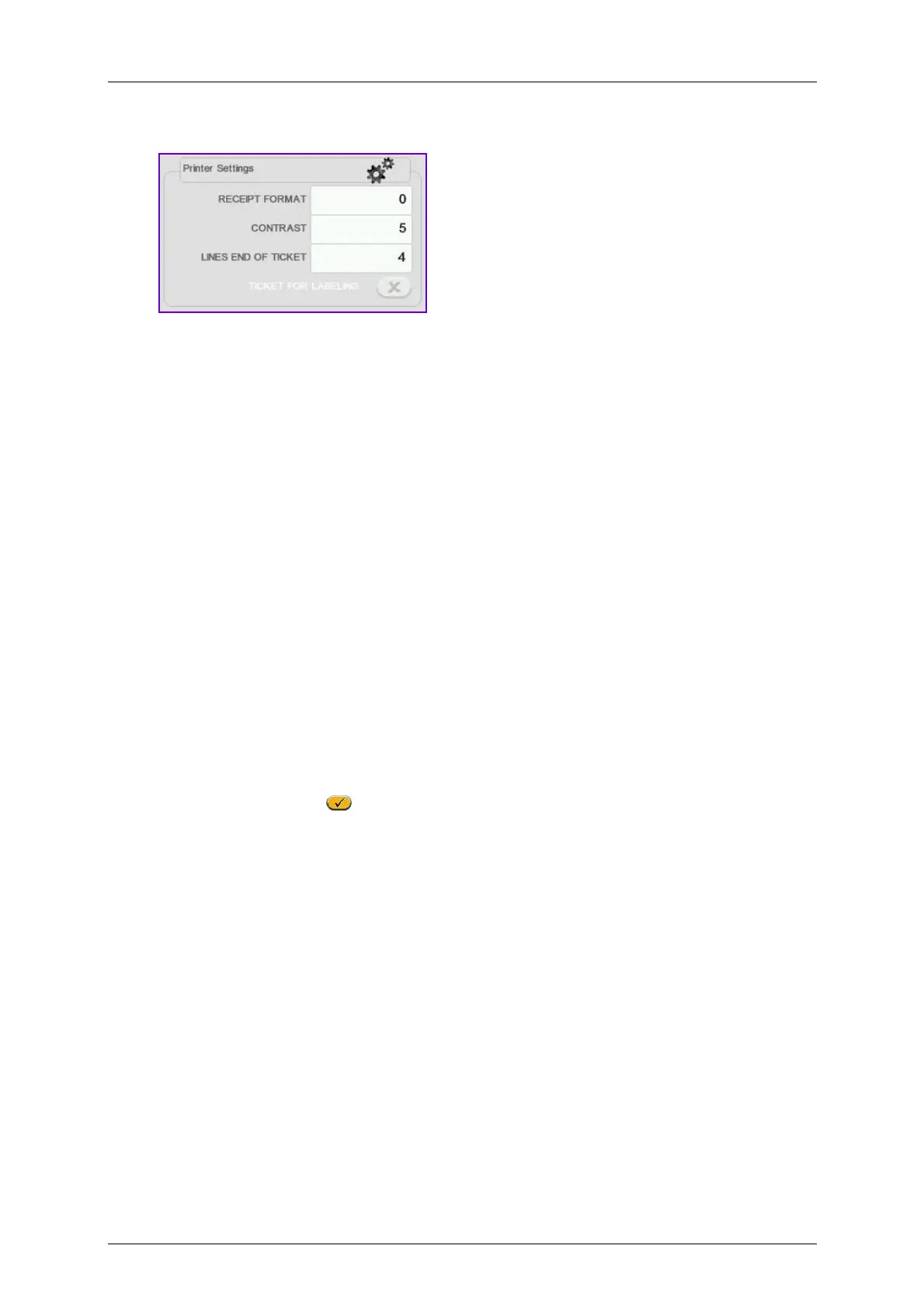
3.9.2.Printer Settings
3.9.2.1.Receipt Format
With this parameter, whose value is between 0 and 3, decide in which format by default the receipts will
be printed, in such a way that if it is set at:
0 - 1 Pre-defined receipt.
2 - 3 Receipts programmable by the user.
To modify this parameter: Enter the required value.
3.9.2.2.Contrast
The value of this parameter (from 0 to 9) is in direct proportion to the contrast with which the receipts will
be printed.
Enter the value of the contrast as a number between 0 and 9 (default value 5).
3.9.2.3.Lines End of Ticket
The value of this parameter indicates the number of free lines to be left after the receipt is printed (from 1
up to 9 lines), to ensure all information included is visible in its entirety.
The possible values are 1 to 9.
3.9.2.4.Ticket for labeling
With this parameter you determine on which printer the receipt is to be printed:
When this parameter is enabled
the tickets will be printed on the labeler.



 To Next Page