Loading images Manual D900
49-MD900EN05
122
6. APPENDIX
6.1. LOADING IMAGES
In D-900 scales it is possible to load up to 100 advertising images, with a maximum resolution of
1024x768 pixels, and 2000 images of products with a maximum resolution of 210x210 pixels.
The article images can be loaded:
From the PC using DFS software
From the scale’s USB port by importing a backup file with images.
The advertising images can be loaded:
From the PC using DFS software
From the PC using CDA software.
From the scale’s USB port by importing a backup file with images.
6.1.1.Article Images
6.1.1.1.Loading from DFS
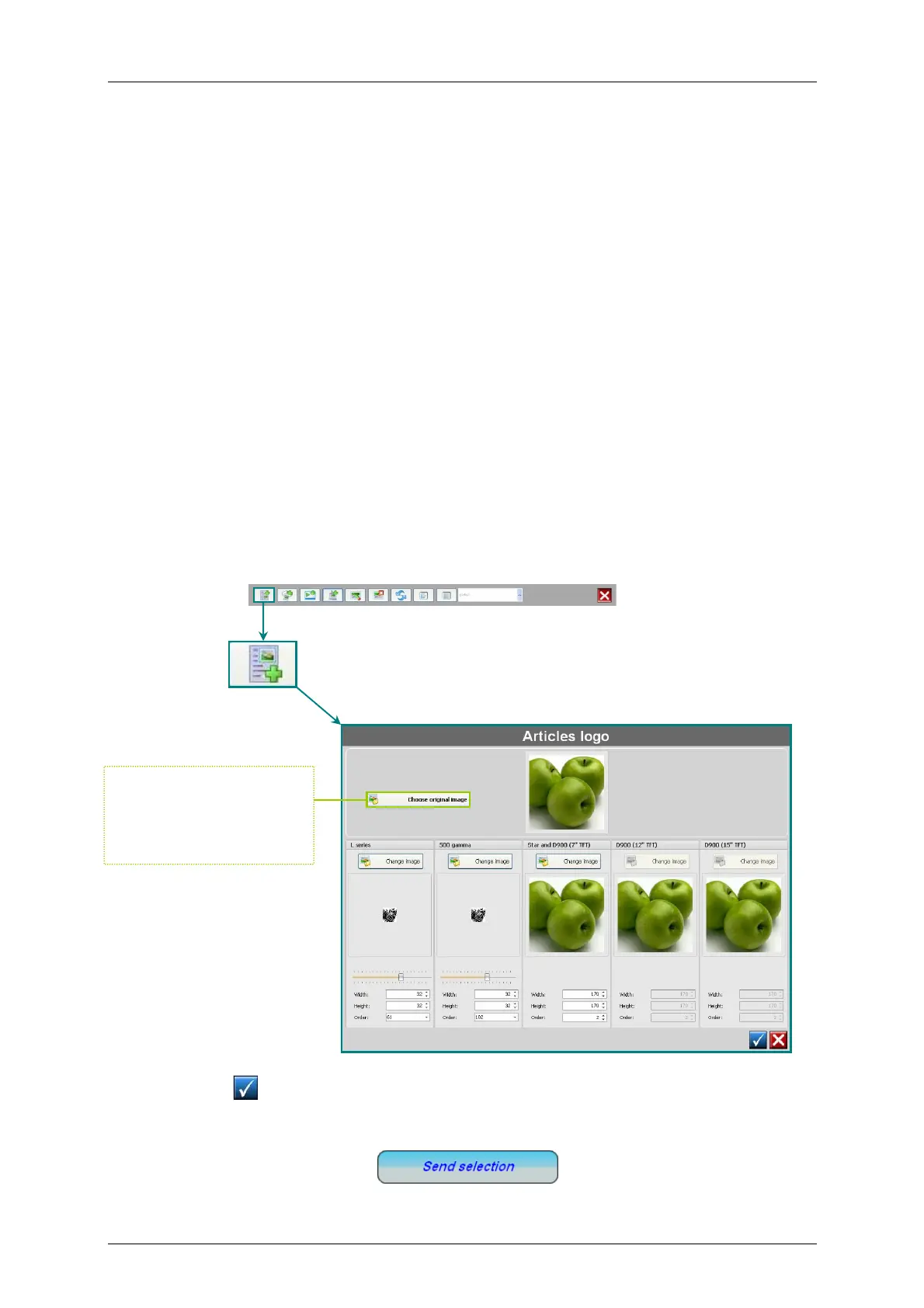
The article images are created in DFS software in menu Logos, with the option “New Article Logo”.
Once the image is selected, the DFS will process it and adjust to the maximum allowed dimensions
so the image is ready to be sent to the scale.
By clicking on the software shows the previous menu to select a new image to be added
To send an image to the scale, select it in the list and click on Send Selection.
Once the image is selected
the DFS process by
adjusting to the maximum
alowed dimensions



 To Next Page