Manual D900 Maintenance
49-MD900EN05
33
3. MAINTENANCE
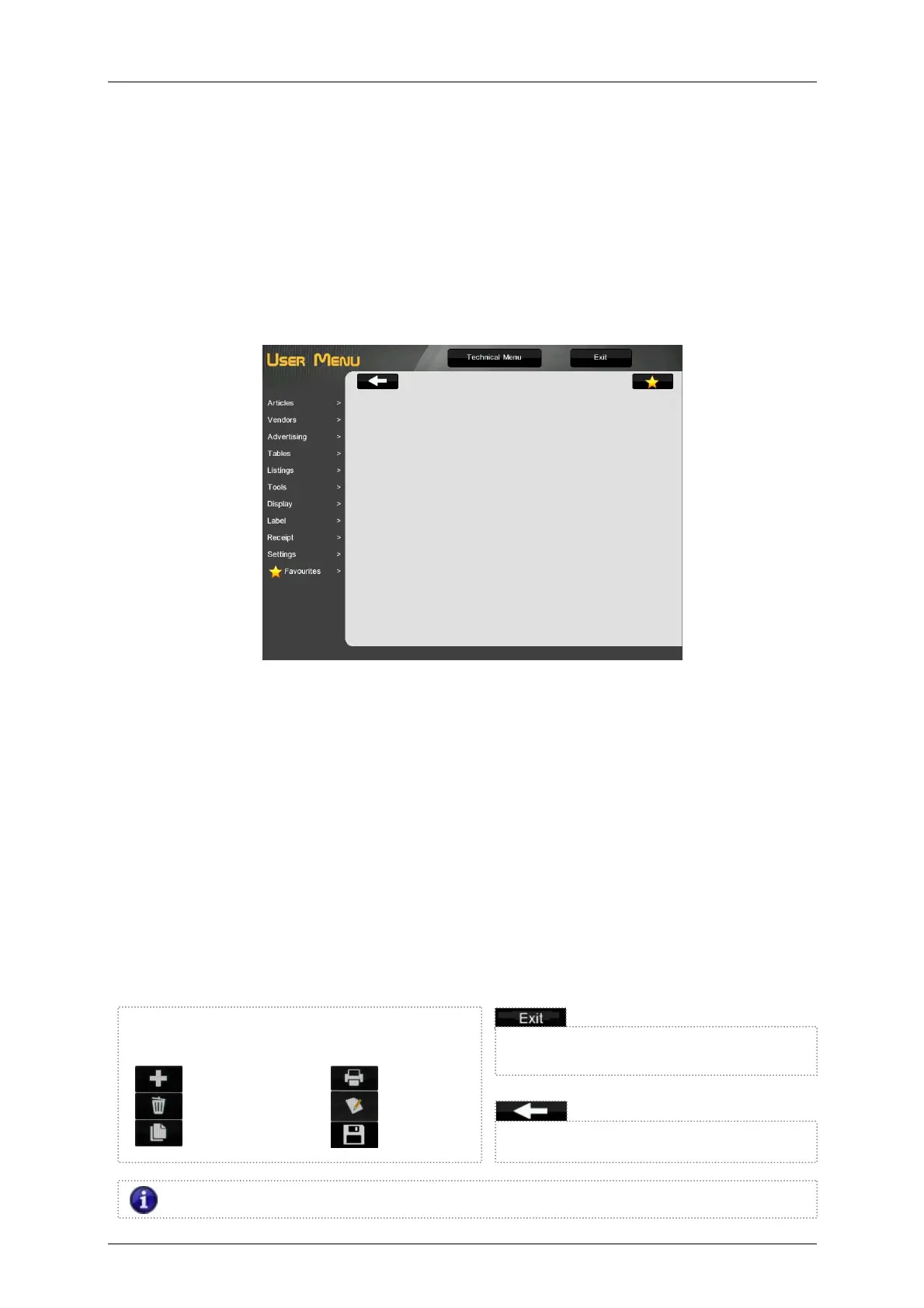
The DIBAL D-900 scales come with a programming system based on menus, i.e. a hierarchical and
coded menu structure, which allows a quick and easy programming.
There are three ways to access the scale’s programming menu:
1. Keep the MENU key pressed while
the scale is booting.
2. Press the MENU key in the selected operating procedure screen.
3. On self-service mode, press four times consecutively and alternatively between the lower left side
and the lower right side of the keypad.
ARTICLES Programming articles.
VENDORS Cashier additions, removals and data.
ADVERTISING Programming advertising images.
TABLES Sections, Traceability, Recipes, Nutritional data, Barcode, Tares, Payment modes, VAT types,
Currencies. Temporary Promotions and Loyalty Points.
LISTINGS Item lists, sales, totals…
TOOLS USB Loading/Unloading, Sending data to slaves, Operations with PC, Other Tools.
DISPLAY Corporate image, User Display Configuration (Receipt Ops., Label Ops., PLUs, Sections and
Vendors).
LABEL Programming Label
RECEIPT Programming Receipt
SETTINGS PC Com. Settings, Keyboard Settings, Scanner Reading, Working Modes.
FAVOURITES A selection of the most commonly used operating procedures
Exit programming and return to normal
working mode.
The function of the keys in programming mode are
the following:
New /Creation
Delete
Copy
Print
Edit
Save
Return to previous programming screen.
If we press this icon, the information about the possible values of the parameter will be shown.



 To Next Page