Manual D900 Operation
49-MD900EN05
27
2.8.3.Label Mode
The scale prints a label for every operation done. It is also possible to work in prepack mode (Automatic
weighing).
To work in label mode do the following:
1. Put he weight on the plate or select the number of units for a non weighed article. The press the
vendor key, the label will be printed.
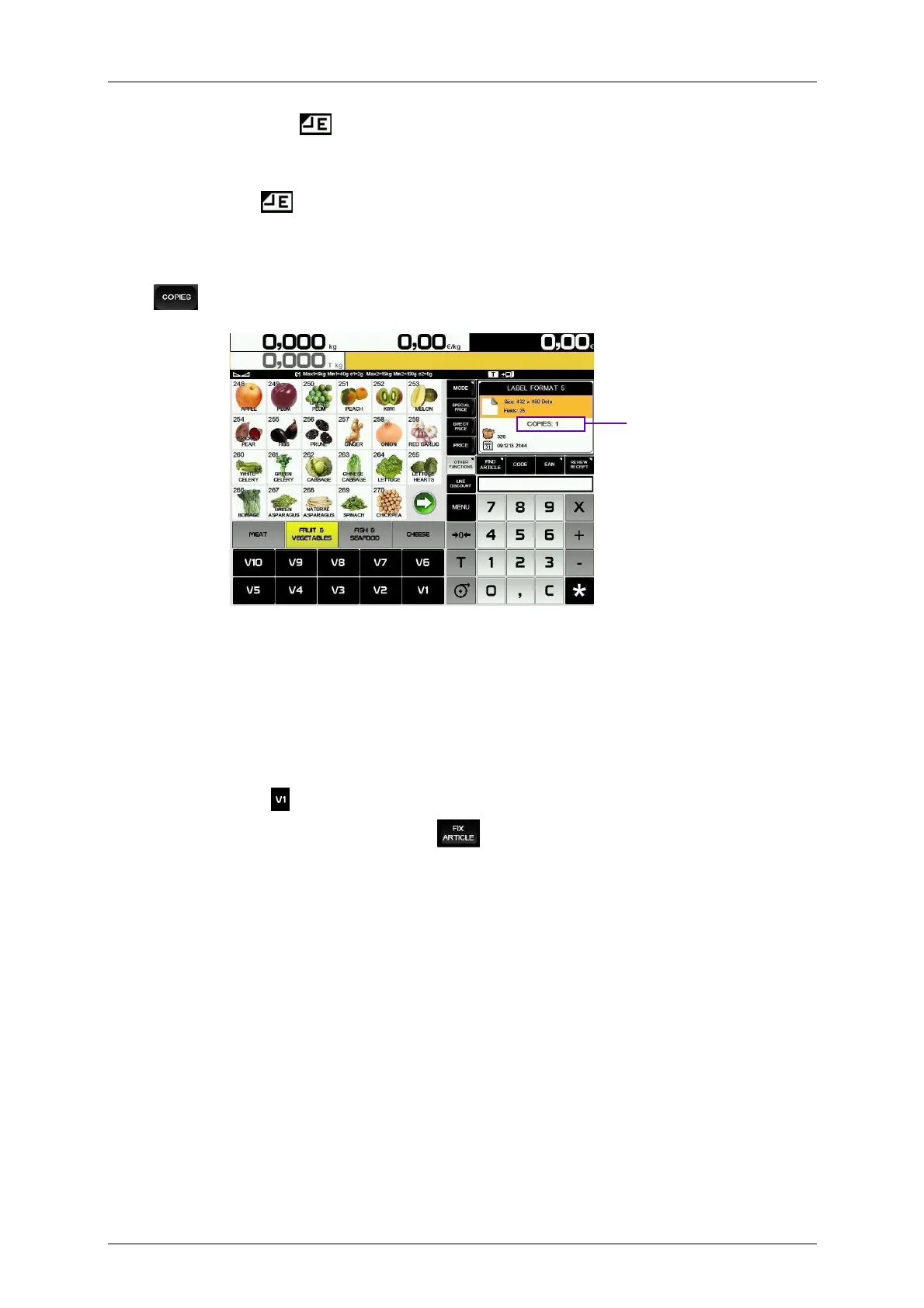
2. To print copies of the last label, enter the number of copies with the numeric keypad, press the key
and press the vendor key.
To work in prepack mode:
Enable the parameter Automatic Weighing (User menu Settings Working Modes Automatic
Weighing With Selection of memory or Without Selection of memory, see paragraph 3.10.4.2
Automatic Weighing)
If the parameter Automatic weighing is programmed as “With Selection of memory” it will be necessary to
select the vendor key in the first operation.
If the parameter Automatic weighing is programmed as “Without Selection of memory” the operation will
be cumulated to vendor or, if the scale is configured as slave, to the memory Slave Number +1.
Select the article and fix it with the key Fix Article .
The scale will print a label every time a weight stable is reached after a variation, without pressing any
key.
Number of copies



 To Next Page