Manual D900 Maintenance
49-MD900EN05
91
3.8.3.Other Settings
3.8.3.1.Voucher Printing
3.8.3.1.1 Voucher
With this option the user decides on the need for, and aspect of, a voucher with the receipt.
Enter one of the following values:
‘0 - NO’ – Without voucher.
‘1 – YES. BAR CODE ON THE RECEIPT’ – With voucher and bar code on the receipt (but not in the
voucher)
‘2 – YES. BAR CODE ON THE VOUCHER’ – With voucher and bar code on the voucher and not
on the receipt. (Default value)
‘3 – YES. BAR CODE ON THE VOUCHER AND ON THE RECEIPT’ – With voucher and bar code on
the voucher and on the receipt.
3.8.3.1.2 Voucher Time
This parameter is used to set up the time, in seconds, the voucher takes to be printed after the receipt is
printed.
Enter one of the following values:
‘0 – 10 s. LATER. INTERRUPTIBLE’ – The voucher is printed 10 seconds later, or sooner if you
press (if it is printed by the same printer as the receipt).
‘1 to 9 – INMEDIATELY. NR OF LINES FOR GAP.’ – The voucher is printed immediately after the
receipt, with a gap in time between both depending on the value programmed.
3.8.3.2.Batch Number
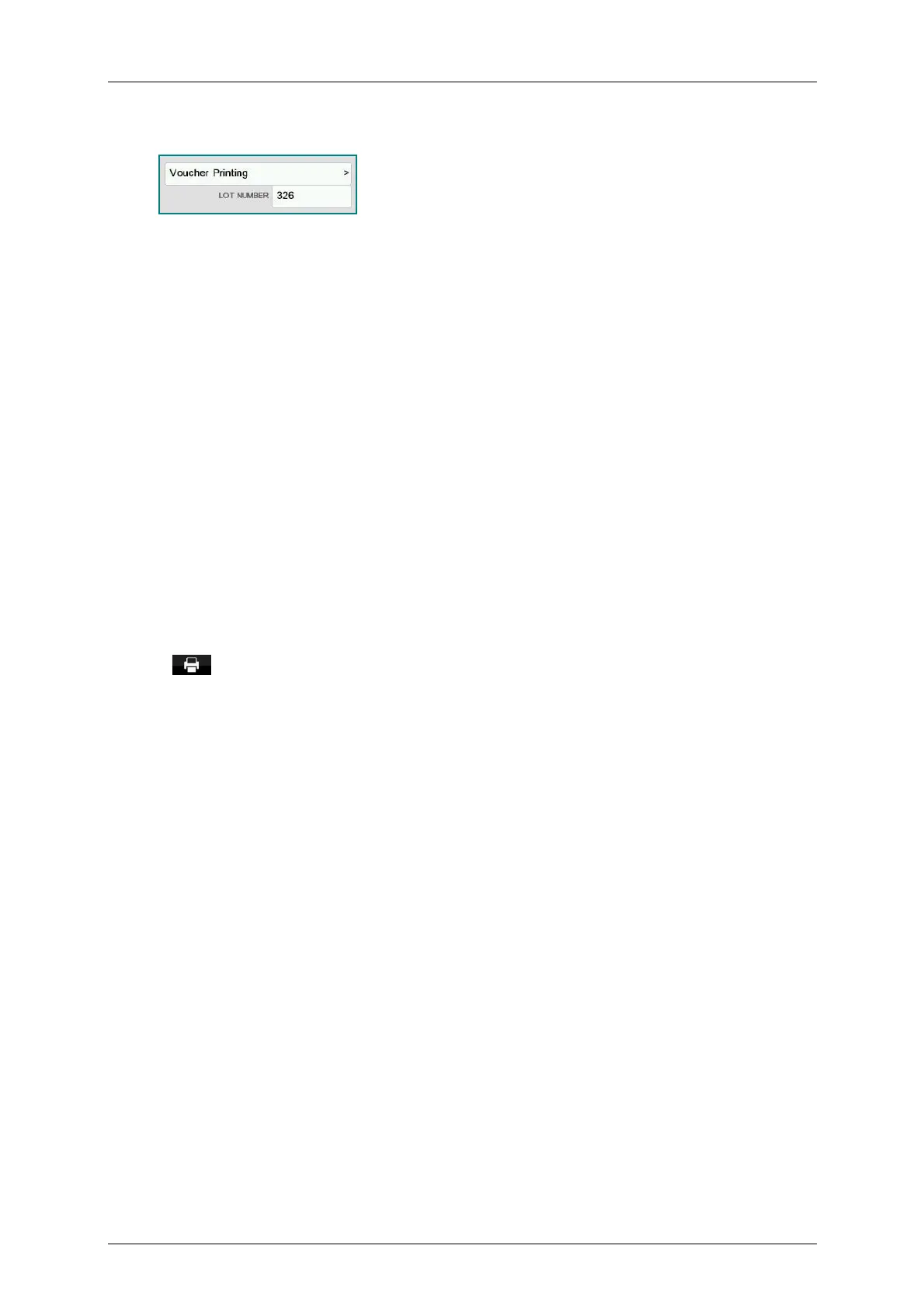
In D-900 scales it is possible to program a batch number, which can be alphanumeric with a maximum of
24 characters digits, in which a global reference to labels of articles may be assigned when the scales are
in label mode.
By default this value will be the number of days passed from the beginning of the year, for example batch
number 252 will correspond to day 9/9.



 To Next Page