Manual D900 Loading images
49-MD900EN05
125
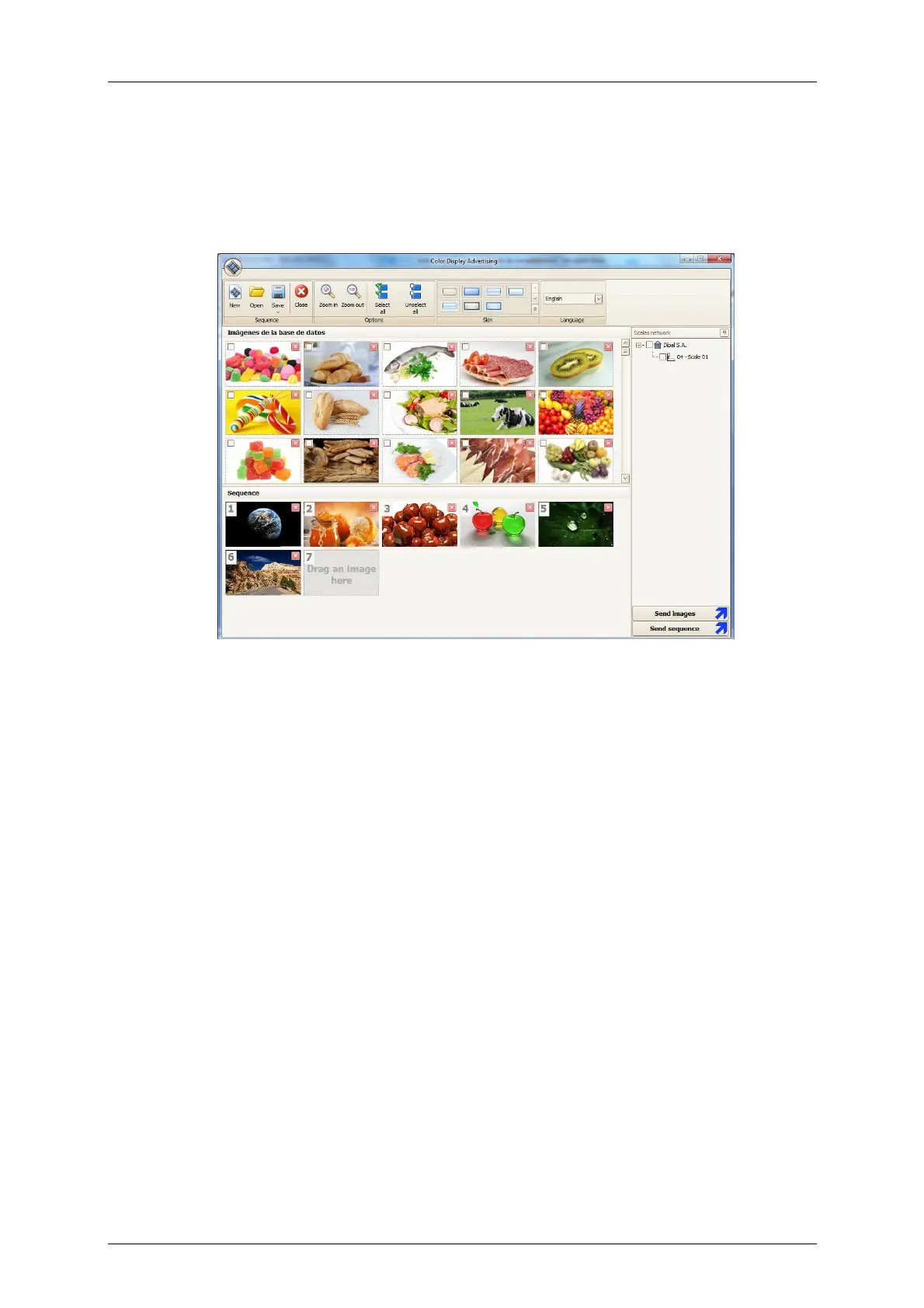
6.1.2.2.Loading images from CDA (Color Display Advertising) software
The CDA application is started from the Menu: DFS software Texts-Advertising-Color. It allows you to
design advertising screens and program the sequence of images that will display on the scale.
The CDA application allows to send the image sequence to the scale.
6.1.2.3.Load via USB
In order to load the advertising images in the scale, you must import a backup file created from the
DFS (TX_LogosUSB.bck) from the USB port to the scale using the “Load Data” menu of the scale
(see paragraph .3.6.1.1 Loading data from USB)



 To Next Page