CONFIG
USB
IMPORT
CONFIG
USB
EXPORT
DATA
USB
EXPORT
BACK
EXPORT TO USB
LOGGED DATA
FILE NAME:
Flex4_Truck ID_2016-07-29.
EXPORT &
CLEAR
TOTALS
LoggedDataFilesExportinProgress
EXPORT
NOW
BACK
DATA
EXPORT
DONE
PLEASEREMOVESTORAGEDEVICEANDCHECKTHAT
DATAWASEXPORTEDCORRECTLY
WOULDYOULIKETOCLEARCURRENTTOTALS?
PRESSBACKTOEXITANDPRESERVETOTALS
BACK
OPERATOR’S MANUAL
2.
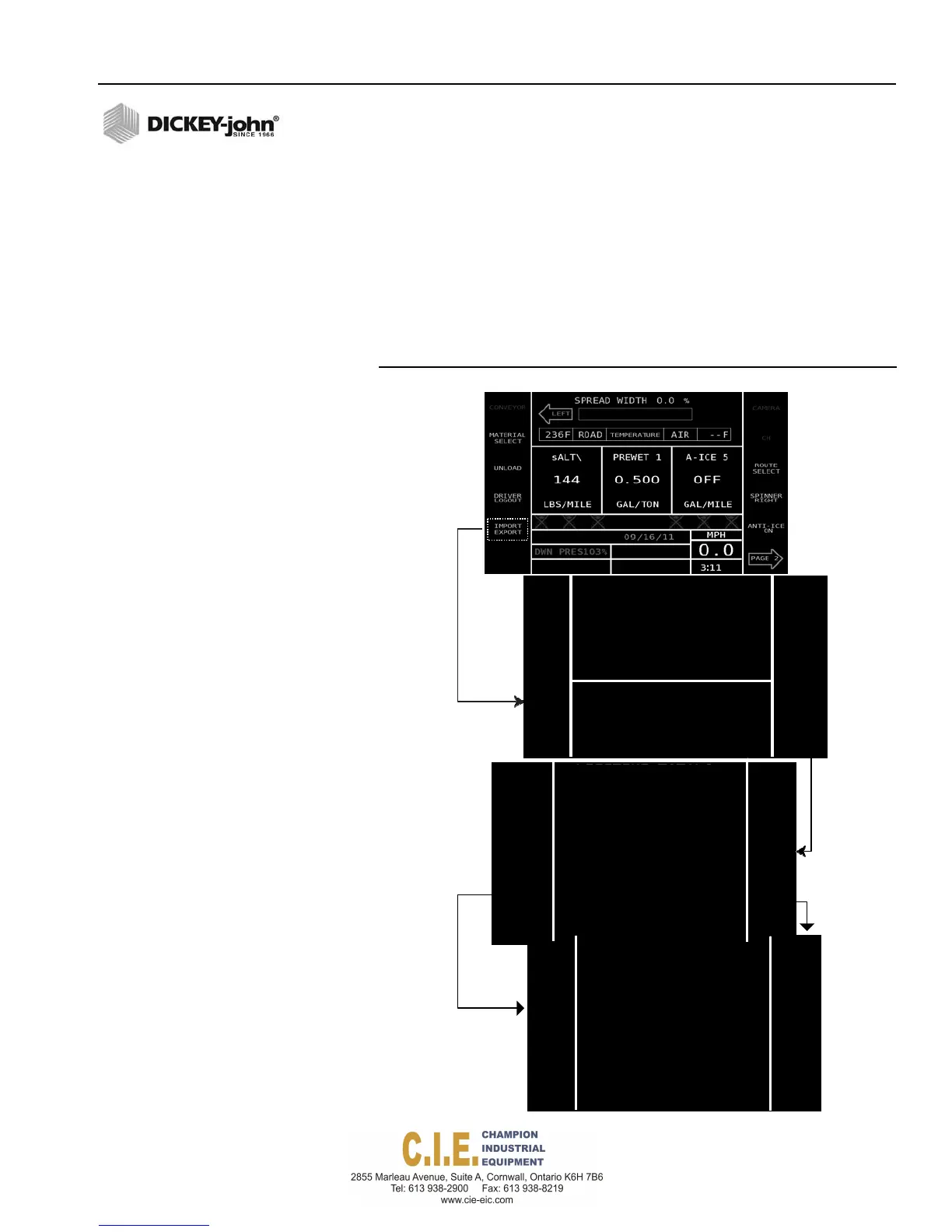
Press the Import/Export button.
3.
At the Import Export screen, select Data USB Export button. The
Export to USB confirmation screen displays the file name that contains
the configuration files.
4.
Select the type of export to perform.
– Export Now- Exports files
– Export and Clear Totals- Exports files and clears all current totals
in lieu of individually clearing each material total at the Totals
screen.
5.
A Data Export Done screen indicates file transfer is complete.
Figure 105
Export Log Data Files
IMPORT/EXPORT
CONFIGURATION
LOGGED DATA
Flex4 Pro
TM
Control System
6010541 Rev A
IMPORT/EXPORT DATA FILES / 123



 To Next Page