OPERATOR’S MANUAL
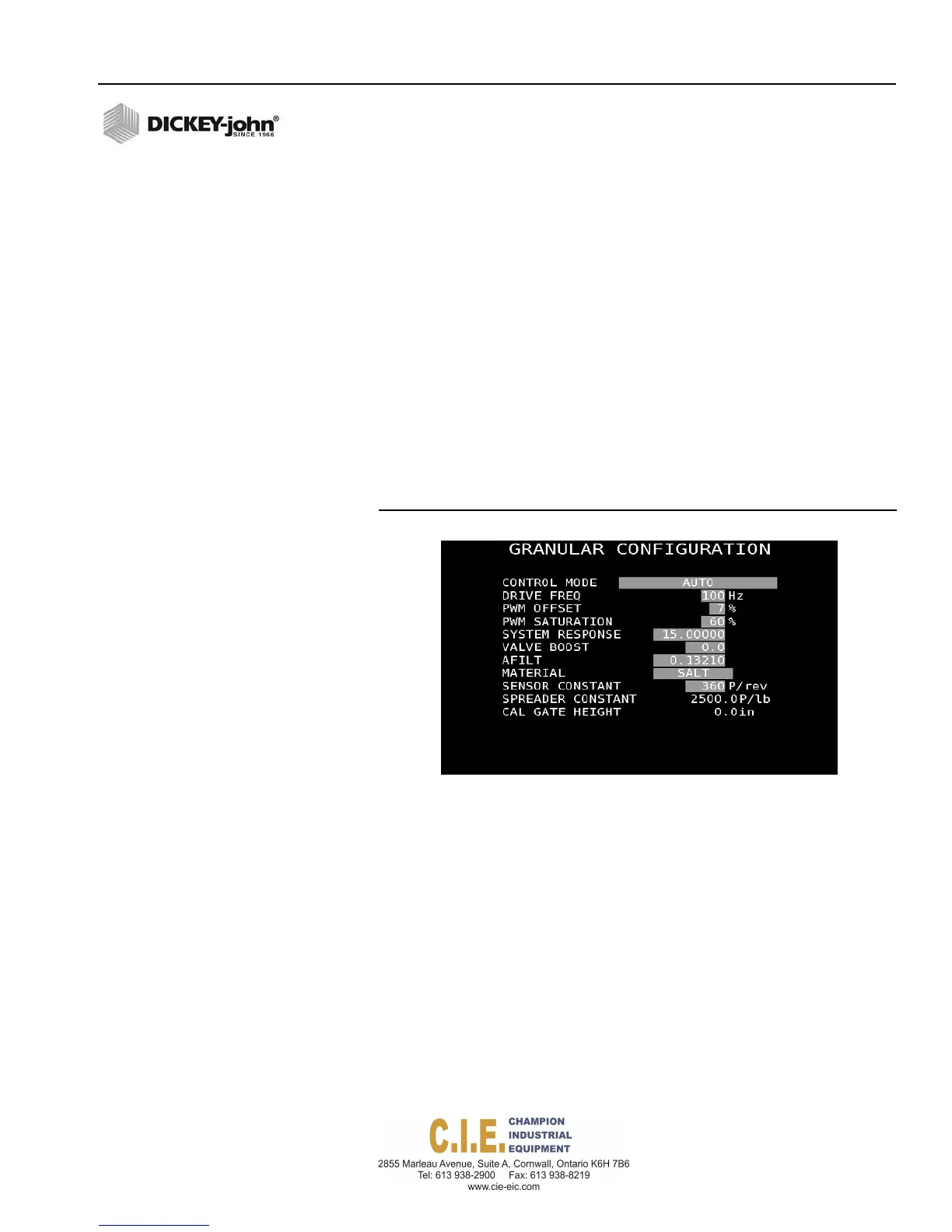
GRANULAR CONFIGURATION (F2)
Configuration parameters defined for each channel correlate with the types
of hydraulic valves and sensors installed and related performance
specifications. These values should not change unless system hardware is
modified or related calibration routines are performed.
IMPORTANT: A calibration should be performed for each channel
prior to operating to ensure accurate material
application.
To enter Configuration Values:
1.
At the F2 Granular Setup screen, press 5 on the keyboard.
2.
At the Granular Configuration screen, highlight the control mode
selection box and press the Enter key to select Auto or Manual with
Feedback.
3.
Press the Enter key to confirm the selection.
4.
Use the keyboard arrow keys to scroll to each constant’s selection box.
Figure 55
Granular Configuration Screen
CONTROL MODE
MANUAL WITH FEEDBACK
Overrides the current system when not operating properly. Using the Rate
Increase/Decrease buttons during operation sets the RPM rate for the
control channel. Actual RPM rate displays based on actual ground speed
and spreader constants entered.
MANUAL WITHOUT FEEDBACK
Typically used when operating with an accessory tool, such as a front
sweeper, using a PWM signal to open and close the valve. The Increase/
Decrease buttons are used to increase/decrease the hydraulic flow to the
accessory tool and a PWM percentage on the Operate screen indicates the
PWM signal sent to the hydraulic valve.
Flex4 Pro
TM
Control System
6010541 Rev A
SYSTEM PROGRAMMING / 59



 To Next Page