CONFIG
USB
IMPORT
CONFIG
USB
EXPORT
DATA
USB
EXPORT
BACK
.
EXPORT
NOW
BACK
DATA
EXPORT
DONE
BACK
OPERATOR’S MANUAL
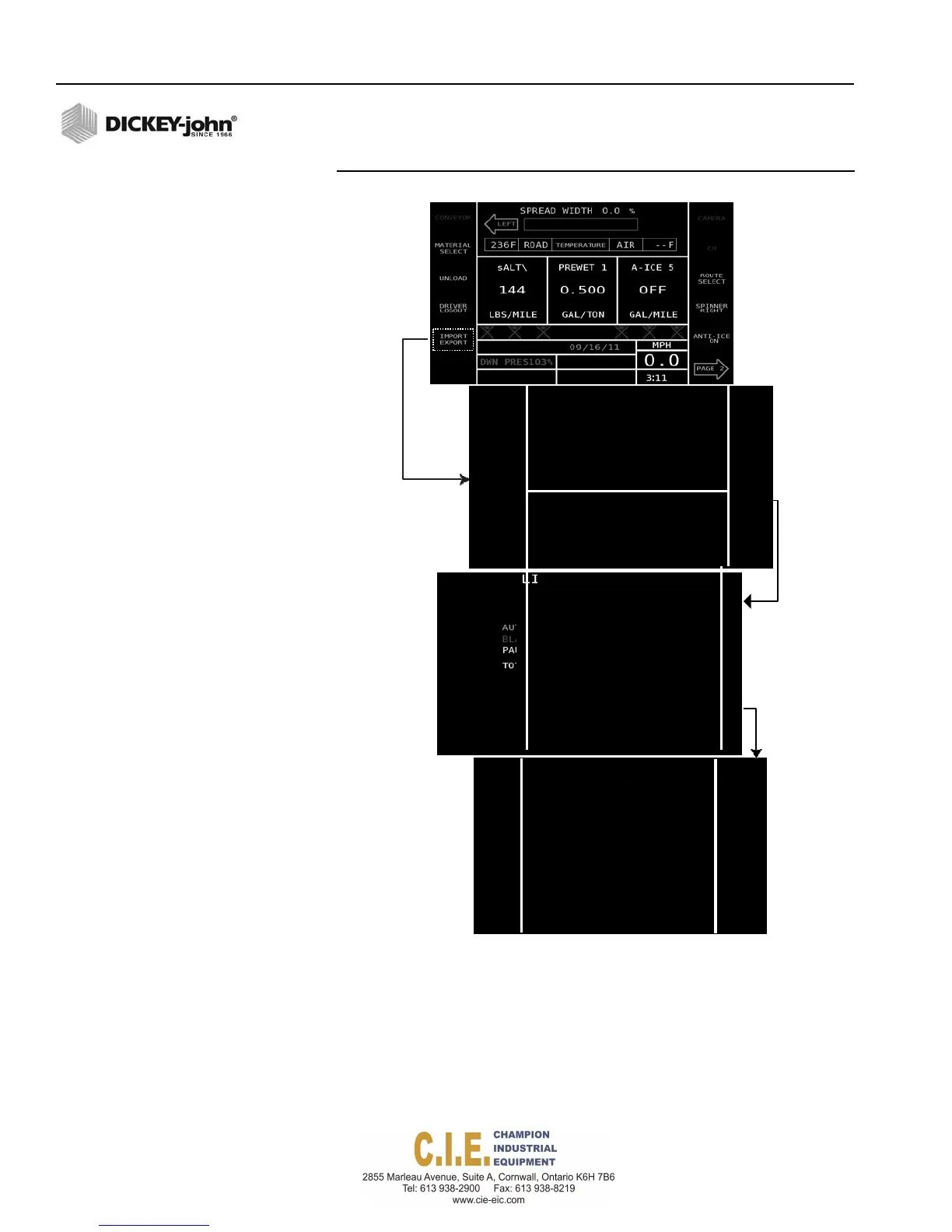
Figure 104
Exporting Configuration Files
IMPORT/EXPORT
CONFIGURATION
LOGGED DATA
EXPORT TO USB
CONFIGURATION
FILE NAME:
Flex4_Truck ID_2016-07-29
EXPORT LOG DATA FILES
Log data files are exported following the same procedure as exporting
configuration files. Log data files can be imported to a reporting software
tool to create truck fleet reports.
To export Log Data Files:
1.
Insert USB memory device into USB port below the Operator Switch
Module.
122 / IMPORT/EXPORT DATA FILES
Flex4 Pro
TM
Control System
6010541 Rev A



 To Next Page