OPERATOR’S MANUAL
CAPTURE SCREEN SHOT
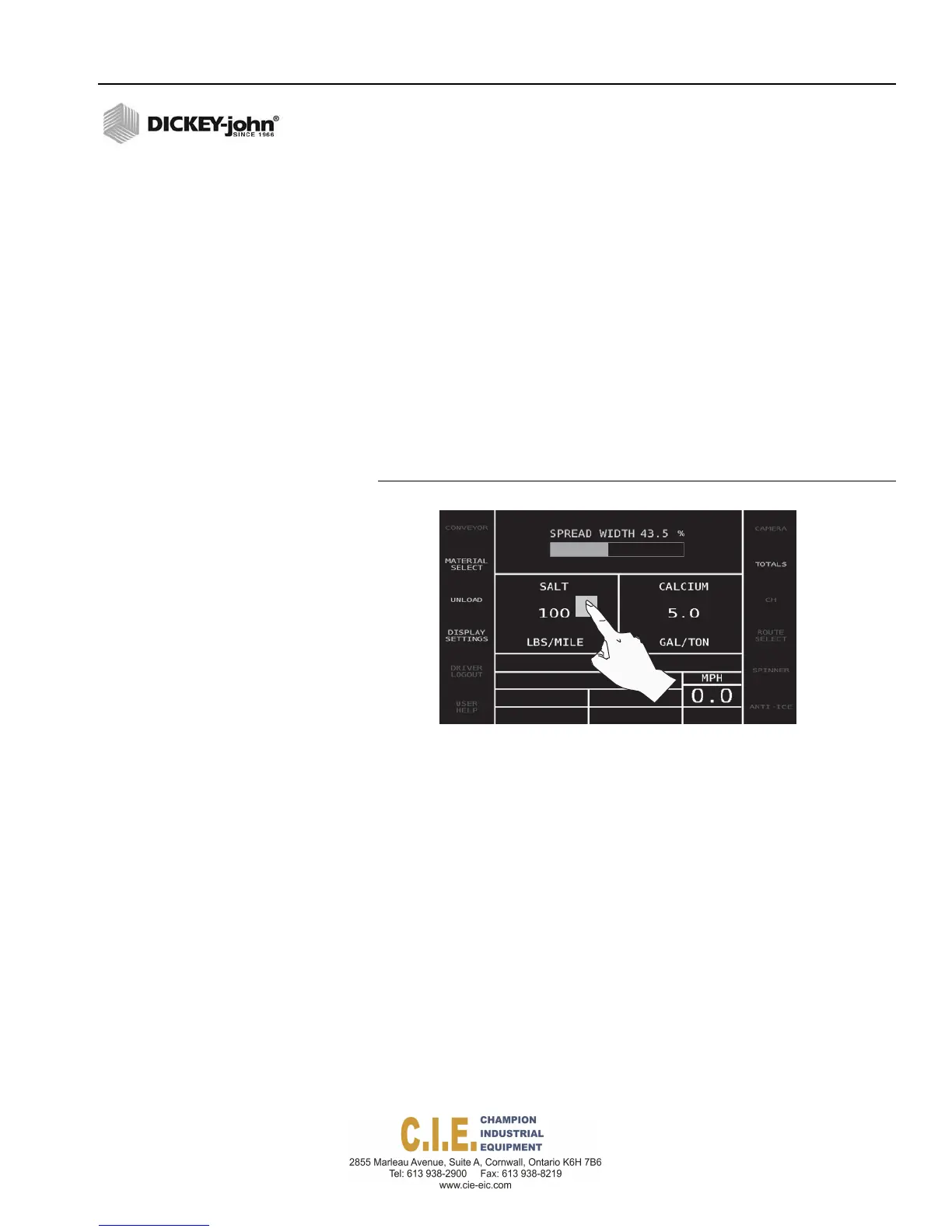
A screen shot of the active screen is possible by pressing and holding
anywhere on the screen for approximately 3 seconds.
A gray box appears underneath the finger press when the image is
captured and transferred to a USB memory device.
The USB memory device must be inserted before a screen capture is
possible.
To Capture Screen Shot:
1.
Insert USB memory device.
2.
At the desired screen, press and hold until a gray box appears
underneath finger press.
3.
Remove USB memory device.
Figure 108
Screen Shot
Flex4 Pro
TM
Control System
6010541 Rev A
CAPTURE SCREEN SHOT / 127



 To Next Page