OPERATOR’S MANUAL
TROUBLESHOOTING
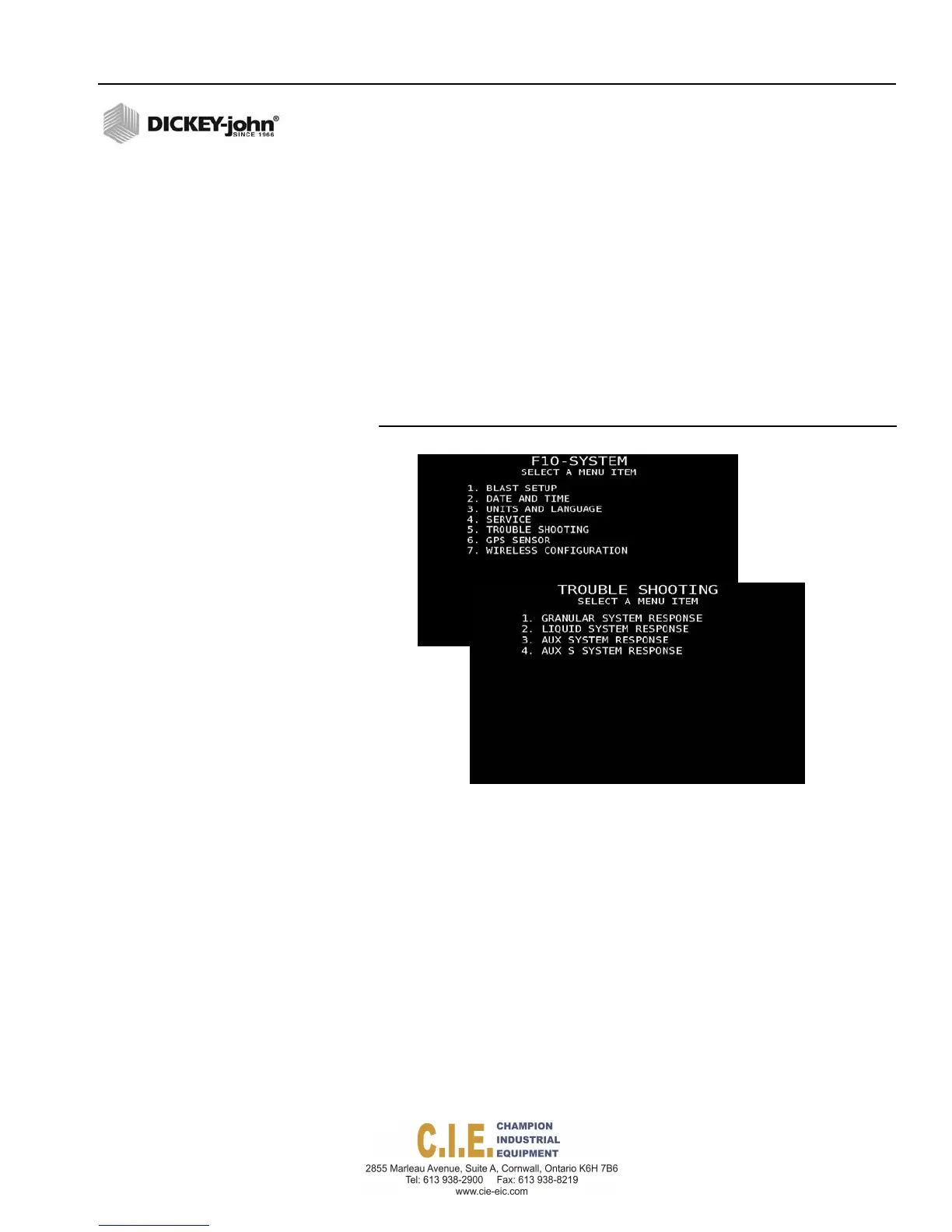
Troubleshooting screens provide access to System Response screens
relating to spinner and material channels.
IMPORTANT: It is recommended that these parameters not be
modified as any changes could affect performance.
Contact DICKEY-john Technical Support at
1-800-637-3302 for assistance.
1.
At the (F10) System menu screen, press 5 on the keyboard to display
the Troubleshooting screen.
2.
Select the corresponding number to view the material or spinner
channel system parameters.
Figure 82
Troubleshooting Screen
Flex4 Pro
TM
Control System
6010541 Rev A
SYSTEM PROGRAMMING / 89



 To Next Page