OPERATOR’S MANUAL
DRIVER SETUP
Driver logins require a passcode to perform certain system functions.
1.
Driver ID Configuration (tracking of routes/roads/driver)
2.
Configuration Setup (entry of configuration settings)
To customize Driver Details:
1.
At the Data Logging screen, press 3 to display the Driver Details
screen.
2.
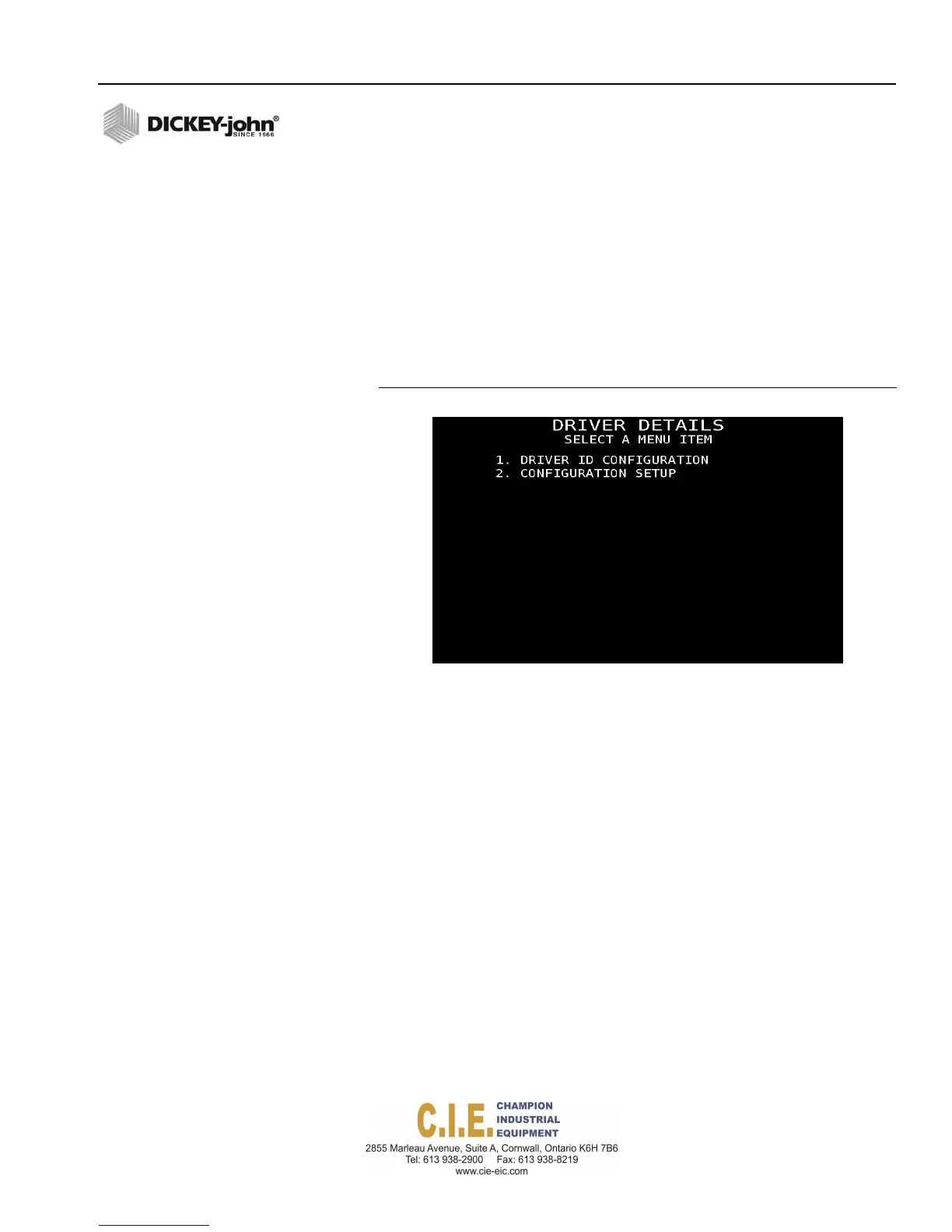
At the Driver Details screen, press the corresponding number to
display the desired configuration screen.
Figure 88
Driver Details Screen
DRIVER ID CONFIGURATION
A driver login and passcode can be enabled to allow each driver to login
and logout when the unit is powered on or when users change so that
tracking of routes and roads with materials spread, miles driven, and route
spread can be recorded for an individual driver. The default language is
English but a specific language can be chosen so that during logon the
system automatically changes to the user-defined language for the driver.
Up to 20 different driver names and passcodes can be entered. An
additional screen to add names and passcodes is selected by pressing the
More button.
IMPORTANT: If a driver login on power up is mandatory, make sure to
select Configuration Setup at the Driver Details screen
(Figure 88) and set Driver Login Required as YES. If
Driver Login is set at NO and a driver passcode is
entered at the Driver ID Configuration screen, login is
available but will not automatically display on power up.
Flex4 Pro
TM
Control System
6010541 Rev A
SYSTEM PROGRAMMING / 95



 To Next Page