OPERATOR’S MANUAL
Flex4 Pro
TM
Control System
6010541 Rev A
AUXILIARY CONTROL CHANNEL
CONFIGURATION (F5)
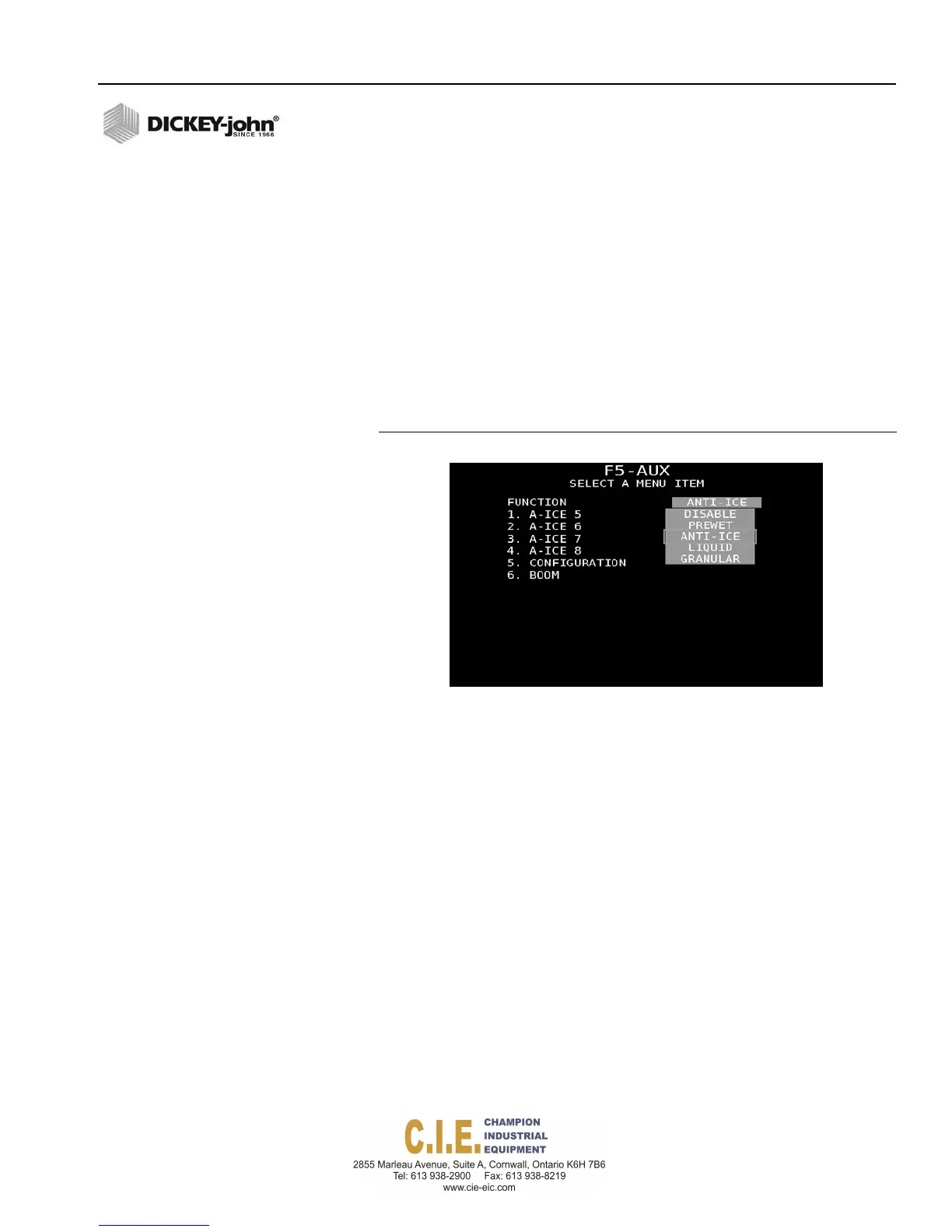
The Auxiliary control channel has the flexibility to be programmed as a
Liquid, Granular, Prewet, or Anti-Ice channel with the same parameter
setup available as channels one and two.
Four materials are possible and assigned as materials 5-8.
Configuration and boom setup for an auxiliary channel must be enabled at
this screen for the channel to be in an active state. Refer to the Granular
Configuration (F2) and Liquid Configuration (F3) sections for parameter
definition and setup instructions.
Press the Calibration (F6) key to initiate channel calibration.
Figure 63
Auxiliary Control Channel Screen
SYSTEM PROGRAMMING / 71



 To Next Page