OPERATOR’S MANUAL
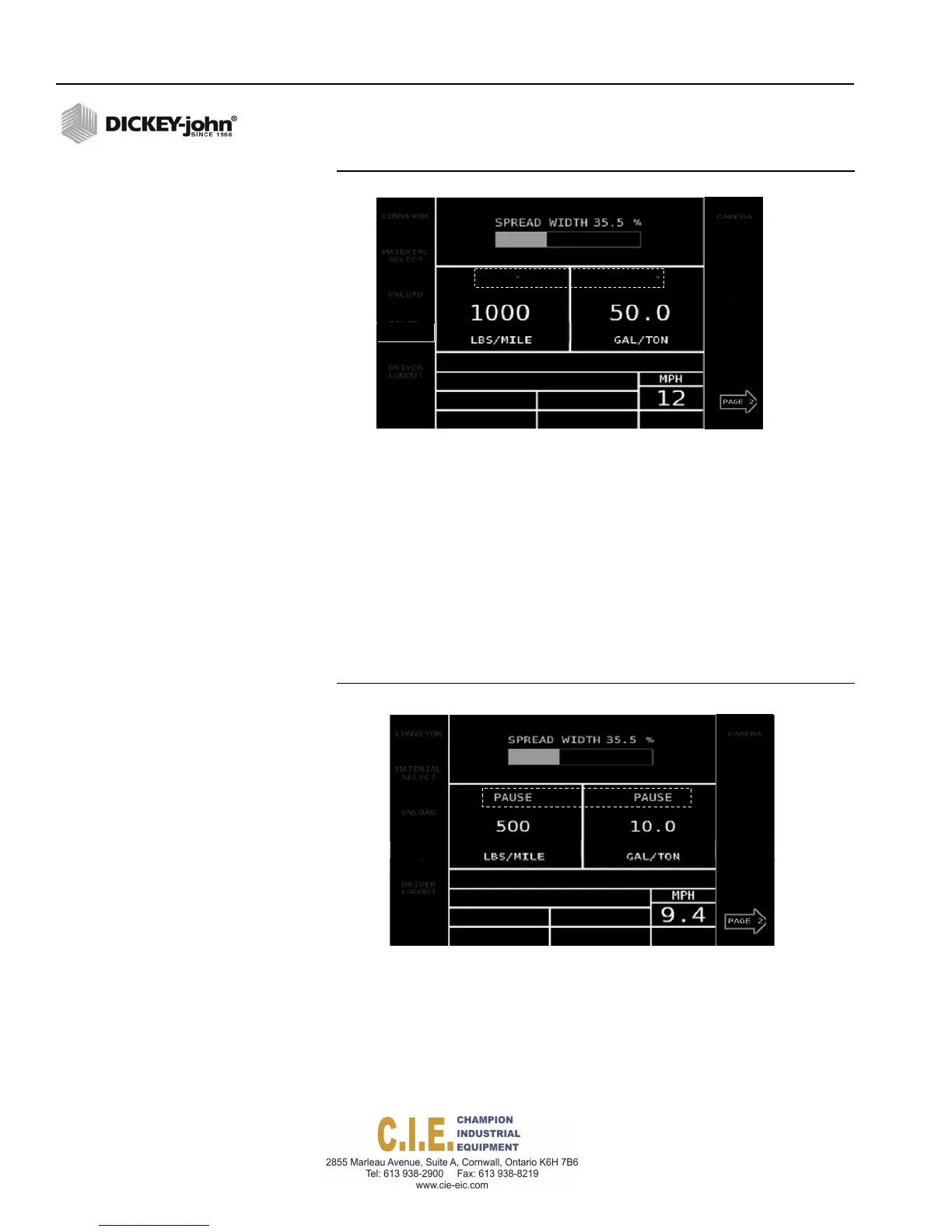
Figure 30
Blast Feature Enabled
PAUSE
The Pause feature stops applying material while operating in Auto mode but
continues to calculate miles driven. Pause can be used in Auto mode,
manual control channel override, and manual ground speed.
To activate Pause:
1.
To enable, press the Pause button. An alarm sounds indicating Pause
is activated and Pause will appear on the display.
2.
To disable, press the Pause button again. An alarm sounds indicating
Pause is disabled and will disappear on the display.
Figure 31
Pause Feature Enabled
34 / OPERATION
Flex4 Pro
TM
Control System
6010541 Rev A
CH
ROUTE
SELECT
RIVER
OGIN
SPINNER
ANTI‐ICE
CH
BLAST
BLAST
ROUTE
SELECT
RIVER
OGIN
SPINNER
ANTI‐ICE



 To Next Page