OPERATOR’S MANUAL
OUTPUT MODULE
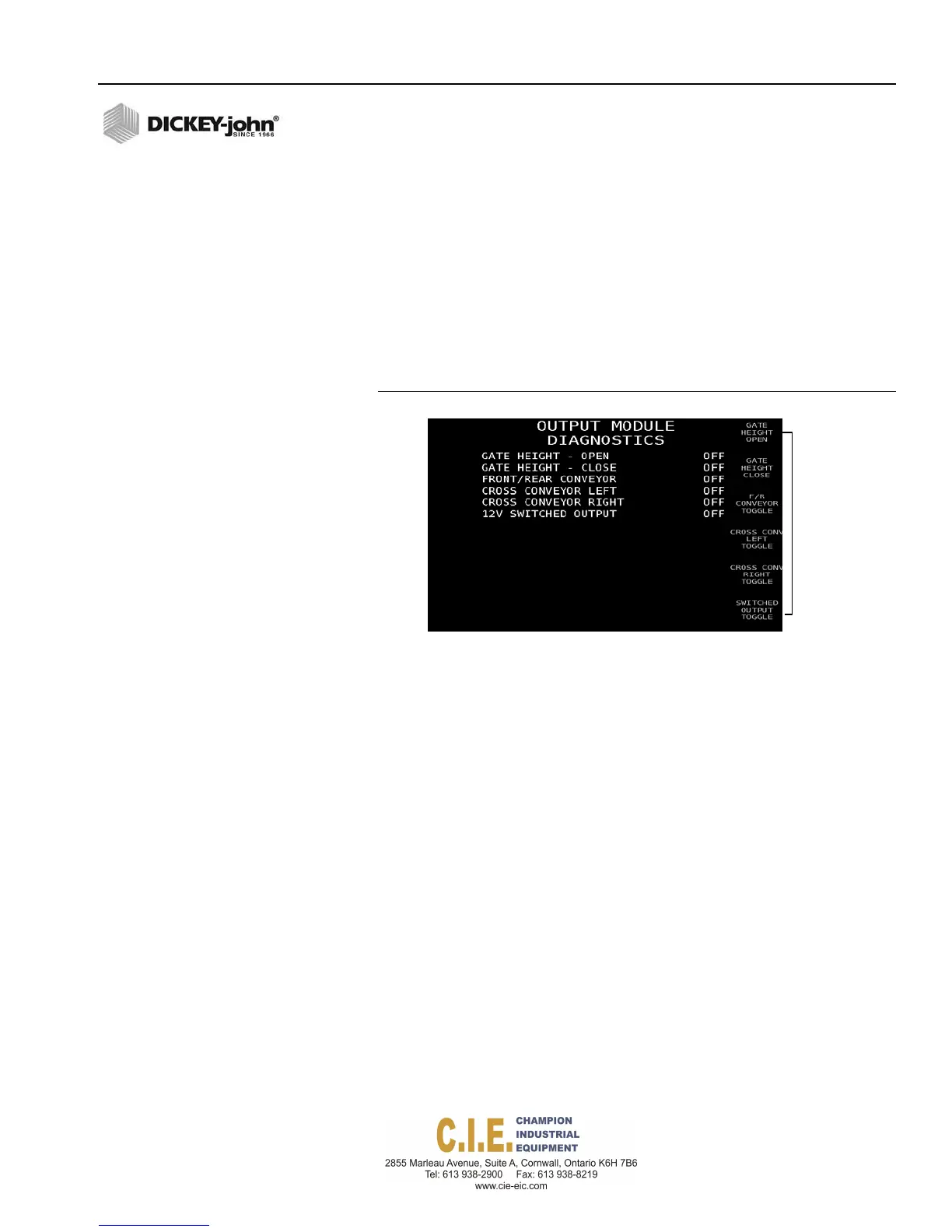
Output Module Diagnostics screen indicates the current state of attached
accessories such as boom section shutoff valves, V-Box gate, front/rear
conveyor valves, left/right discharge cross conveyors valves, and the
accessory 12 volt switched output.
Press the appropriate Accessory button to verify correct position.
An
incorrect state on the screen that doesn’t correspond with the
physical state of the attached accessory could indicate a
communication issue with the Output Module.
Figure 115
Output Module Diagnostics Screen
Accessory
Buttons
Flex4 Pro
TM
Control System
6010541 Rev A
DIAGNOSTICS / 135



 To Next Page