OPERATOR’S MANUAL
LIQUID CHANNEL SETUP (F3)
Liquid channel setup allows configuration of up to four different liquid
materials, entry of the material parameters, and to identify the performance
specifications of the installed actuators and sensors. Each material can be
set with different parameters.
The liquid channel can be set as either Prewet (gal/ton) (spraying with a
pre-wet spray bar), Anti-ice (gal/mile) (used with anti-icing boom), or Liquid
(gal/area).
Liquid channel parameters include:
•
Material Label
•
Units
•
K Factor
•
Application Rate Method (Step or Rate)
•
Blast Rate
The channel’s current status is displayed as Enabled or Disabled.
To Change the Channel’s Status Function:
1.
Use the Up or Down Arrow keys on the keyboard to select and
highlight the Function box.
2.
Press the Enter key and select the desired function status as either
Prewet, Liquid, or Disable.
3.
Press the Enter key to accept.
4.
To setup material parameters for Materials 5-8, select items 1-4 using
the keyboard.
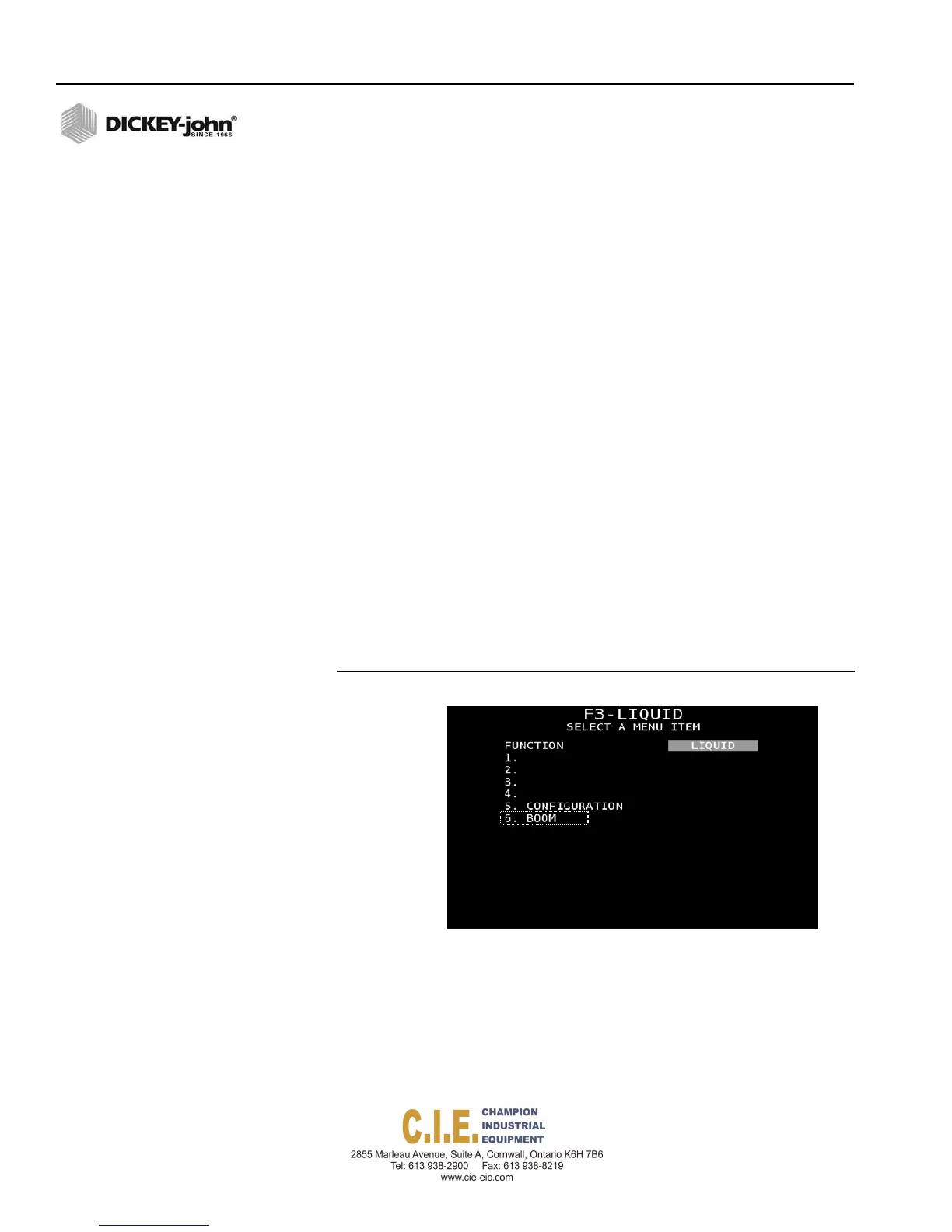
Figure 56
Liquid Channel Setup Screen
Boomselection
onlydisplays
whenachannel
issetforliquid
oranti‐ice
application.
62 / SYSTEM PROGRAMMING
Flex4 Pro
TM
Control System
6010541 Rev A
LIQ1
LIQ2
LIQ3
LIQ4



 To Next Page