OPERATOR’S MANUAL
HYDRAULIC ACCESSORY TOOL OPERATION
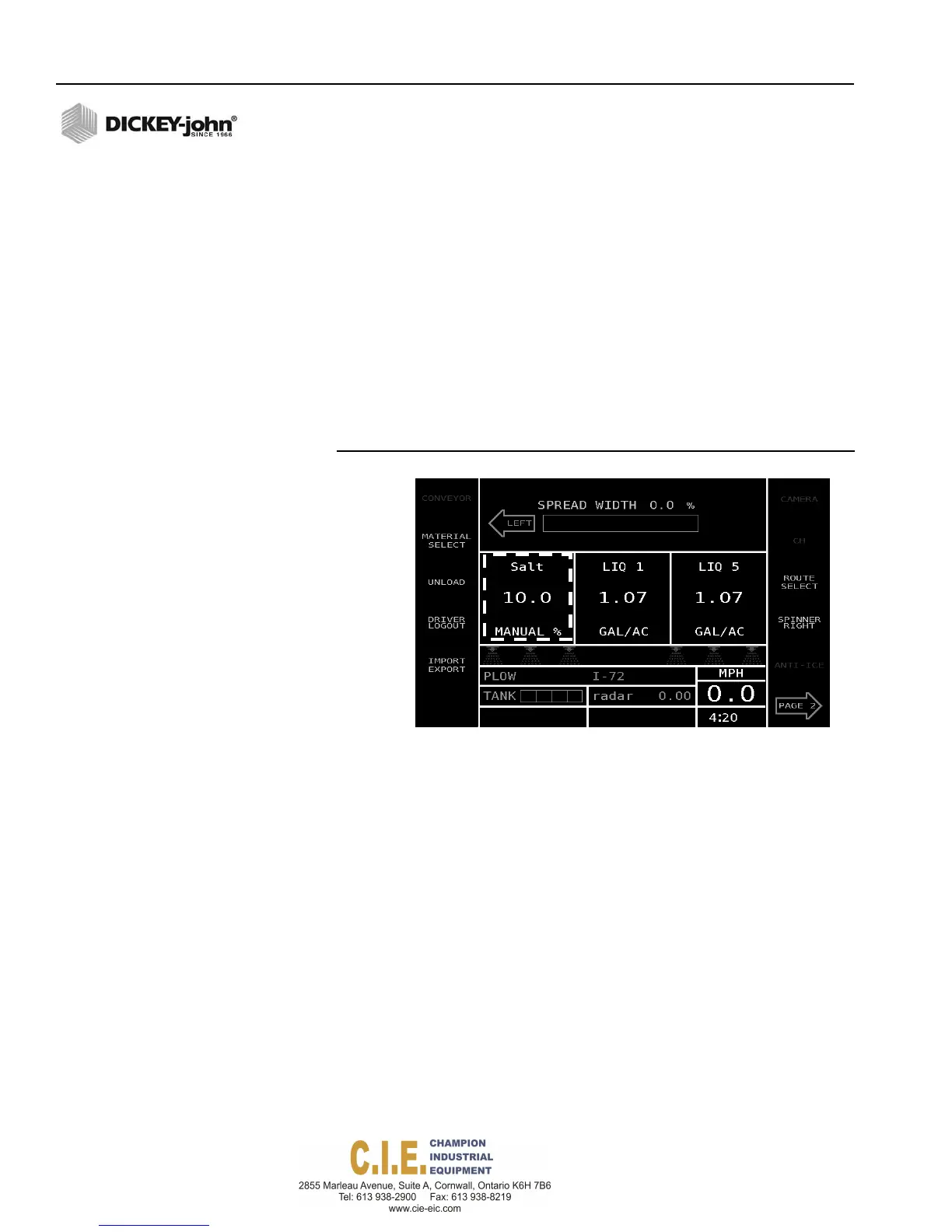
To control an accessory tool during operation, press the Rate Increase/
Decrease buttons on the Operator Switch Module to increase and decrease
the hydraulic flow. The PWM signal percentage sent to the hydraulic valve
displays in the channel window.
Accessory tools shut off when:
–
Ground speed reaches zero
–
or the Auto On/Off switch is turned off.
An increase in ground speed activates the tool to the previous PWM
percentage.
The control channel is set to Manual without Feedback for this feature.
Refer to Granular Configuration Setup (F2).
Figure 45
Operate Screen with Manual Percentage Reading
Control
Channel
Saltsetfor
Manualw/o
Feedback
CURRENT AND SEASON RUN TOTALS
The Totals screen provides accumulated material usage, miles, and hours
driven using Auto mode, Blast, and Pause functions. Total operating data
can be viewed in current run totals, season run totals, or by route.
NOTE: Totals by driver are viewable
only by exporting the data file to
a report software tool program.
Run totals are logged and recorded in the following ways:
•
Total Miles (km), tons (metric/English), and gallons (liters) spread while
in automatic control mode for each control channel and product
spread.
•
Miles (km), tons (metric/English), and gallons (liters) spread while in
Blast mode for each product spread.
•
Total vehicle miles (km) driven
•
Liquid gallons (liters) sprayed during prewetting and anti-icing
application
•
Total time spent spreading granular, spraying liquid, and blasting
•
Miles (km), tons (metric/English), and gallons (liters) spread while in
Pause mode
•
Trip Log indicates total miles driven in Operate mode
44 / OPERATION
Flex4 Pro
TM
Control System
6010541 Rev A



 To Next Page