OPERATOR’S MANUAL
DATA LOGGING (F12)
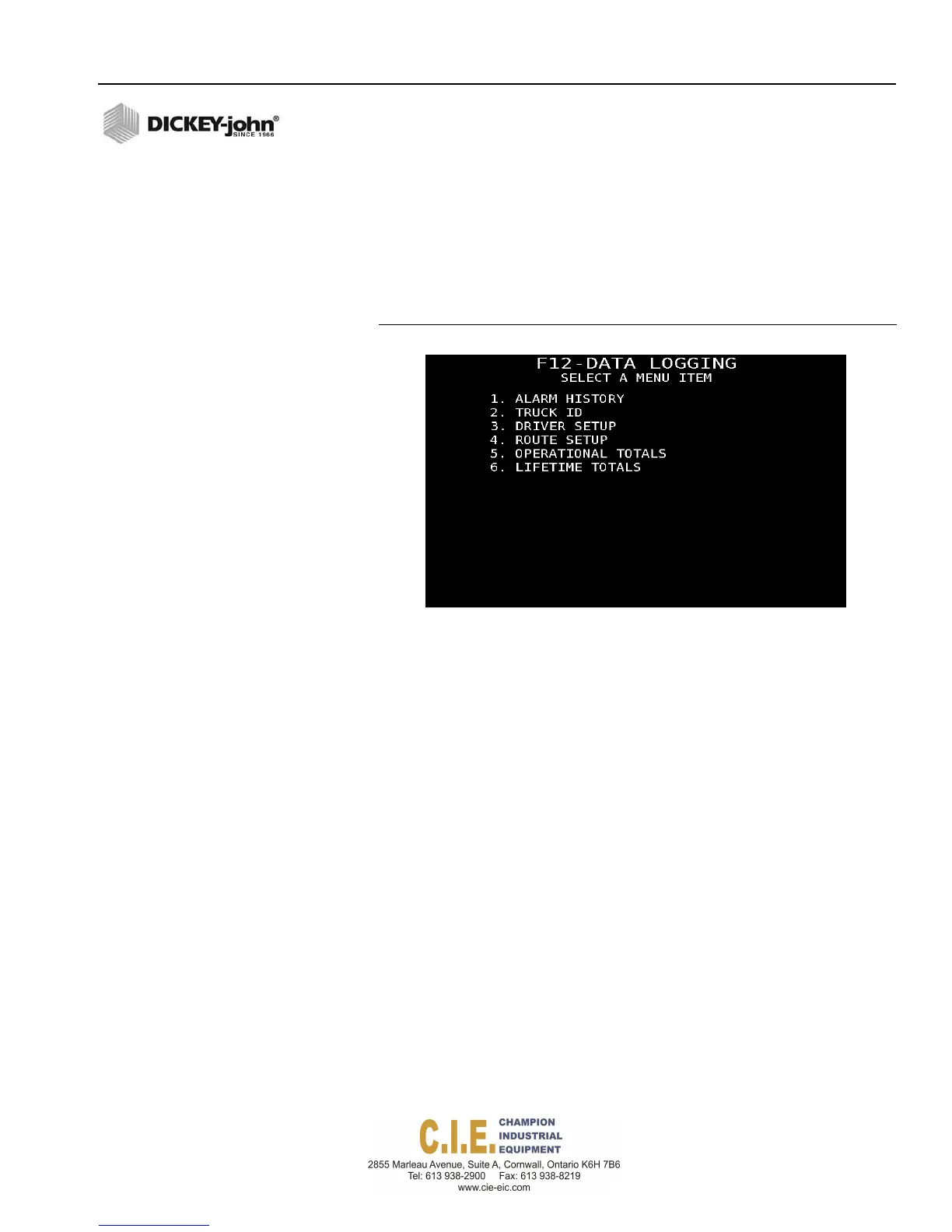
The Data Logging menu screen includes those items that are stored to data
files for transfer to a reporting software.
To view Data Logging Screens:
1.
Press F12 to display the Data Logging menu screen.
2.
Press the respective item number to open a menu item.
Figure 85
Data Logging Screen
ALARM HISTORY
Various alarm conditions can occur whenever the system encounters an
abnormal condition or detects a specific alarm. Alarms are presented in
either a full screen display or as an audible alarm. Full screen alarms
provide an alarm description and may give instructions on how to resolve
the issue. Each alarm type has an associated alarm number that can be
cross-referenced in the Troubleshooting and Alarms section.
Some alarms require a specific action before the alarm condition will cease.
In these cases, instructions are indicated on the alarm display.
Alarms can be acknowledged by pressing the Alarm Cancel button.
To view Alarm History:
1.
At the Data Logging screen, press 1 to access the Alarm History
screen.
–
The number of the alarm, data, time the condition occurred, along
with the alarm description displays.
–
Up to 275 alarms can be recalled.
–
Each alarm occurrence can have up to 6 occurrences of the alarm
tagged with a date and time stamp.
Flex4 Pro
TM
Control System
6010541 Rev A
SYSTEM PROGRAMMING / 93



 To Next Page