OPERATOR’S MANUAL
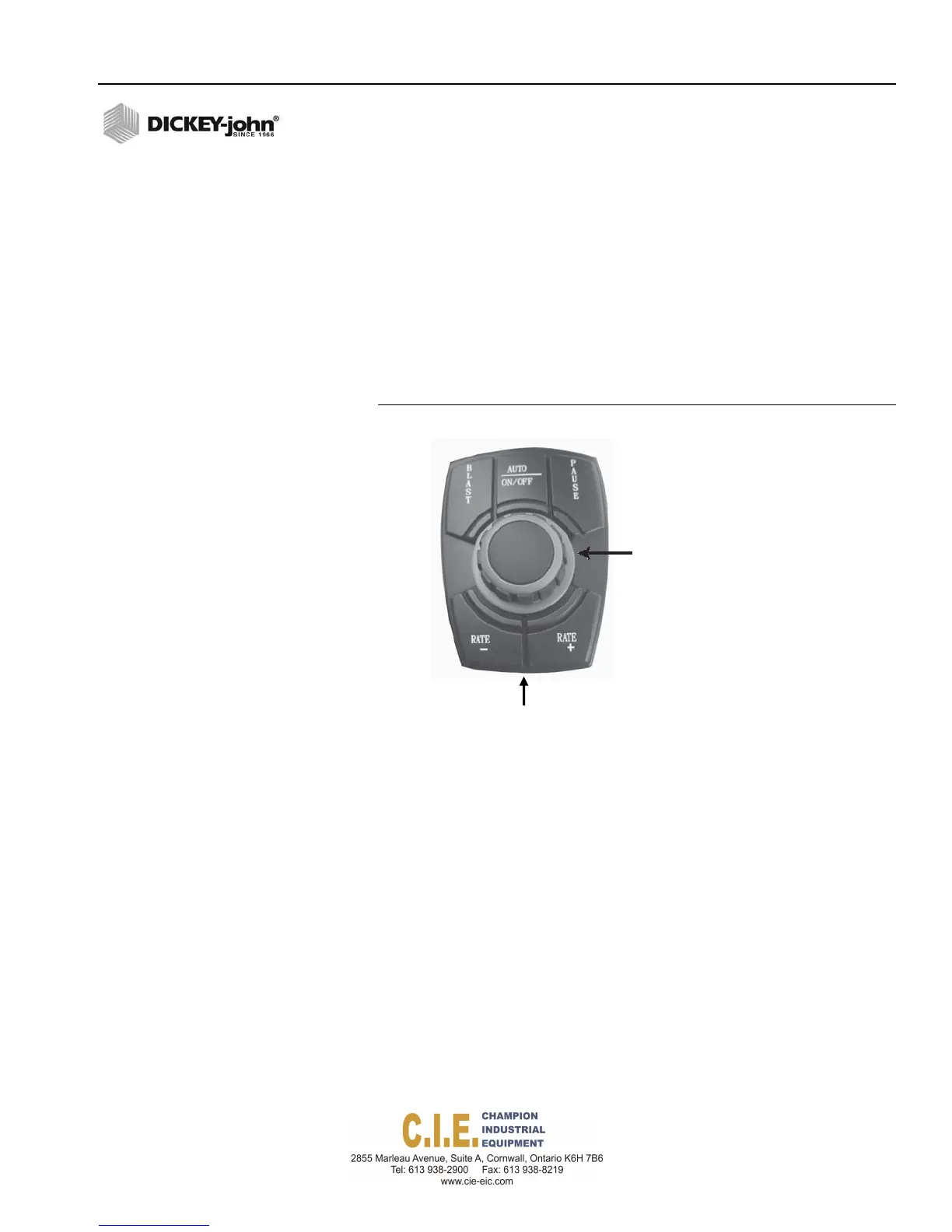
USB DATA PORT CONNECTION
USB data port for data download and keyboard connection is located below
the switch module. The USB port can be used for the following purposes:
–
Transmission of current operation information and logged data for
export to external hardware.
–
Accepts a USB memory device for exporting logged spread data for
transfer to a laptop computer.
–
Import of system firmware updates to tablet and master control
module from USB memory device.
–
Imports system configuration files to program each tablet and
master control module with system calibration values.
Figure 5
USB Data Port Connection
RATE CONTROL MODULE
The Rate Control Module houses the system’s primary interface device. All
system parameters, constants, and memory are stored in the module and
controls material application by interfacing with valves and feedback
sensors.
1.
Select an area on the vehicle chassis to mount the Rate Control
Module that allows for easy hookup and access.
2.
Use the enclosure as a template to mark the location of the mounting
holes.
3.
Drill four 9/32 inch diameter holes where marked.
Flex4 Pro
TM
Control System
6010541 Rev A
COMPONENT OVERVIEW / 9
Spread
Width
Knob
USBPort



 To Next Page