OPERATOR’S MANUAL
OPERATION
The Flex 4 Pro
TM
tablet is powered on manually by pressing the Power button
located on the top right edge of the tablet next to the volume adjustment.
IMPORTANT: The ignition key should be powered on prior to the Flex 4 Pro
tablet.
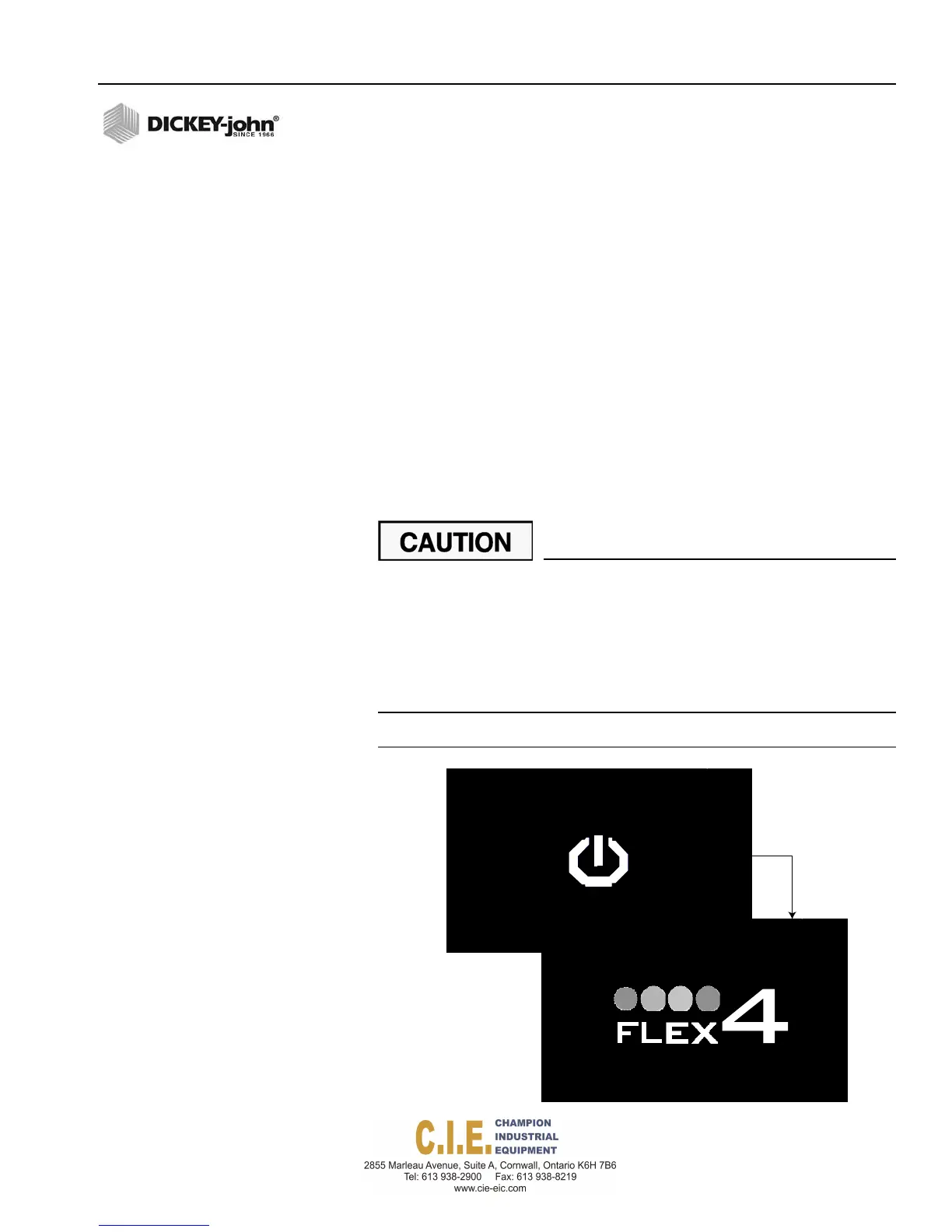
A DICKEY-john startup screen and Flex4 Pro
TM
screen displays for a
minimum of 60 seconds before the Operate screen appears and the system
is operational.
The console automatically closes all system actuators and performs self
tests including system configuration and application data during startup. If
an error occurs at power up or during operation, an error message displays
with recovery information.
IMPORTANT: The system should be programmed and calibrated
before spreading material.
It is recommended to wait before powering on the Flex4 Pro
TM
tablet until temperature stabilization occurs between the tablet and
truck cab, especially when exposed to cold to hot temperature
extremes.
Cab temperatures should be above 32 degrees for proper
operation.
Humidity levels should be below 95% before powering on device.
Figure 27
Powerup Screens
Flex4 Pro
TM
Control System
6010541 Rev A
OPERATION / 31



 To Next Page