OPERATOR’S MANUAL
Flex4 Pro
TM
Control System
6010541 Rev A
BLAST TIMER
Enter number of seconds for the length of the Blast cycle. When set to zero
(0), the blast cycle lasts only as long as the Blast button is pressed.
BLAST SPEED
Establishes an artificial vehicle ground speed when vehicle is at a standstill
or moving slowly to compute the rate material dispenses during a blast
cycle.
–
For speeds faster than this value, the actual vehicle ground speed
determines the spread rate.
–
If Blast speed is set to zero, the screen will show a BLAST but no
material falls.
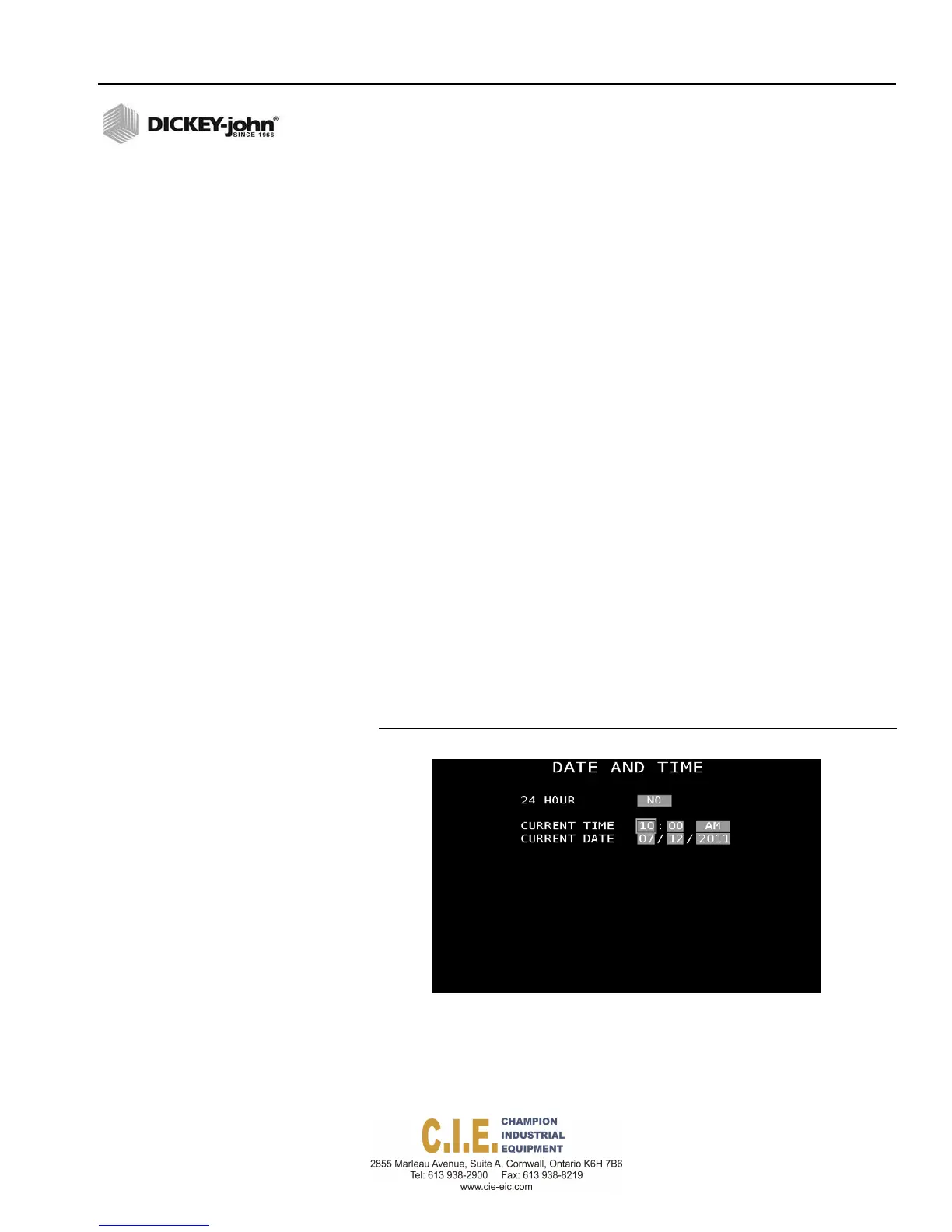
DATE AND TIME
The date and time of the unit is factory set to Central Standard Time. The
time can be re-set to the appropriate time zone by entering in either 12 hour
or 24 hour time.
To set Date and Time:
1.
At the F10 System menu screen, press the 2 key to display the Date
and Time screen.
2.
Select ‘Yes’ in the 24 Hour input box for a 24 hour clock setting. Select
‘No’ in the 24 Hour input box for a 12 hour (am/pm) setting.
3.
At the Current Time input box, highlight the digits to change and type in
the time.
4.
At the Current Date input box, highlight the digits to change and type in
the date.
Figure 77
Date and Time Screen
SYSTEM PROGRAMMING / 85



 To Next Page