OPERATOR’S MANUAL
86 / SYSTEM PROGRAMMING
UNITS AND LANGUAGE
The system is equipped with a set of various languages that display the
user screens in the language selected. Language default is English (US).
Available Languages:
•
English
•
Additional languages may be available on future releases. Contact
Technical Support at 1-800-637-3302 for available languages.
Units of measurement available:
•
US
•
Metric
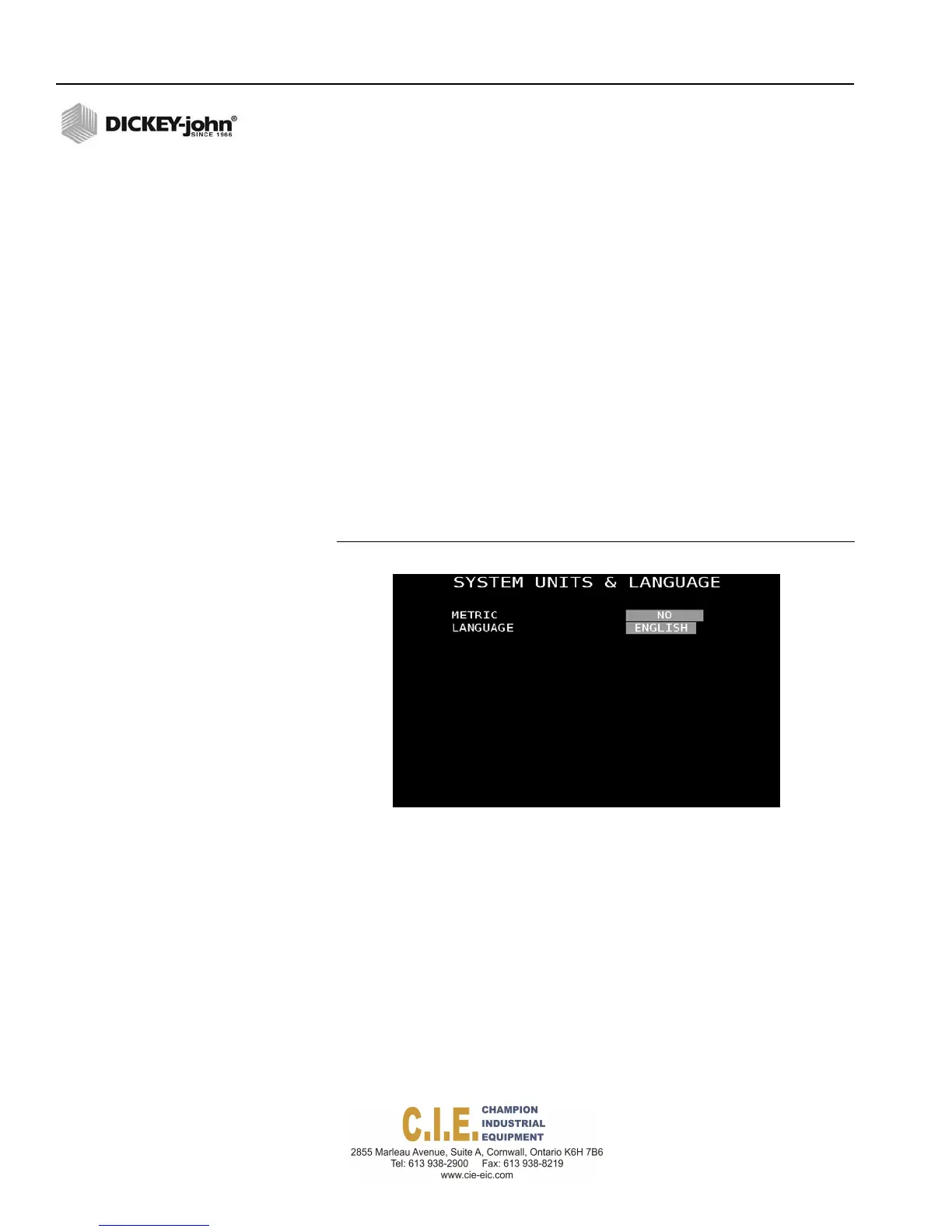
To enter Units and Language:
1.
At the (F10) System menu screen, press the 3 key to display the Units
and Language screen.
2.
Select Yes to enable metric as the unit of measurement. Default is set
to English.
3.
The current language setting of English cannot be adjusted.
Figure 78
Units and Language Screen
Flex4 Pro
TM
Control System
6010541 Rev A



 To Next Page