OPERATOR’S MANUAL
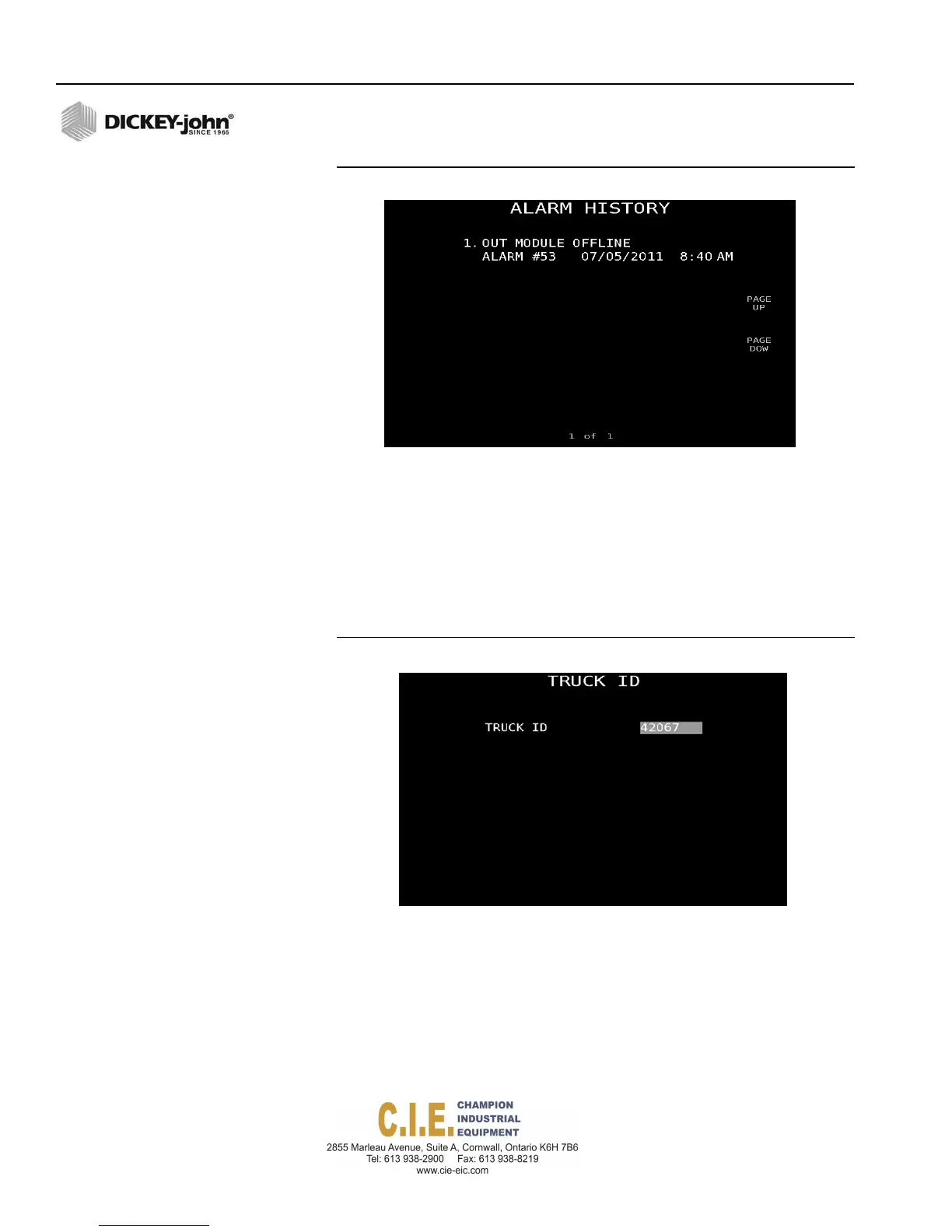
NOTE: Press the Page Up or Page
Down buttons to view screen 2
alarms.
94 / SYSTEM PROGRAMMING
Figure 86
Alarm History Screen
TRUCK ID
An identifying name for a truck which can be changed at anytime. A Truck
ID is used as part of the file name during import/export of configuration and
data downloading to correlate the truck with the appropriate data files.
1.
At the Data Logging screen, press 2 to access the Truck ID screen and
enter desired ID.
Figure 87
Truck ID Screen
Flex4 Pro
TM
Control System
6010541 Rev A



 To Next Page