OPERATOR’S MANUAL
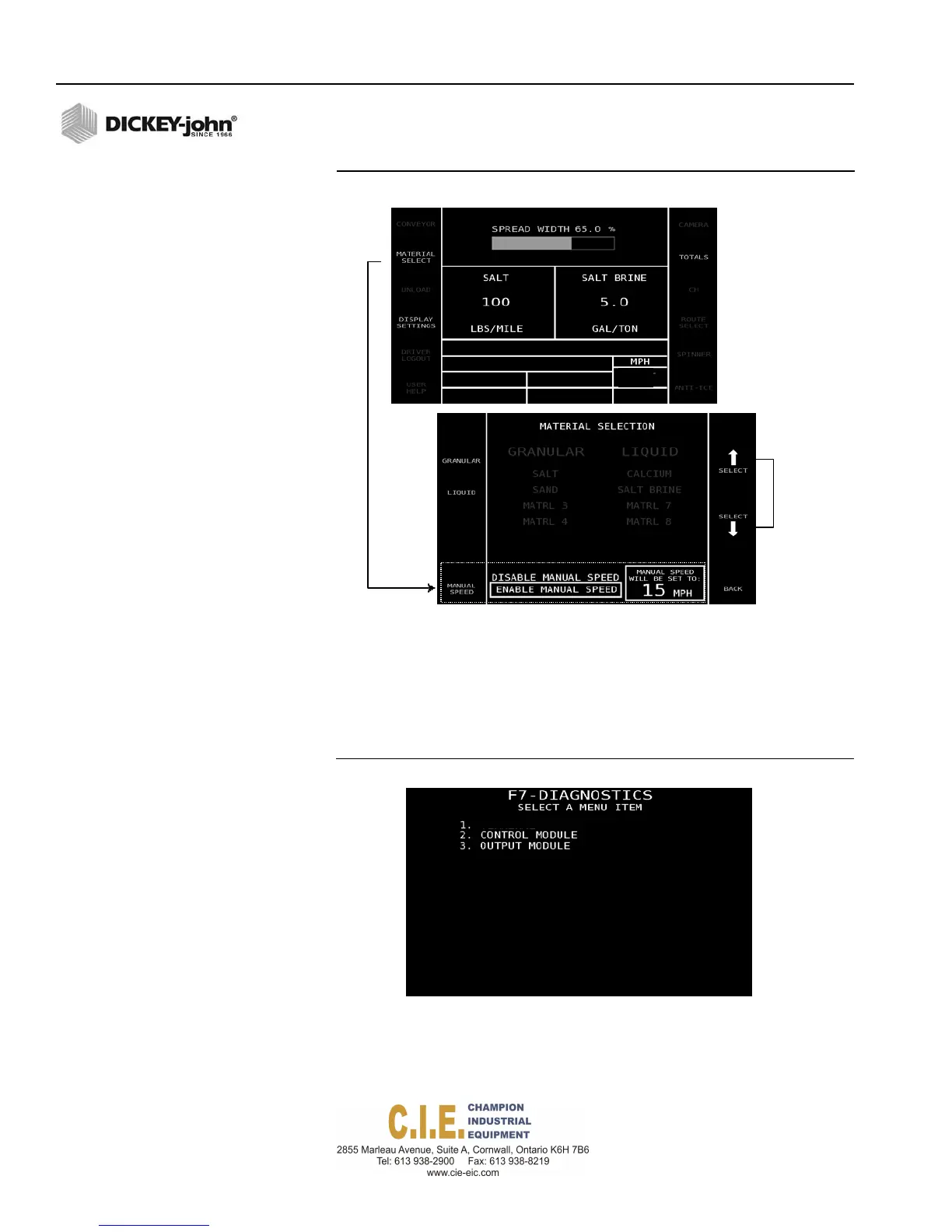
Figure 109
Enable Manual Ground Speed
Increase/
decrease
manual
speed
To Perform a Diagnostics Check:
1.
Press the appropriate number on the keyboard to select the PCECU,
control module, or output module screens.
2.
At the selected Diagnostics screen, press the switch module Auto On/
Off button to On to display system readings.
Figure 110
Main Diagnostic Screen
130 / DIAGNOSTICS
Flex4 Pro
TM
Control System
6010541 Rev A
PCECU
O.O



 To Next Page